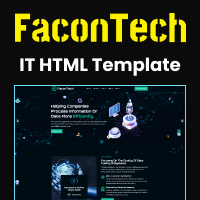
FaconTech - IT HTML TemplateFaconTech - IT HTML Template
A clean and responsive IT HTML template perfect for tech businesses, startups, and digital agencies.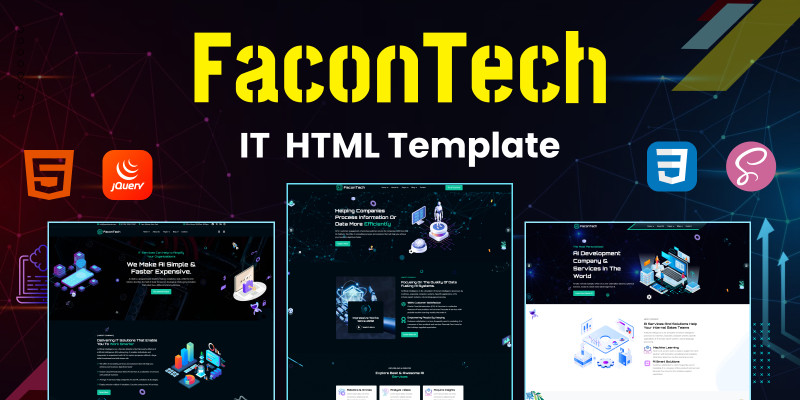
Screenshots


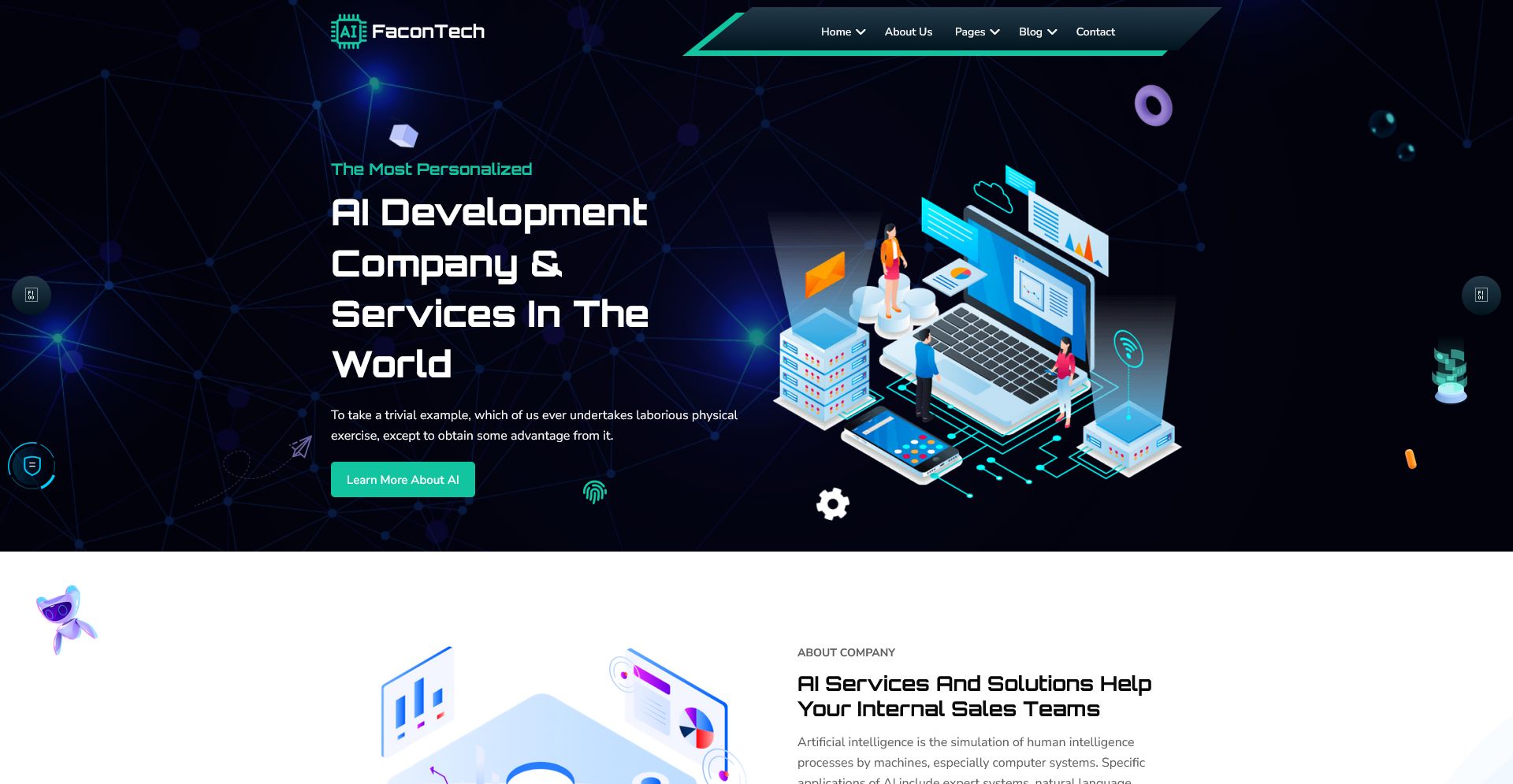

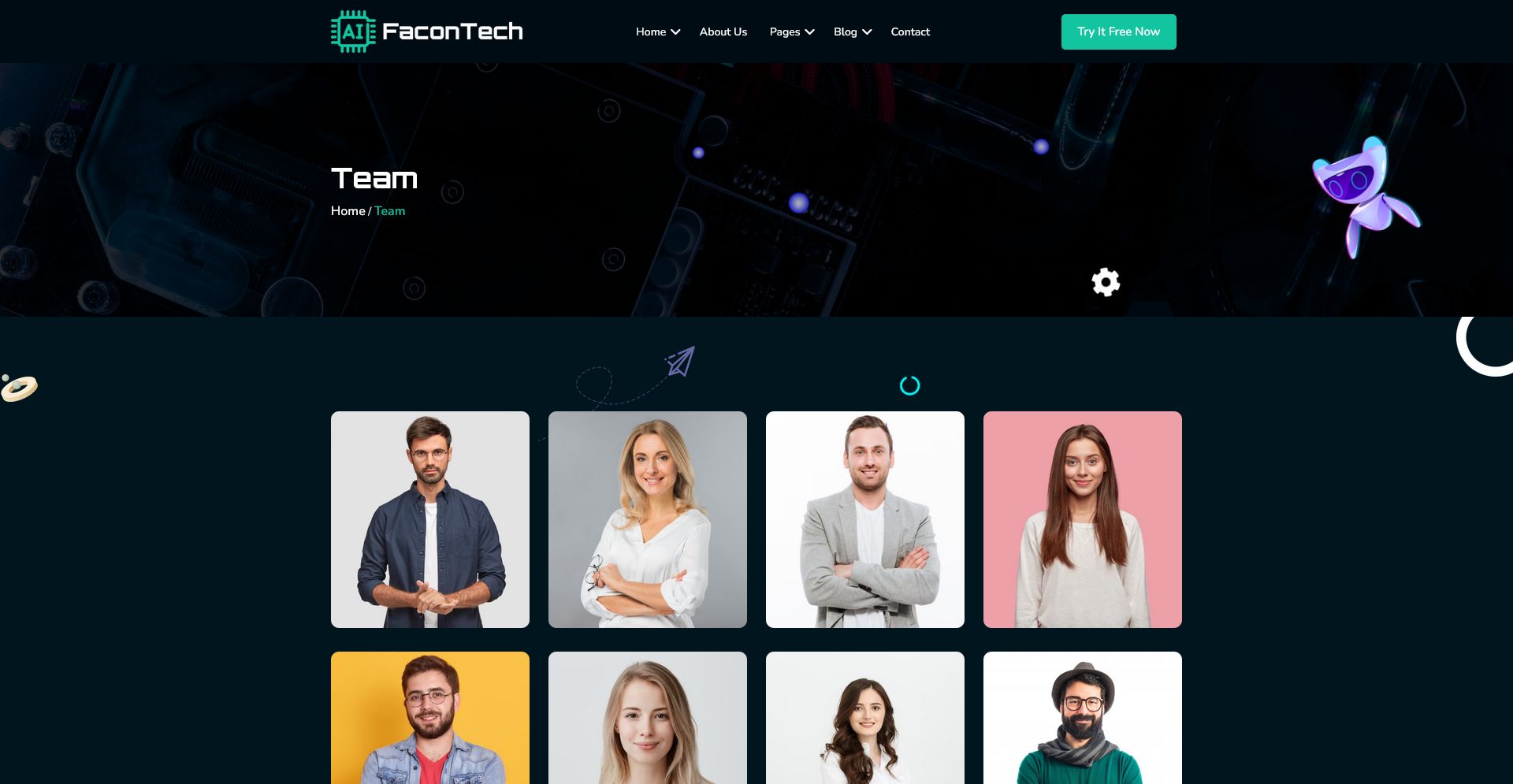
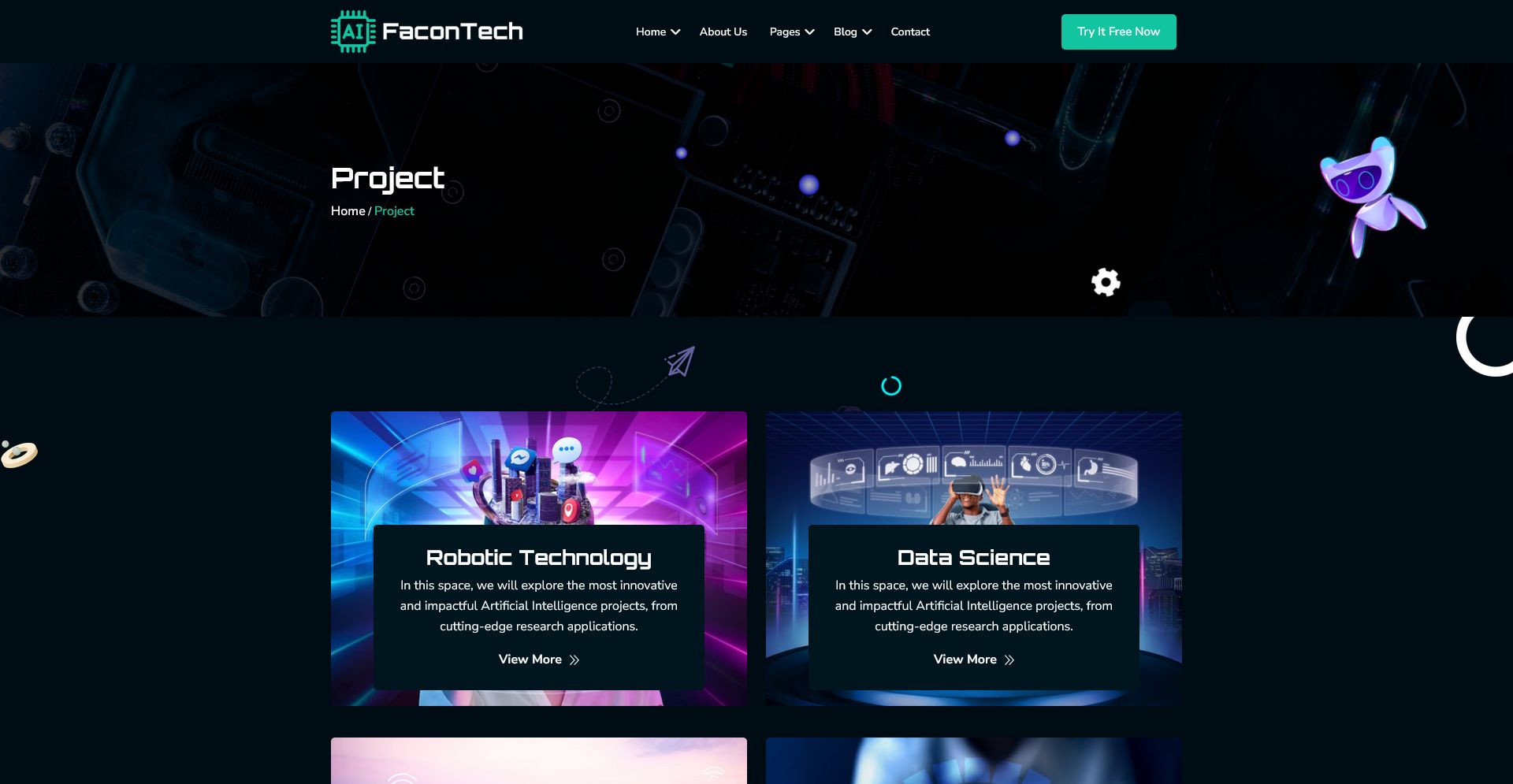

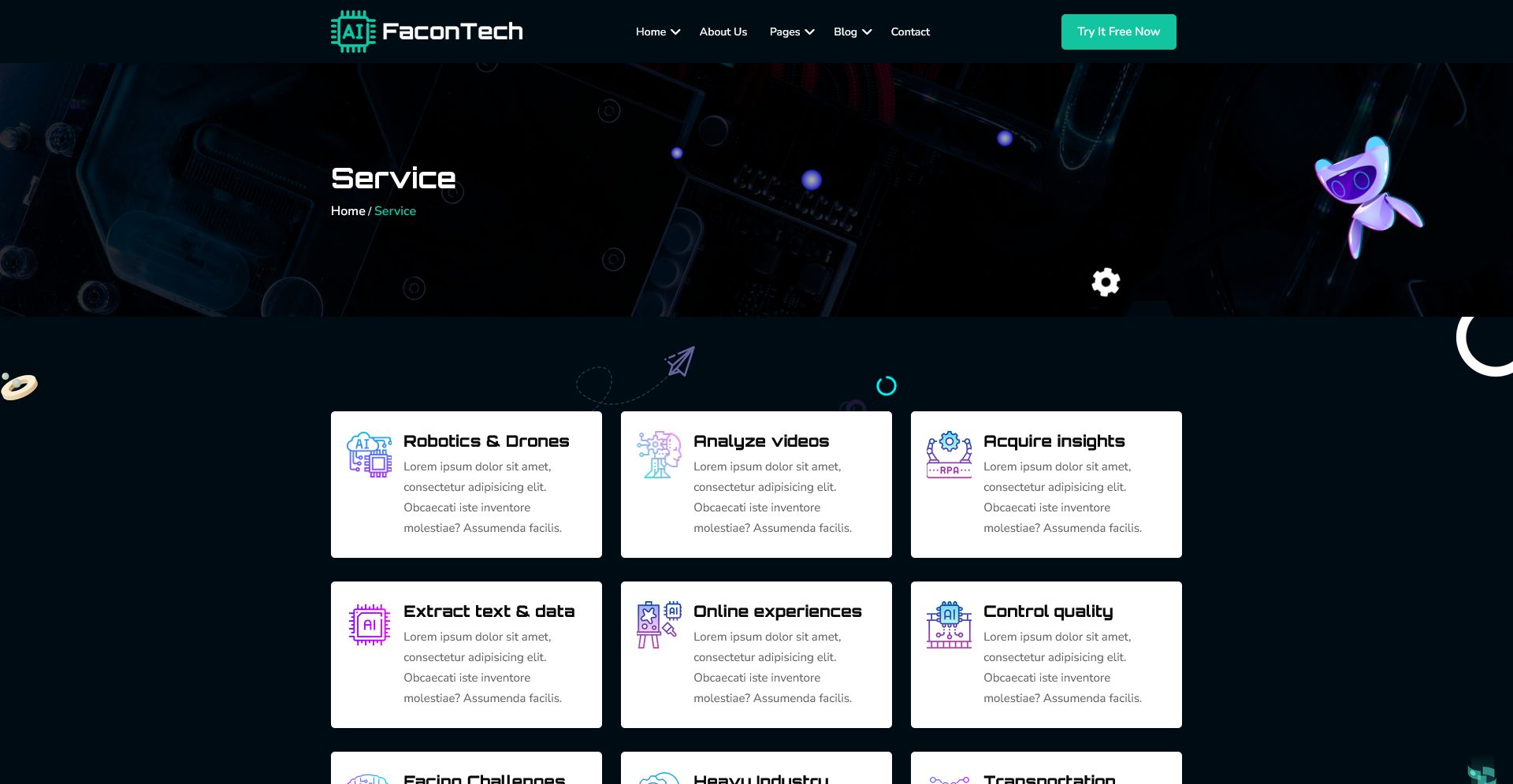

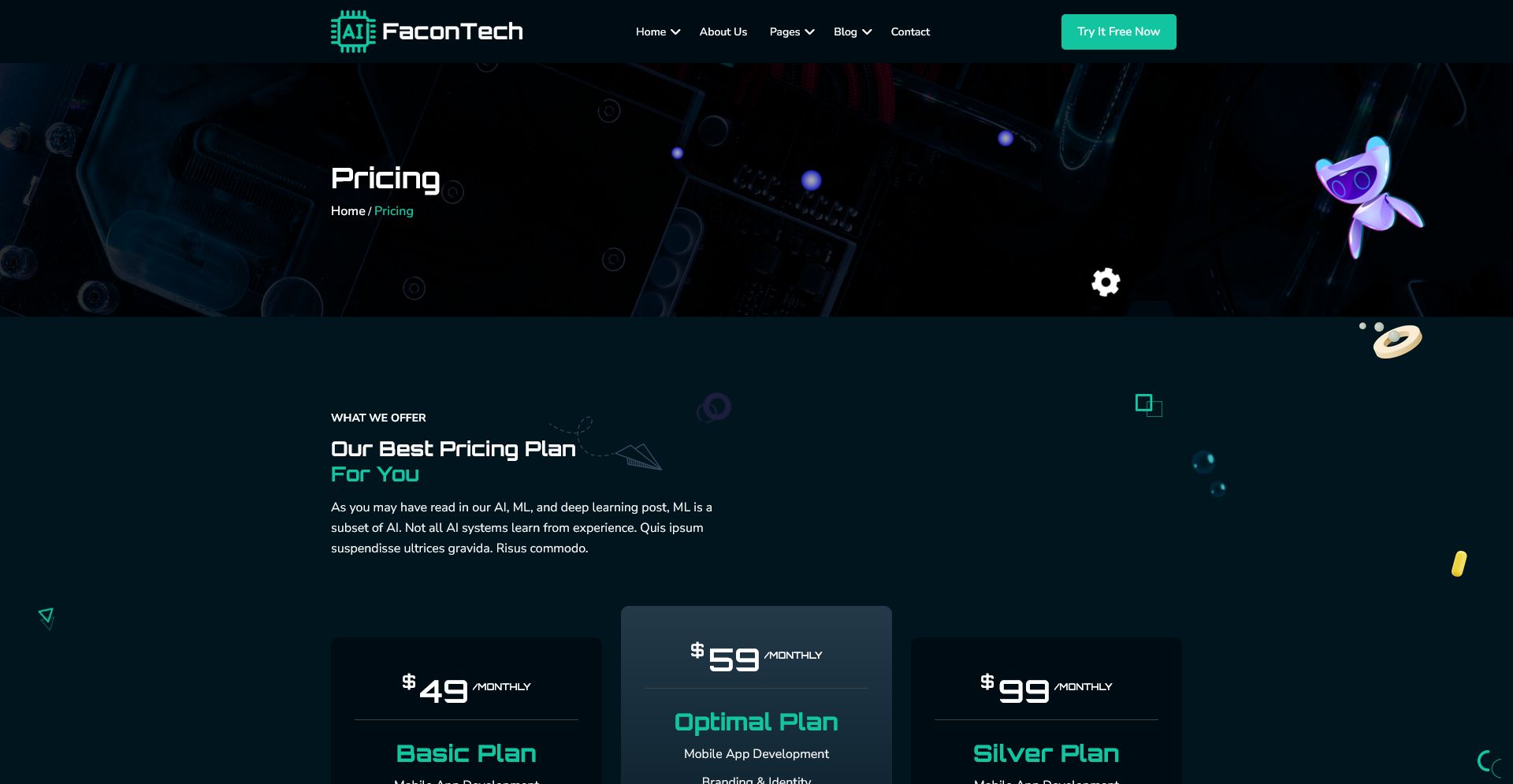
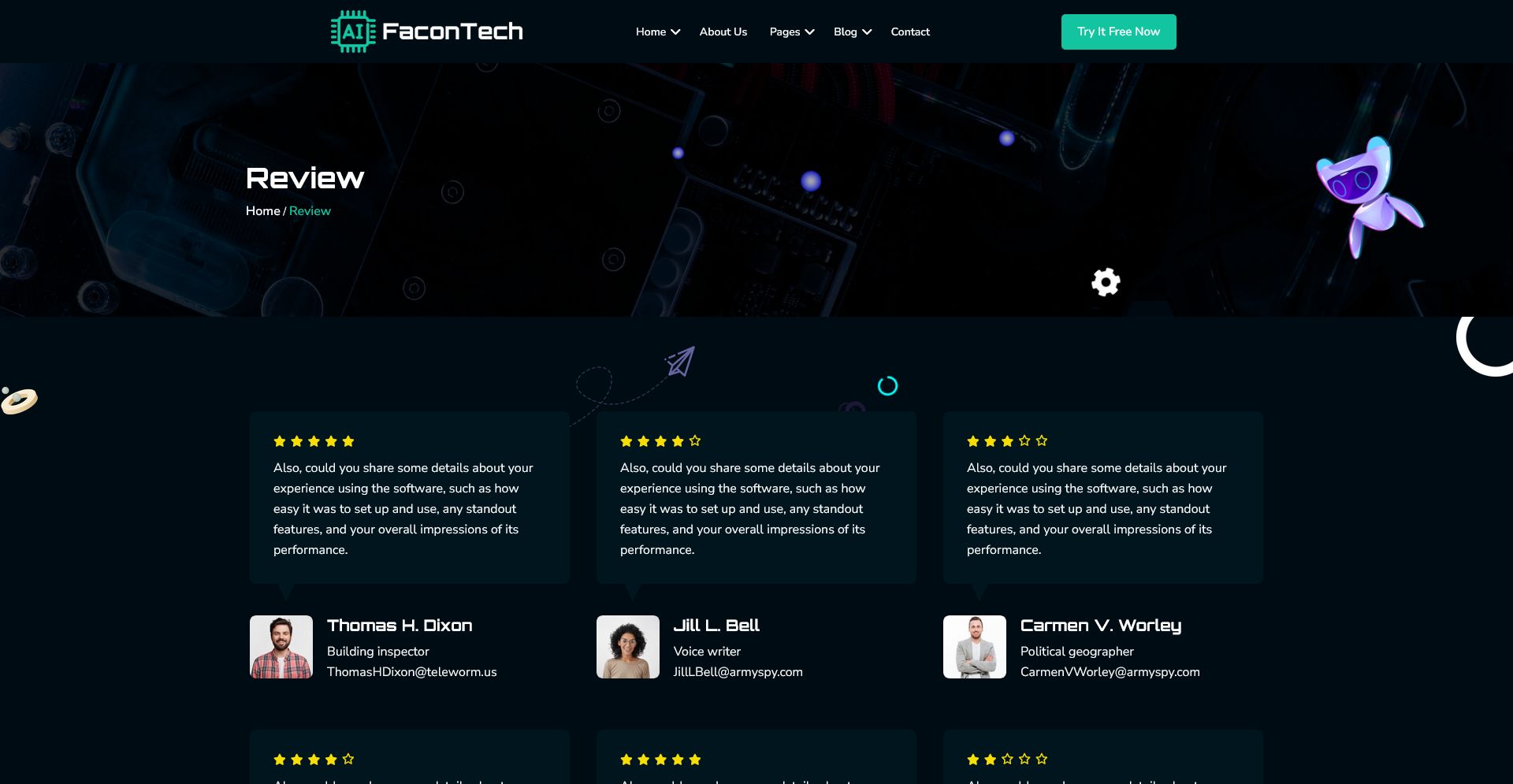
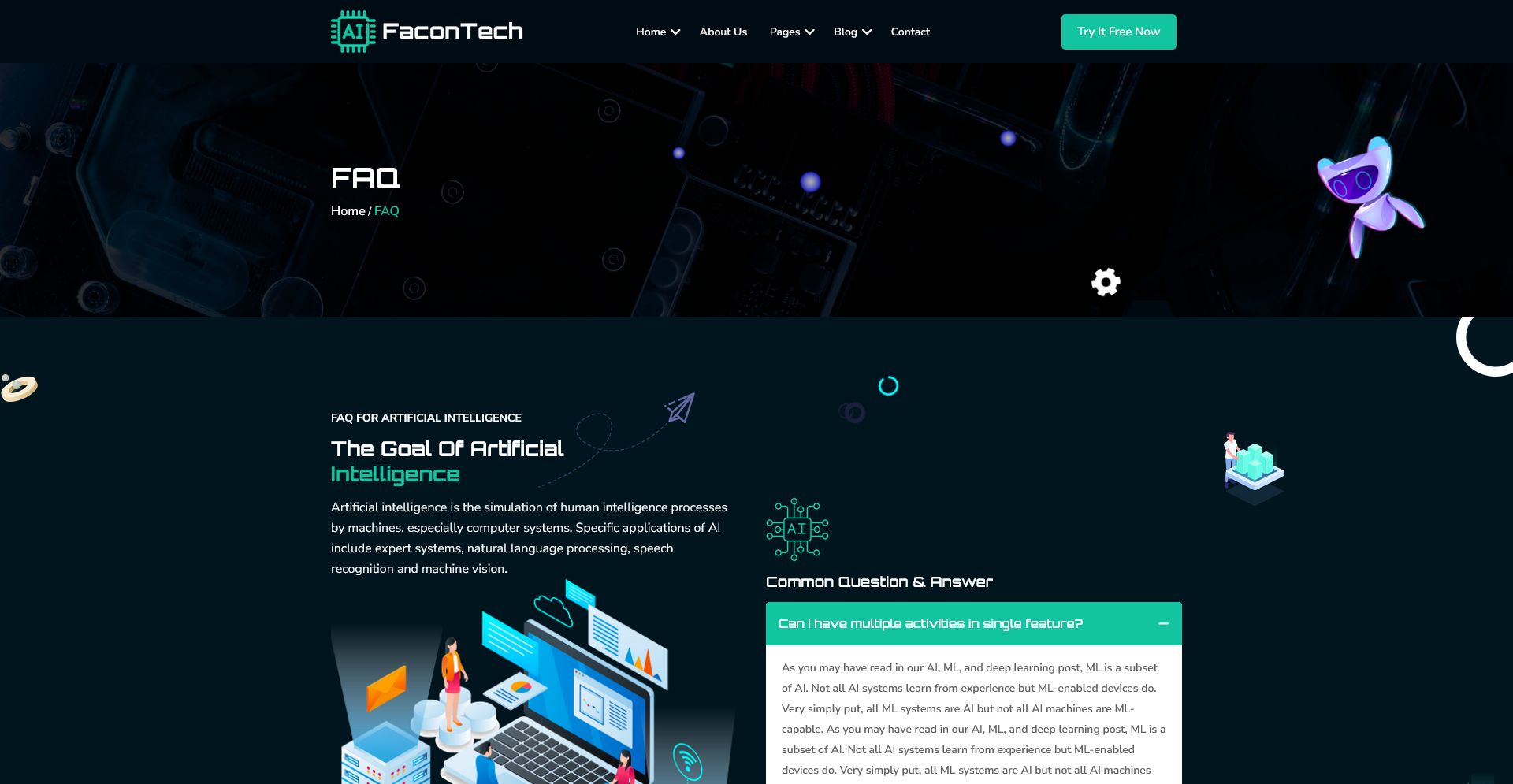
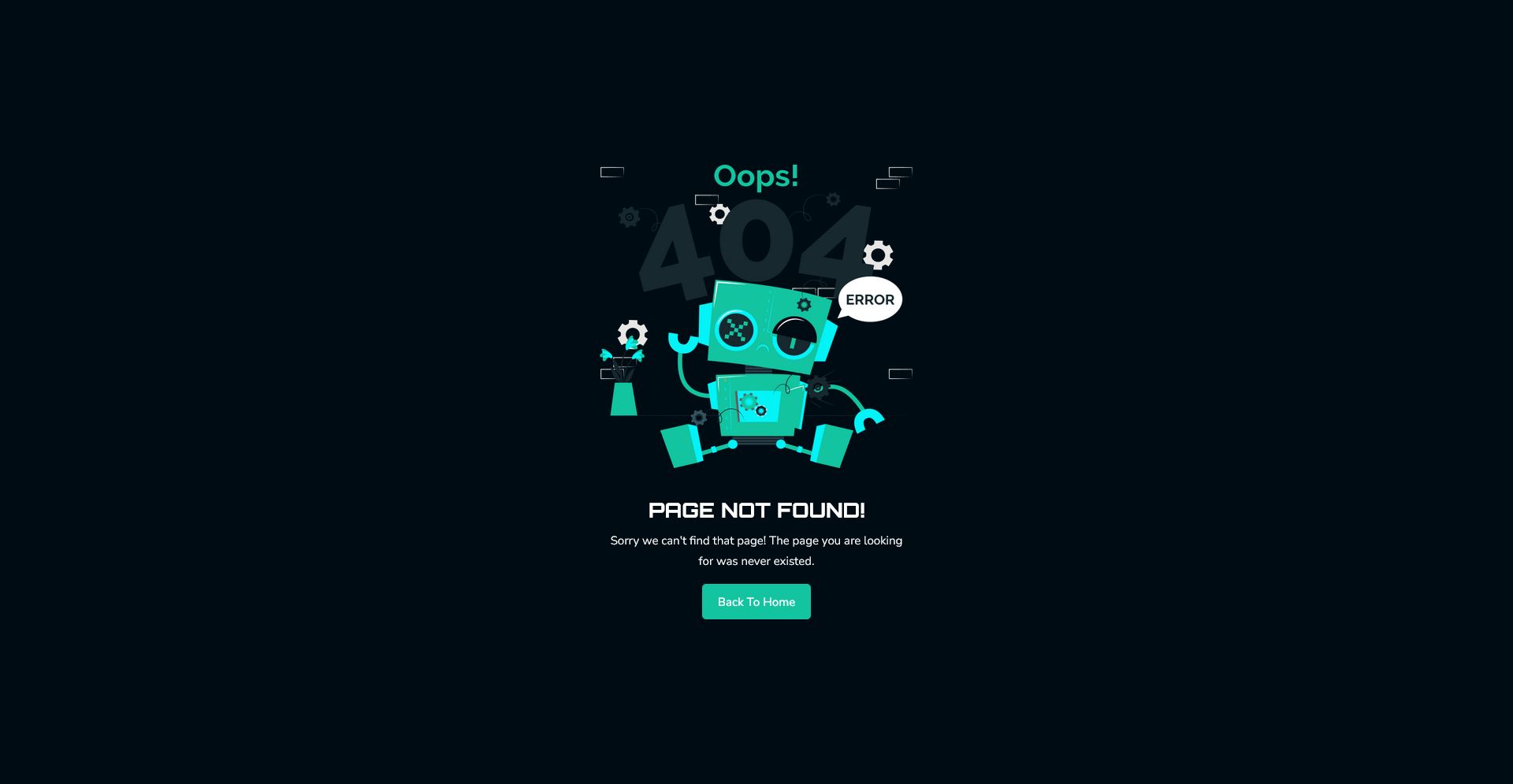

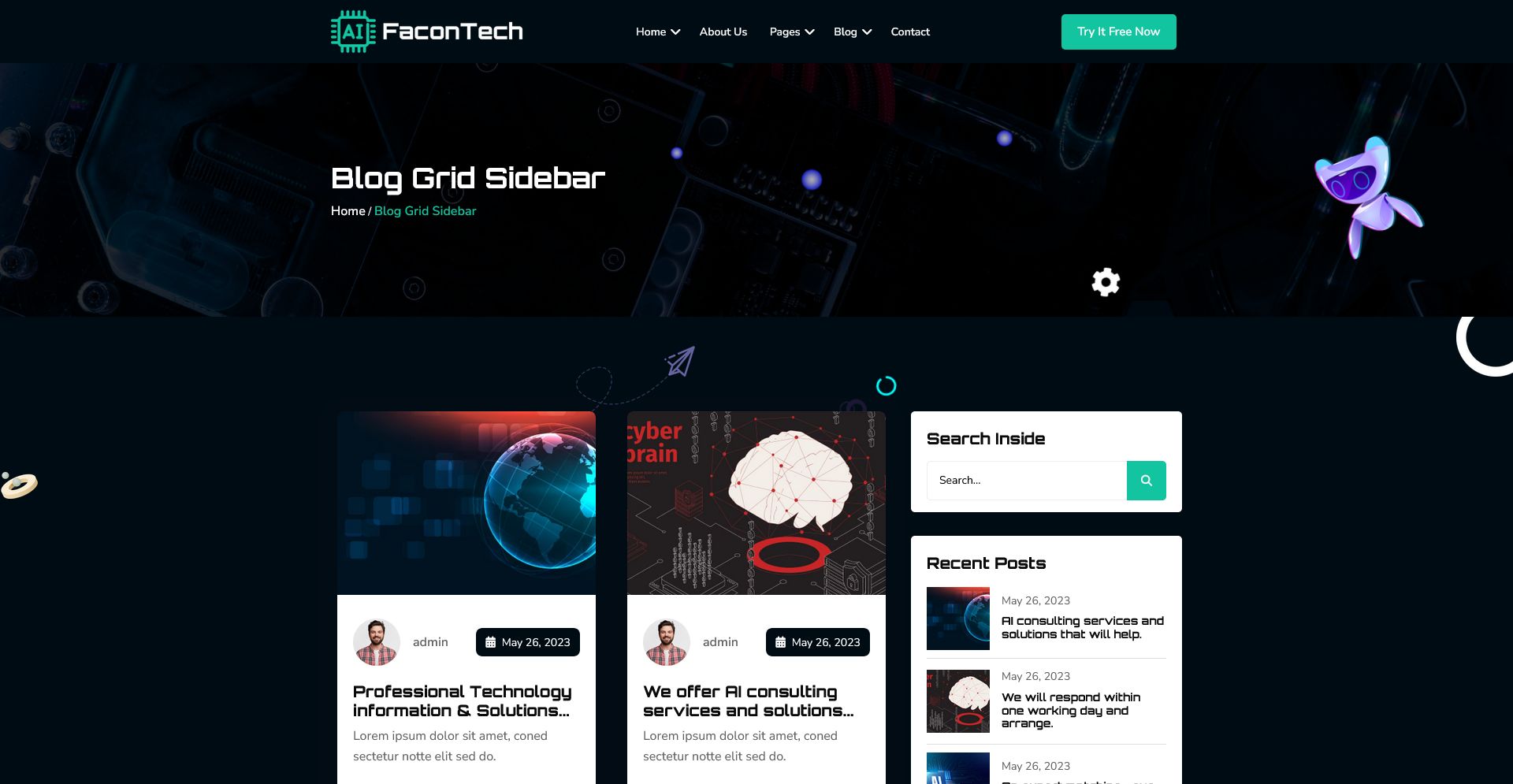



Overview
FaconTech – IT HTML Template
FaconTech is a modern, clean, and fully responsive IT HTML Template designed for technology companies, digital agencies, software firms, startups, and tech-focused service providers. It includes well-structured layouts, professional UI elements, and fast-loading code to help you build a high-quality website with ease.
The template is built with organized HTML, scalable CSS, and reusable components. Each section is carefully crafted to maintain a professional and consistent look across all devices. Whether you are showcasing services, highlighting projects, or presenting your team, FaconTech delivers a smooth and visually appealing experience.
Features
- Fully responsive layout
- Clean and modern IT design
- Well-structured HTML files
- Easy-to-customize sections
- Fast loading and SEO-friendly code
- Professional UI components
- Cross-browser compatible
- Smooth animations and interactions
- Organized folder structure
- Detailed documentation included
What’s Included
- HTML template files
- CSS files
- JavaScript files
- Assets and images folder
- Documentation guide
Features
- Fully responsive and mobile-friendly layout
- Modern, clean, and professional IT design
- Well-structured HTML and CSS files
- Easy to customize text, images, and colors
- Cross-browser compatible
- Fast-loading and SEO-friendly code
- Smooth animations and interactive elements
- Organized folder structure for easy use
- Ready-to-use UI components for services, portfolio, and team
- Detailed documentation included for quick setup
Requirements
- Basic knowledge of HTML, CSS, and JavaScript
- Any modern code editor (VS Code, Sublime Text, Atom, etc.)
- Web browser to preview the template (Chrome, Firefox, Edge, Safari, etc.)
- Optional: Local server environment for testing (XAMPP, WAMP, or similar)
- ZIP extractor to unpack the downloaded files
Instructions
- Unzip the downloaded file to access all template folders and assets.
- Open the HTML files in any code editor (VS Code, Sublime, Atom, etc.).
- Customize the template by editing text, images, colors, and sections as needed.
- Ensure that all image paths are correctly set based on your server or hosting environment.
- Open the HTML files in a web browser to preview changes and test responsiveness.
- Once customization is complete, upload the files to your web server or hosting platform.
- Use the included documentation for guidance on structure and features.
Other items by this author





Information
| Category | Themes / HTML / Business |
| First release | 2 December 2025 |
| Last update | 2 December 2025 |
| Files included | .php, .css, .html |
| Tags | css3, Javascript, modern design, business template, html5 template, digital agency, corporate website, professional design, startup website, tech company, clean html, responsive html, it template, software firm, technology services |