Laravel Login Registration System with Admin PanelLaravel Login Registration System with Admin Panel
Complete Laravel authentication system with admin panel, role-based access control, user management, activity logging, and modern
Laravel Login Registration System with Admin Panel
Complete Laravel authentication system with admin panel, role-based access control, user manageme...
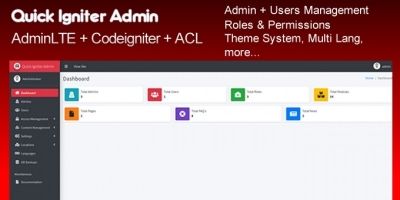
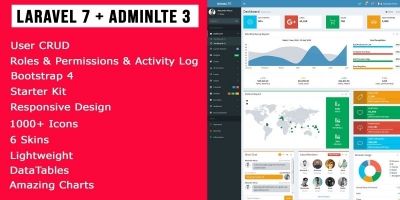
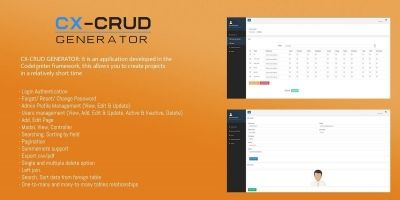
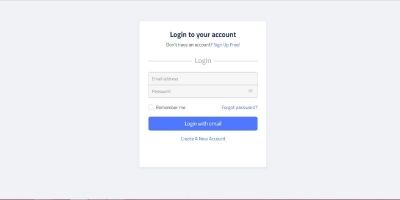
Screenshots


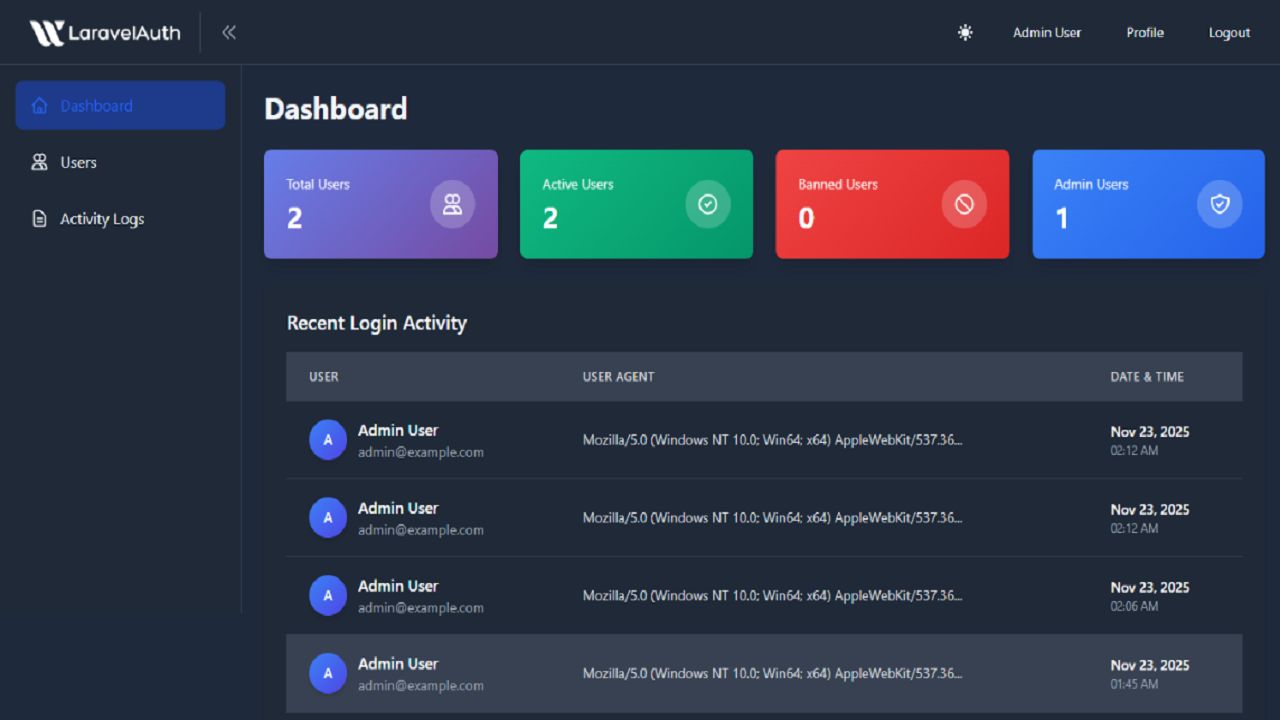
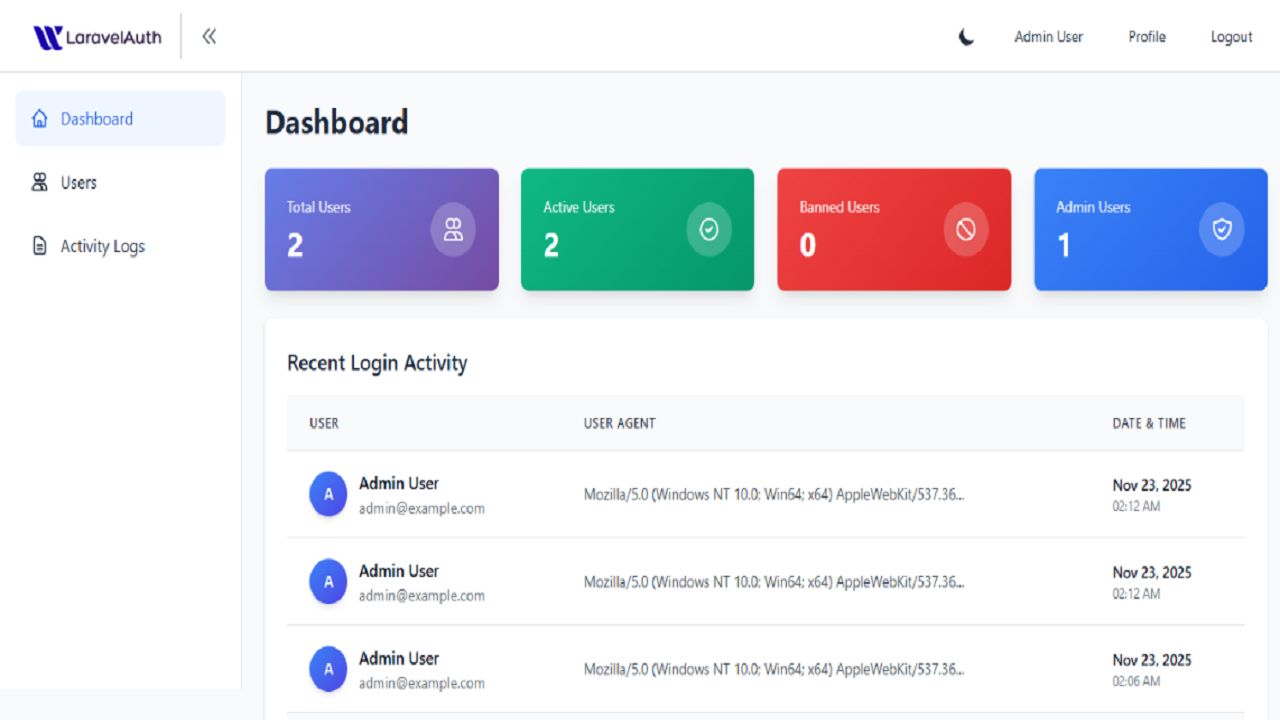


Overview
A complete, production-ready Laravel authentication and admin panel system that provides everything you need to get started with user management in your Laravel application.
This system includes a fully functional authentication system with login, registration, password reset, and email verification. The admin panel provides comprehensive user management capabilities including user listing, editing, banning/unbanning, and deletion. The system implements role-based access control with Admin and User roles, ensuring secure access to administrative features.
Key features include activity logging to track user login history, a modern responsive design that works seamlessly on mobile, tablet, and desktop devices, and a dark/light mode toggle with persistent theme preferences. The system includes security features such as CSRF protection, secure password hashing, email verification requirements, and a ban/unban system for user access control.
Built with Laravel 10.x and PHP 8.1+, this system follows Laravel best practices and uses modern technologies including Tailwind CSS for styling and Vite for asset compilation. The code is well-structured, easy to understand, and ready to be customized for your specific needs.
Perfect for developers who want to start a new Laravel project without building the authentication system from scratch, freelancers who need to deliver projects quickly, agencies working on multiple projects, startups building MVPs, and businesses that need internal tools or customer portals.
Features
Complete Authentication System
- User registration with email verification
- Secure login with remember me functionality
- Password reset via email
- Email verification requirement before dashboard access
Role-Based Access Control
- Admin and User roles
- Middleware-protected routes
- Secure access control
Admin Panel
- Comprehensive dashboard with user statistics
- User management (view, edit, delete)
- Ban/Unban user functionality
- Force email verification
- Activity logs viewer
User Management
- Search and filter users
- View user details and login history
- Edit user information and roles
- Delete users (with safety checks)
Activity Logging
- Track all login attempts
- View login history with timestamps
- User agent information tracking
Security Features
- CSRF protection on all forms
- Bcrypt password hashing
- SQL injection protection
- XSS protection
- Secure session management
- Ban/unban system
UI/UX Features
- Dark/Light mode toggle
- Responsive design (mobile, tablet, desktop)
- Modern Tailwind CSS styling
- Theme customization system
- Smooth animations and transitions
Additional Features
- Custom error pages (403, 404, 500)
- Form validation (client and server side)
- Profile management for users and admins
- Password change functionality
- Remember me functionality
Requirements
• PHP 8.1 or higher
• MySQL 5.7+ or MariaDB 10.3+
• Composer 2.0 or higher
• Node.js 16.0 or higher
• NPM 8.0 or higher
• Web server (Apache/Nginx)
• PHP extensions: PDO, OpenSSL, Mbstring, Tokenizer, XML, Ctype, JSON, BCMath
Instructions
INSTALLATION STEPS:
1. Extract the ZIP file to your desired location
2. Navigate to the application directory:
cd application
3. Install PHP dependencies:
composer install
4. Install Node.js dependencies:
npm install
5. Copy the environment file:
cp .env.example .env
6. Generate application key:
php artisan key:generate
7. Configure your database in the .env file:
DB_CONNECTION=mysql
DB_HOST=127.0.0.1
DB_PORT=3306
DB_DATABASE=your_database_name
DB_USERNAME=your_username
DB_PASSWORD=your_password
8. Configure your mail settings in .env for email verification and password reset:
MAIL_MAILER=smtp
MAIL_HOST=your_smtp_host
MAIL_PORT=587
MAIL_USERNAME=your_email
MAIL_PASSWORD=your_password
MAIL_ENCRYPTION=tls
[email protected]
MAIL_FROM_NAME="${APP_NAME}"
9. Run database migrations:
php artisan migrate
10. Compile assets:
npm run build
11. Create storage link:
php artisan storage:link
12. Set proper permissions (Linux/Mac):
chmod -R 775 storage bootstrap/cache
DEFAULT ADMIN CREDENTIALS:
- Email: [email protected]
- Password: password
IMPORTANT: Change these credentials immediately after first login!
QUICK START:
After installation, you can access:
- Login page: /login
- Registration page: /register
- User Dashboard: /dashboard (after login)
- Admin Panel: /admin/dashboard (admin users only)
For detailed documentation, see the documentation folder included in the package.
Other items by this author









|
PHP Script Installation Service
Don't worry about the installation of your script! Have your PHP Script installed for you.
|
$39 | Buy now |
| Category | Scripts & Code / PHP Scripts / Login |
| First release | 9 December 2025 |
| Last update | 9 December 2025 |
| Software version | PHP 8.1, PHP 8.2, PHP 8.3 |
| Files included | .php, .css, .html, .sql, Javascript .js |
| Tags | php user management, laravel authentication, laravel login registration system, laravel user authentication, laravel login system, laravel registration system, laravel sanctum authentication, laravel auth, email verification system |