Home / Plugins / WordPress / Miscellaneous
WhatsApp CRM Lead Logger for WordPressWhatsApp CRM Lead Logger for WordPress
A lightweight WhatsApp CRM plugin for WordPress that captures WhatsApp inquiries, organizes leads in a Kanban pipelineHome / Plugins / WordPress / Miscellaneous
WhatsApp CRM Lead Logger for WordPress
A lightweight WhatsApp CRM plugin for WordPress that captures WhatsApp inquiries, organizes leads...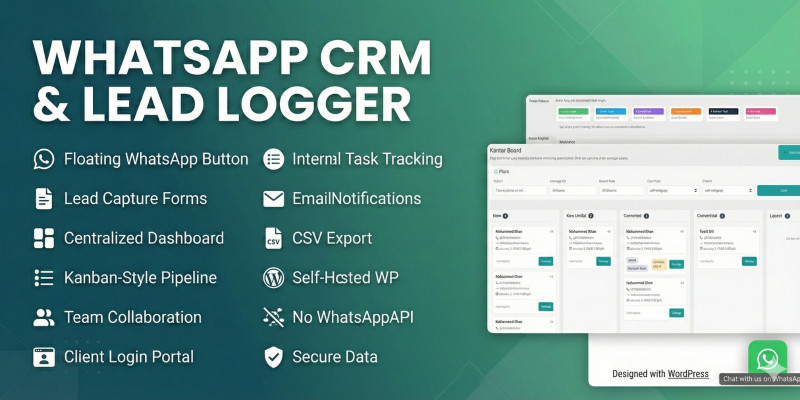
Screenshots


Overview
WhatsApp CRM Lead Logger is a self-hosted WordPress plugin designed to capture, organize, and manage WhatsApp inquiries as structured leads inside your website.
Instead of losing conversations in chat history, every WhatsApp inquiry becomes a trackable lead with stages, notes, assignments, and status updates — all managed from the WordPress admin panel.
The plugin works without WhatsApp Business API or any external service and does not require recurring subscriptions.
Features
Key Features
- Floating WhatsApp click-to-chat button
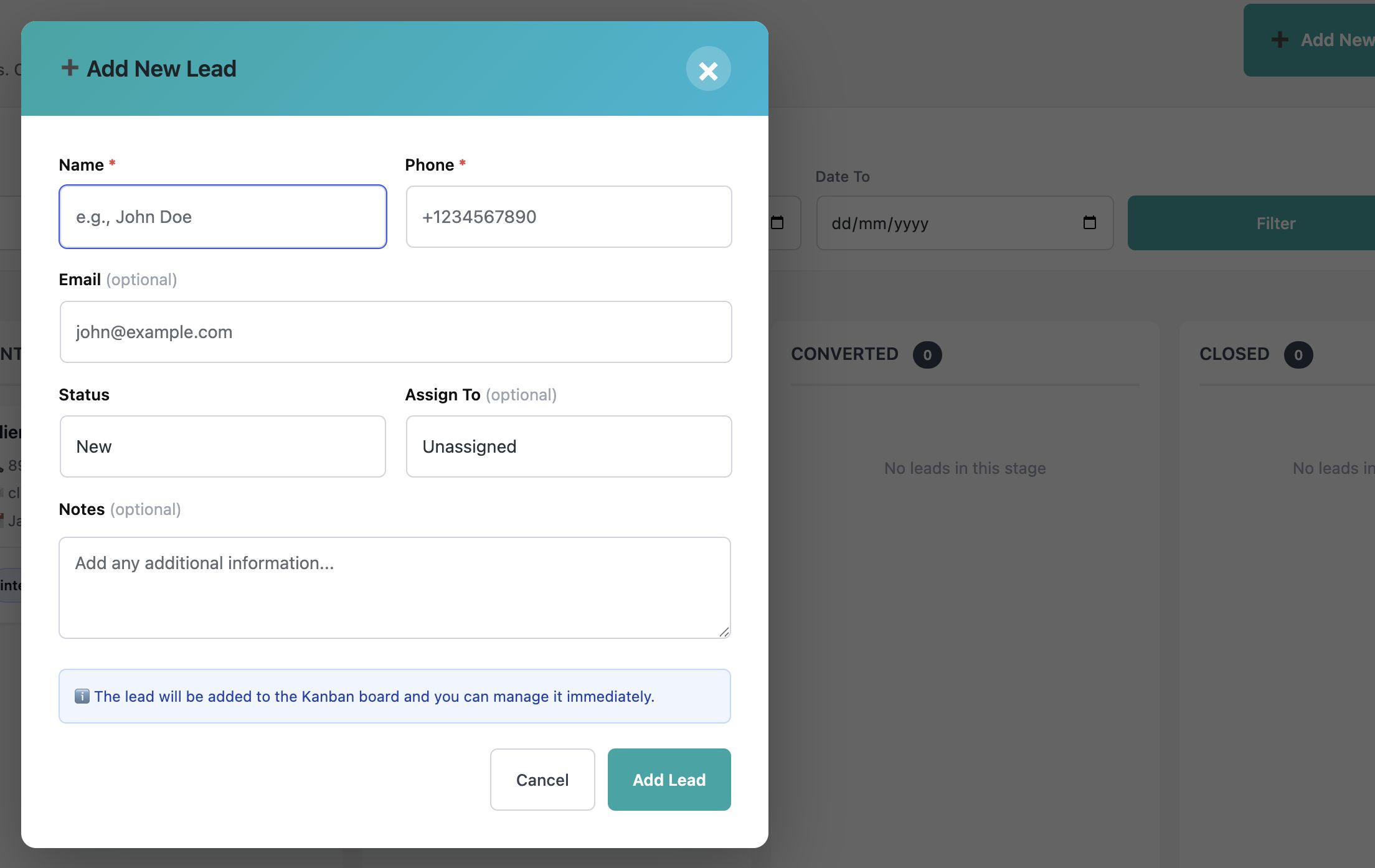
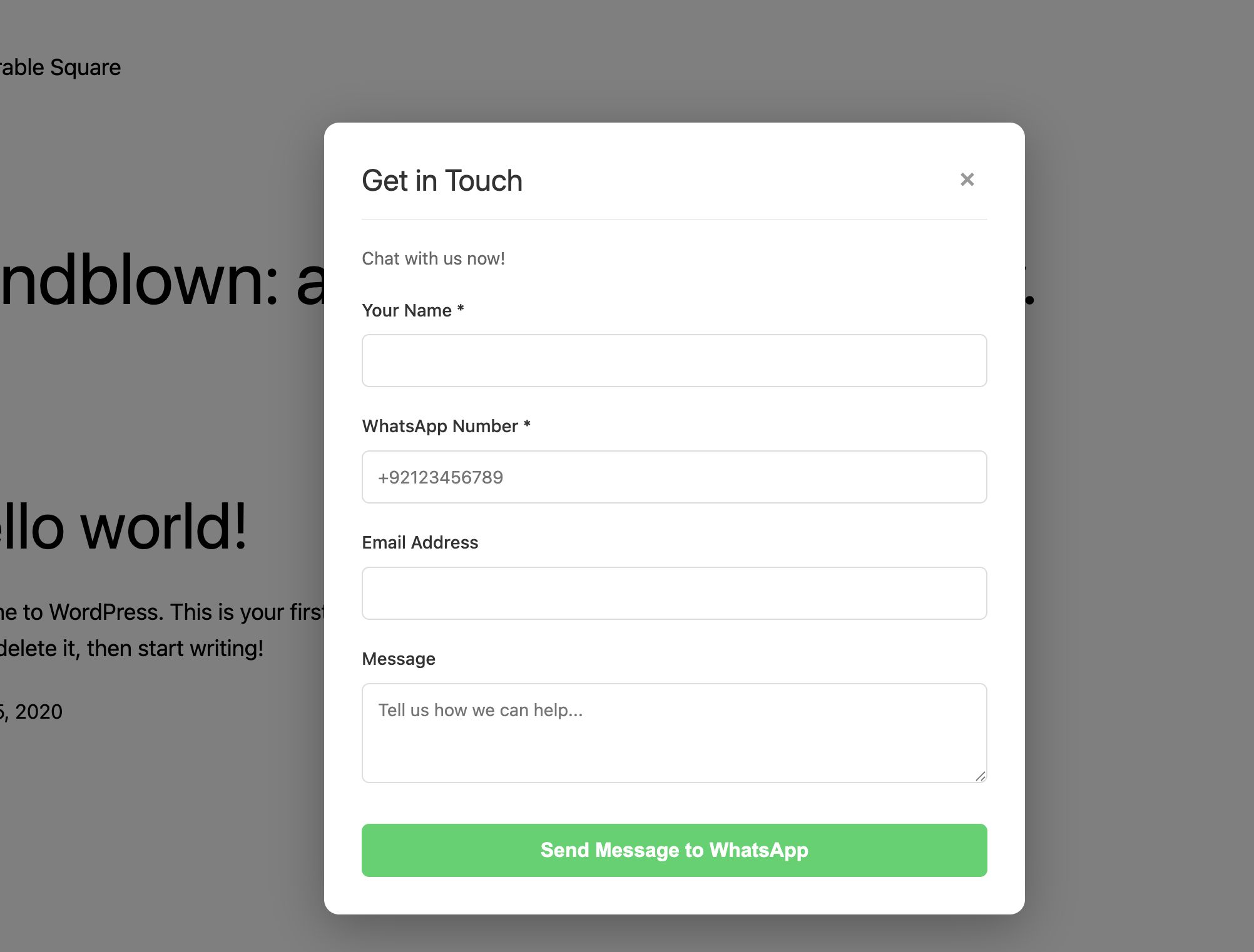
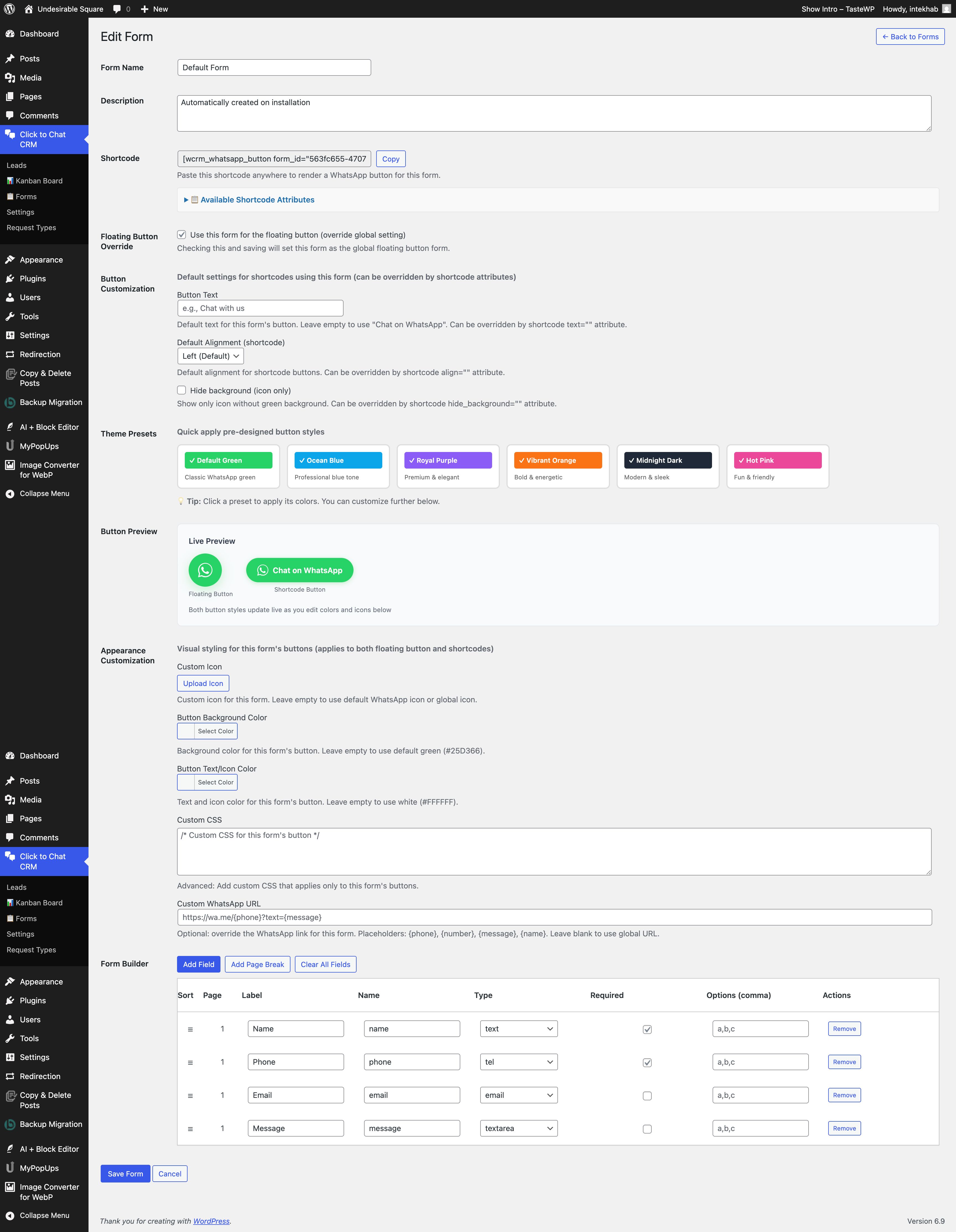
- Lead capture forms with custom fields
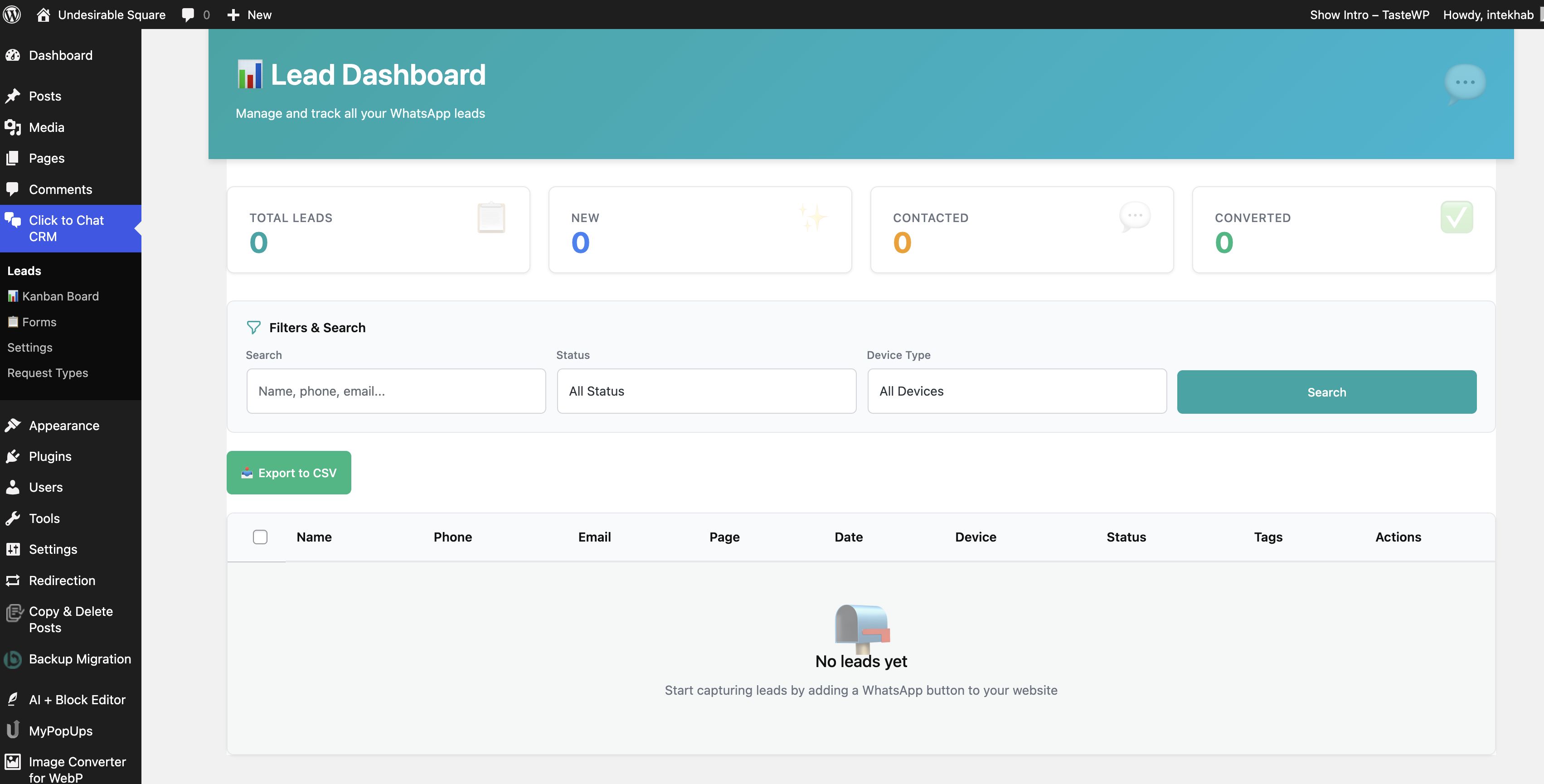
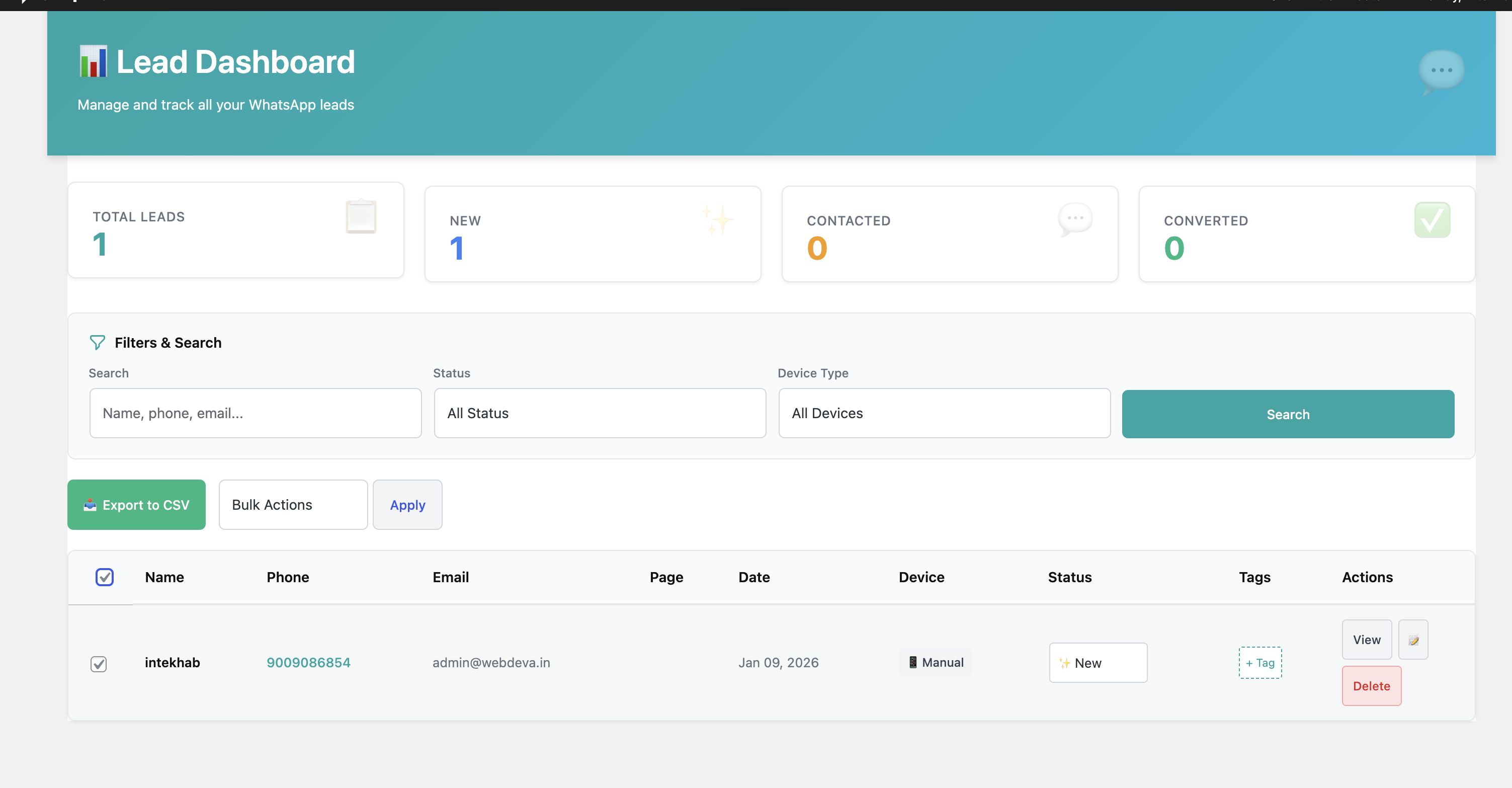
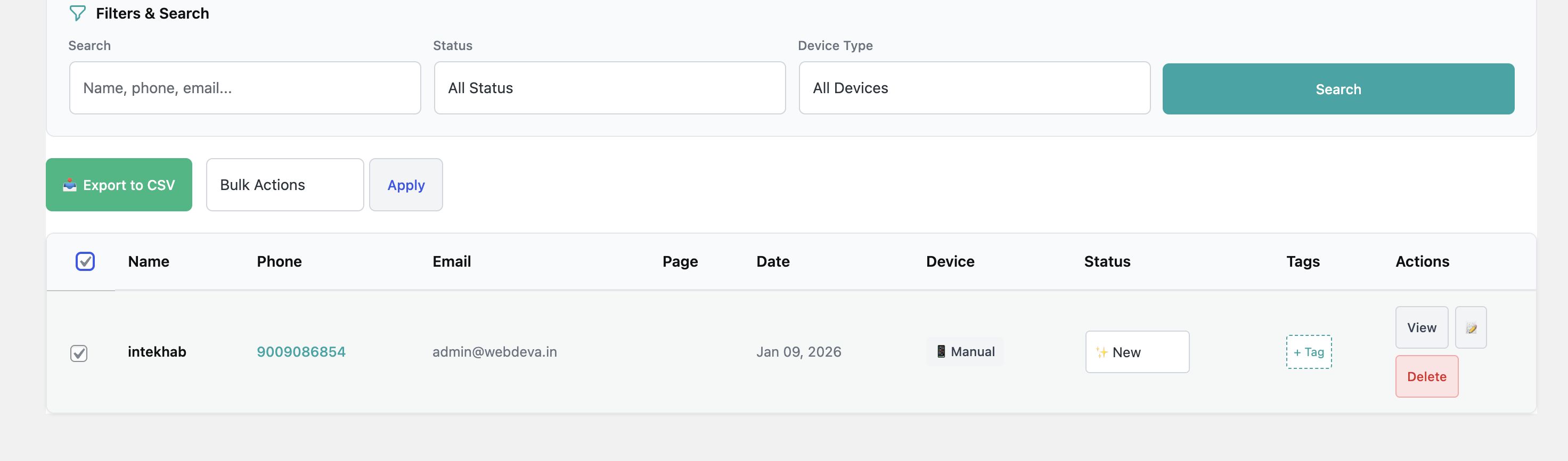
- Centralized lead management dashboard
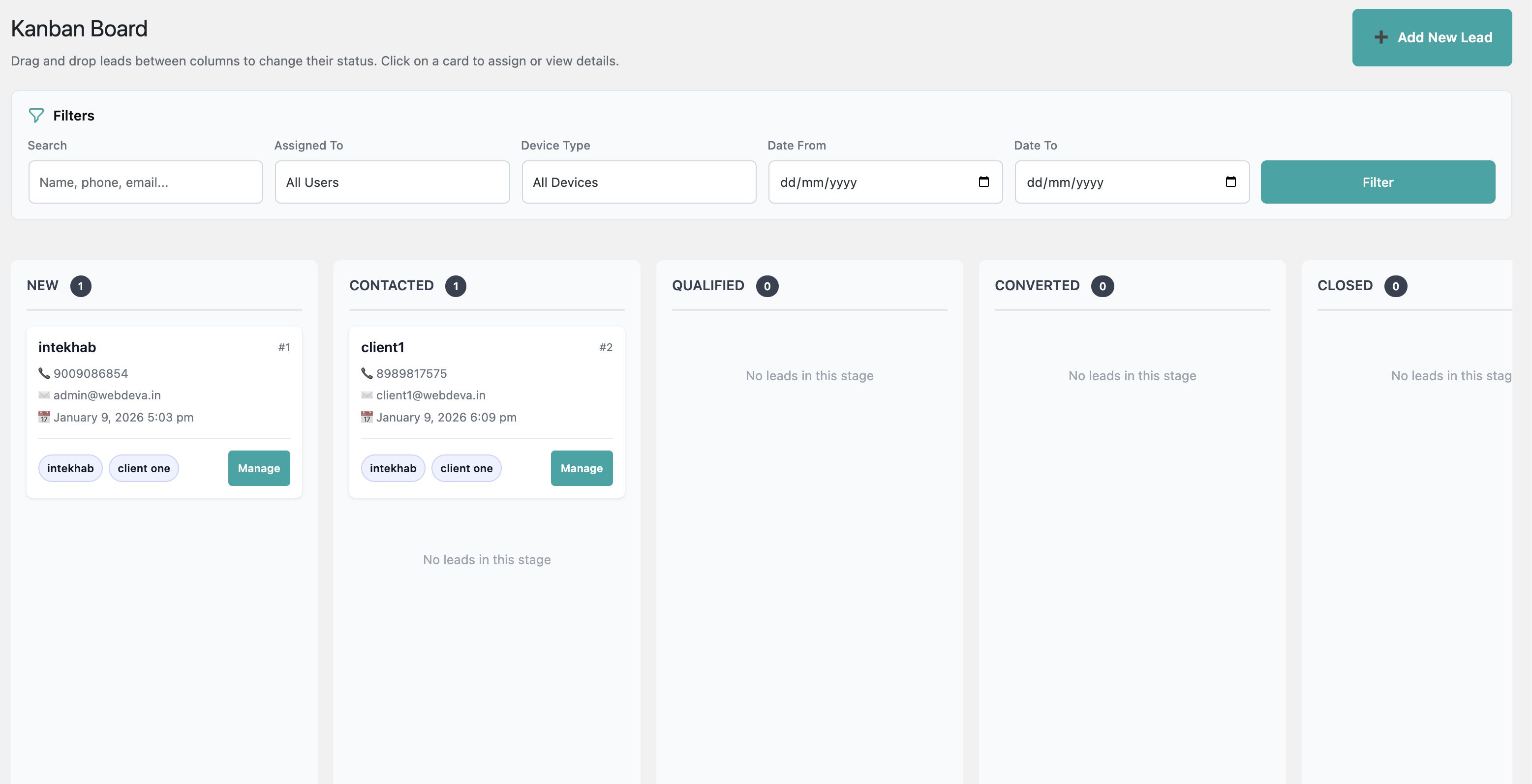
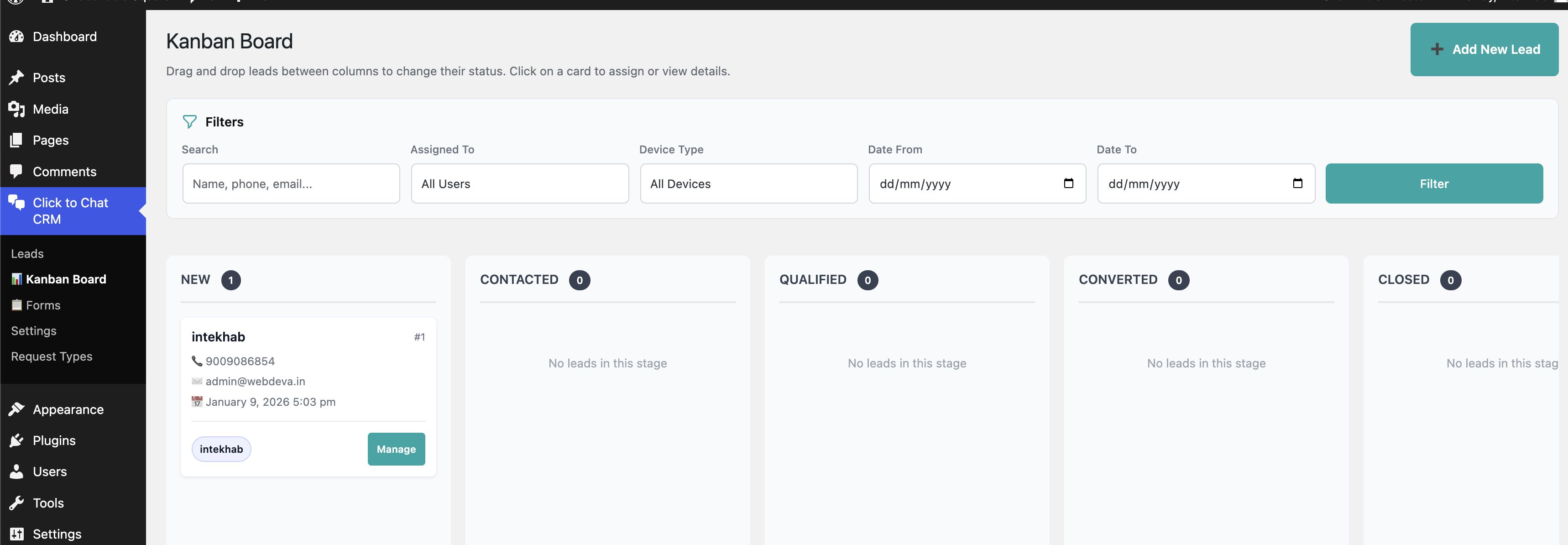
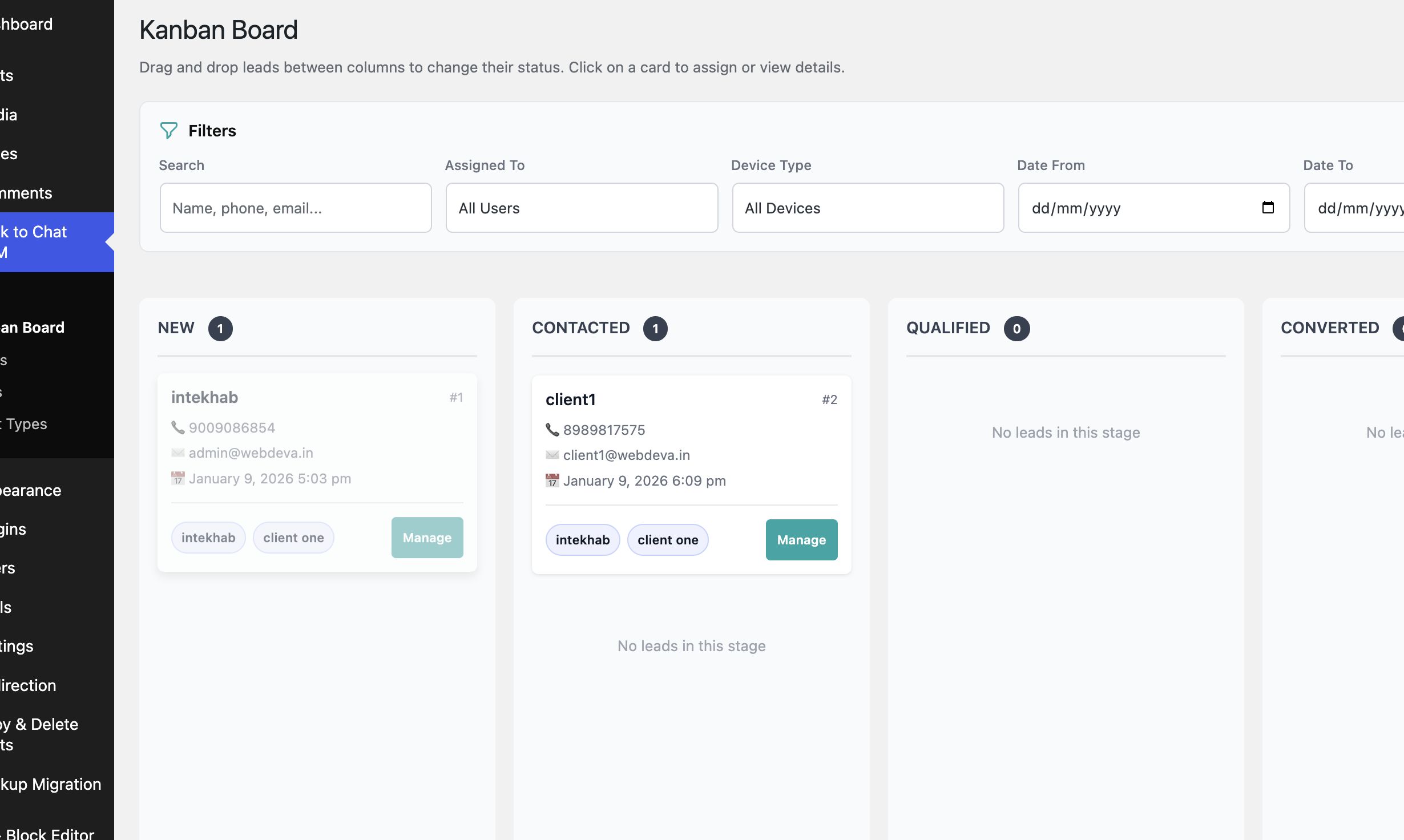
- Kanban-style pipeline with drag and drop
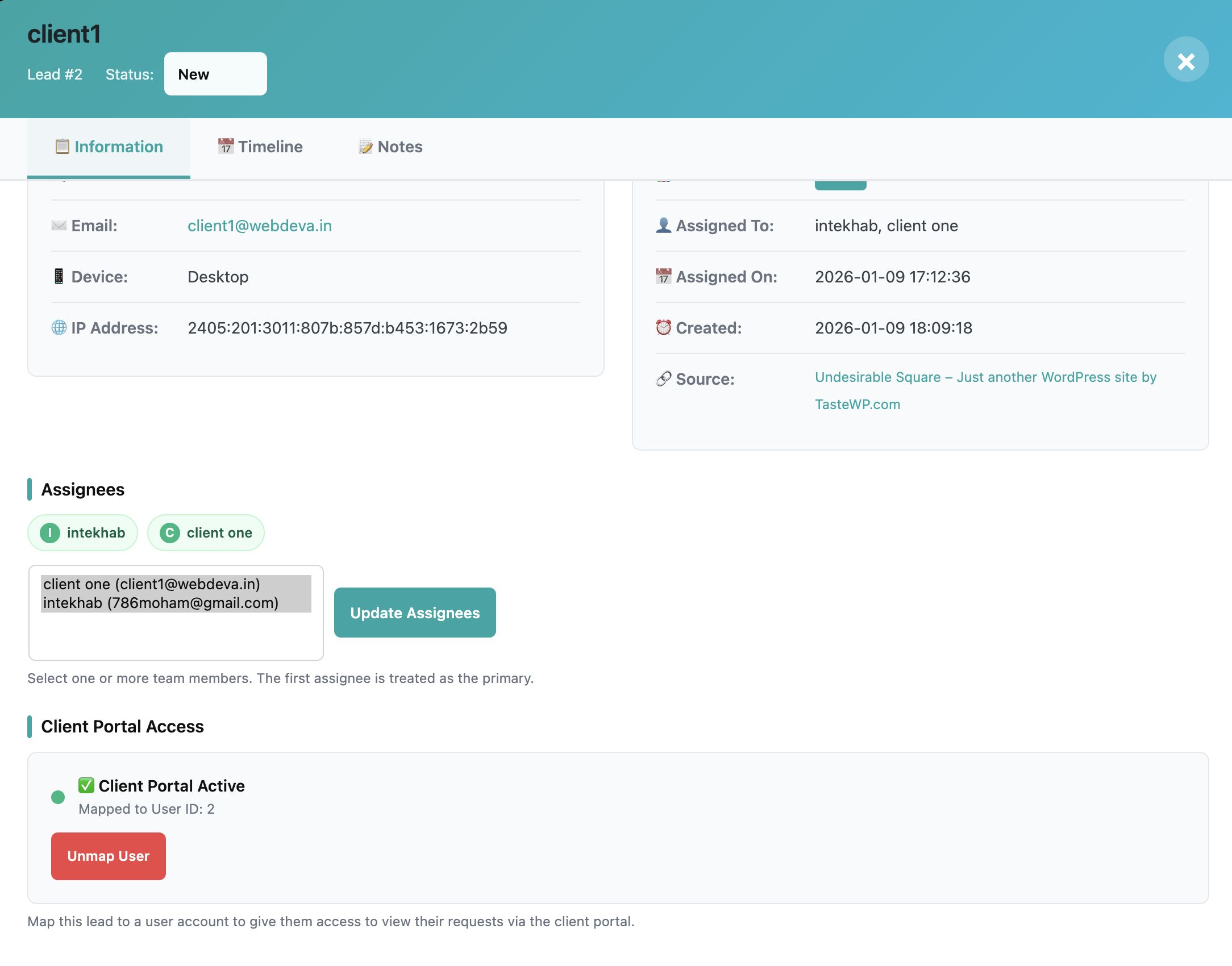
- Team member assignment and collaboration
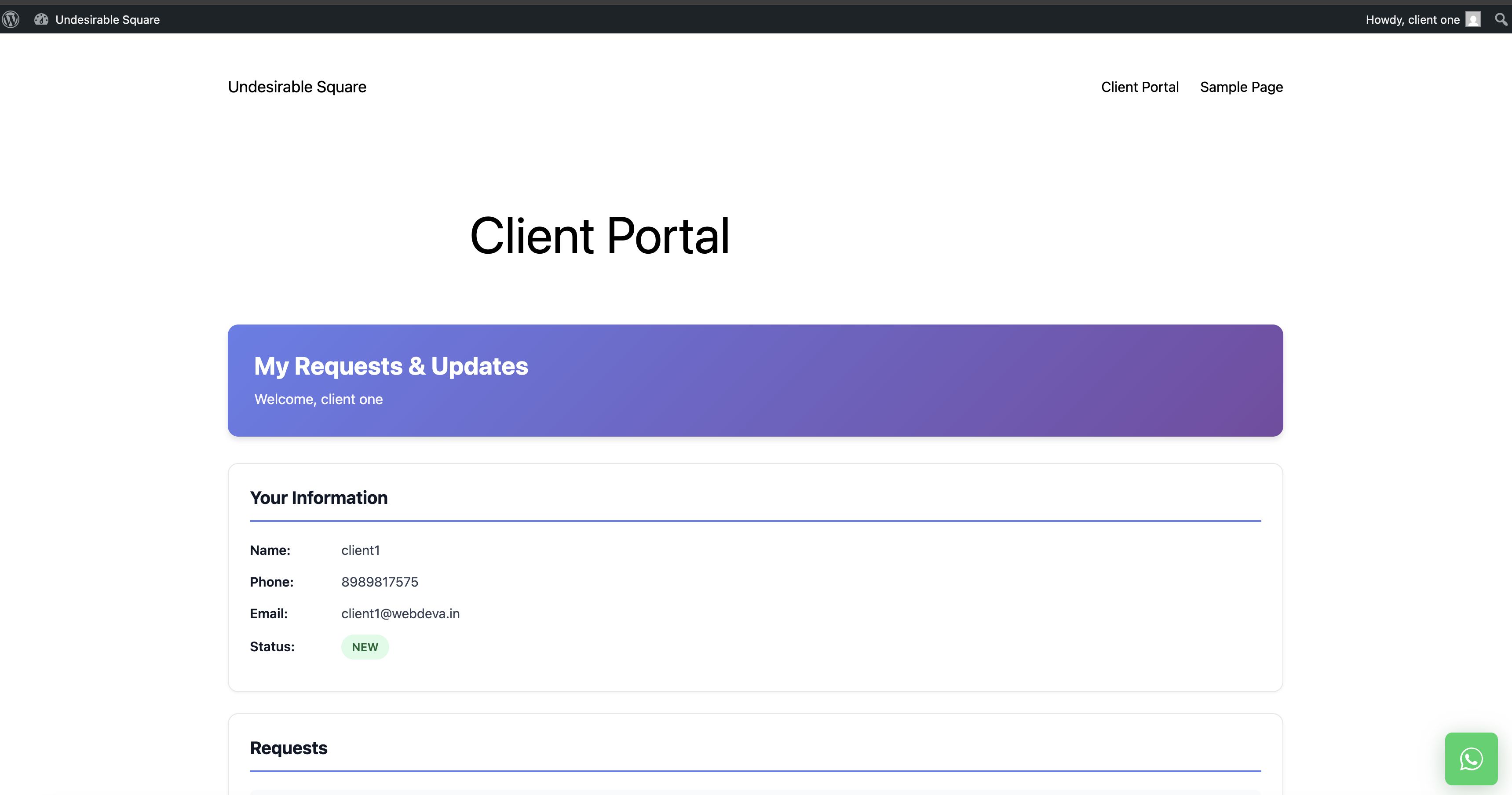
- Client login portal using shortcode
- Internal requests and task tracking
- Email notifications for lead activity
- CSV export for lead data
- Fully self-hosted within WordPress
Lead Management & Kanban Pipeline
- Automatically store WhatsApp inquiries as leads
- Default stages: New, Contacted, Qualified, Converted, Closed
- Create and customize pipeline stages
- Drag leads between stages visually
- Filter leads by assignee, date, or status
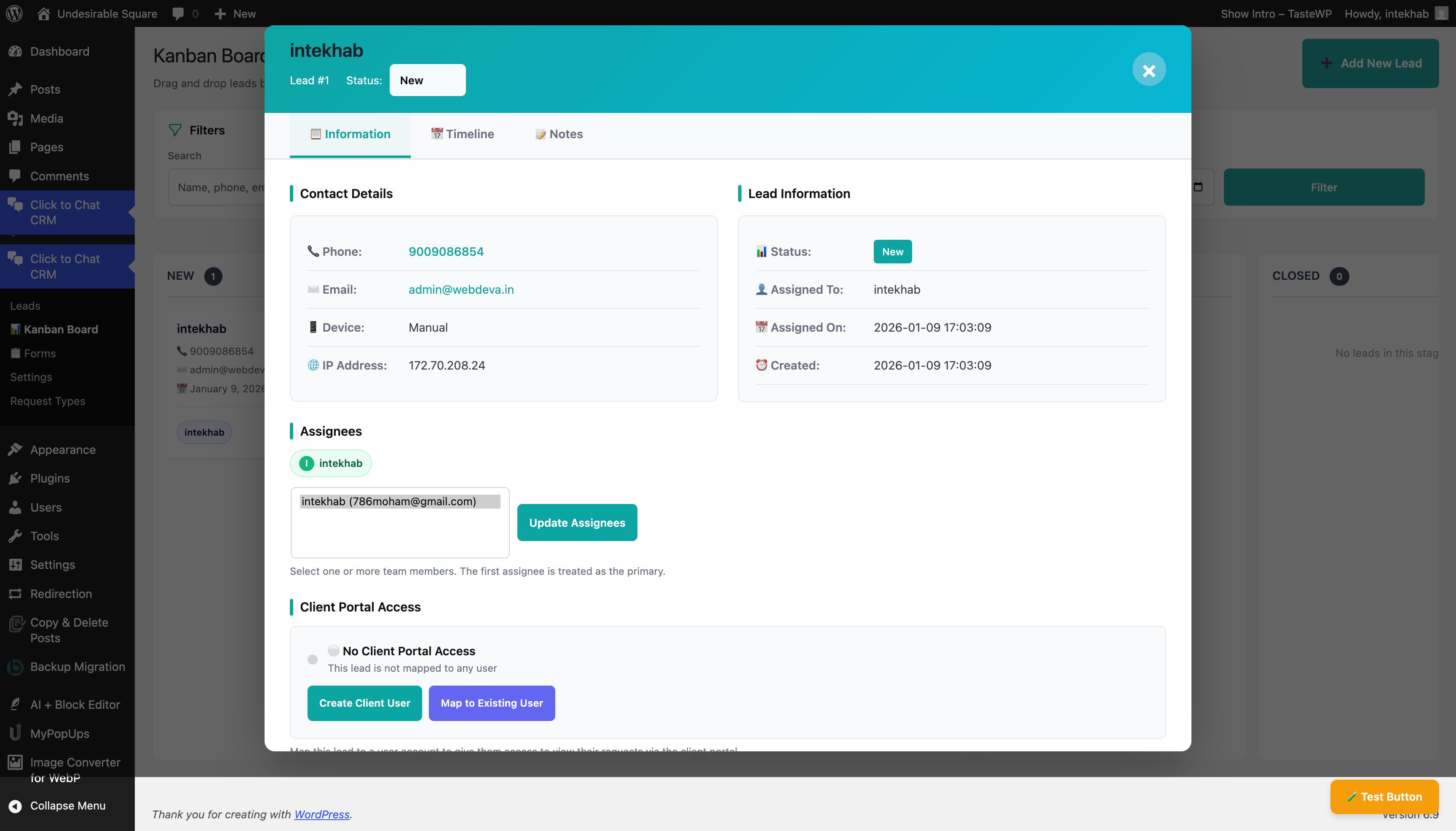
- Add notes and track lead activity
Team Collaboration
- Assign leads to WordPress users
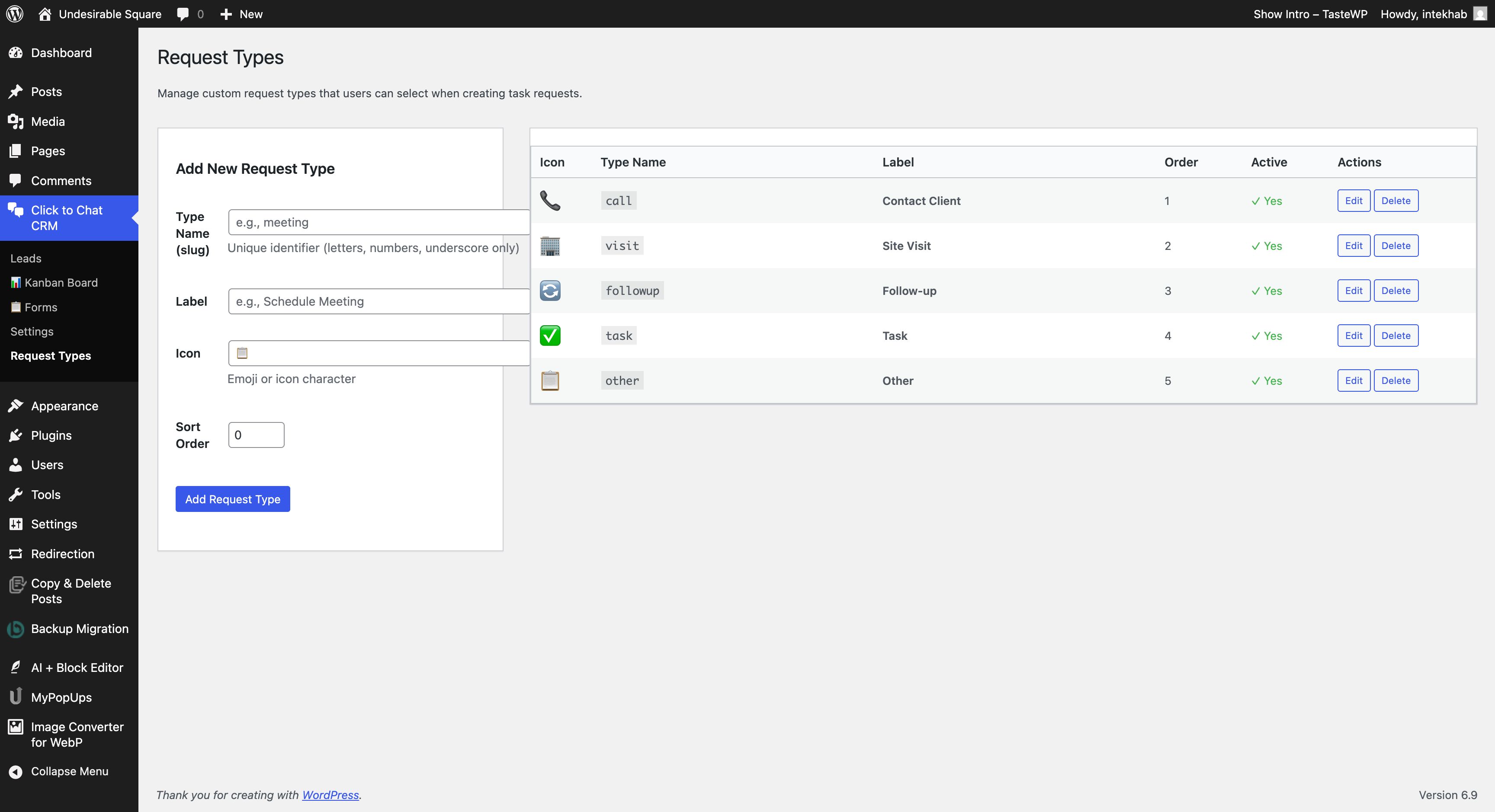
- Create internal requests with statuses
- Track pending and completed actions
- Separate dashboards for team members
- Non-admin users only see assigned leads
Client Portal
- Client access via shortcode
- View lead details and requests
- Reply to messages and update request status
- Upload attachments
- Activity timeline for transparency
Customization
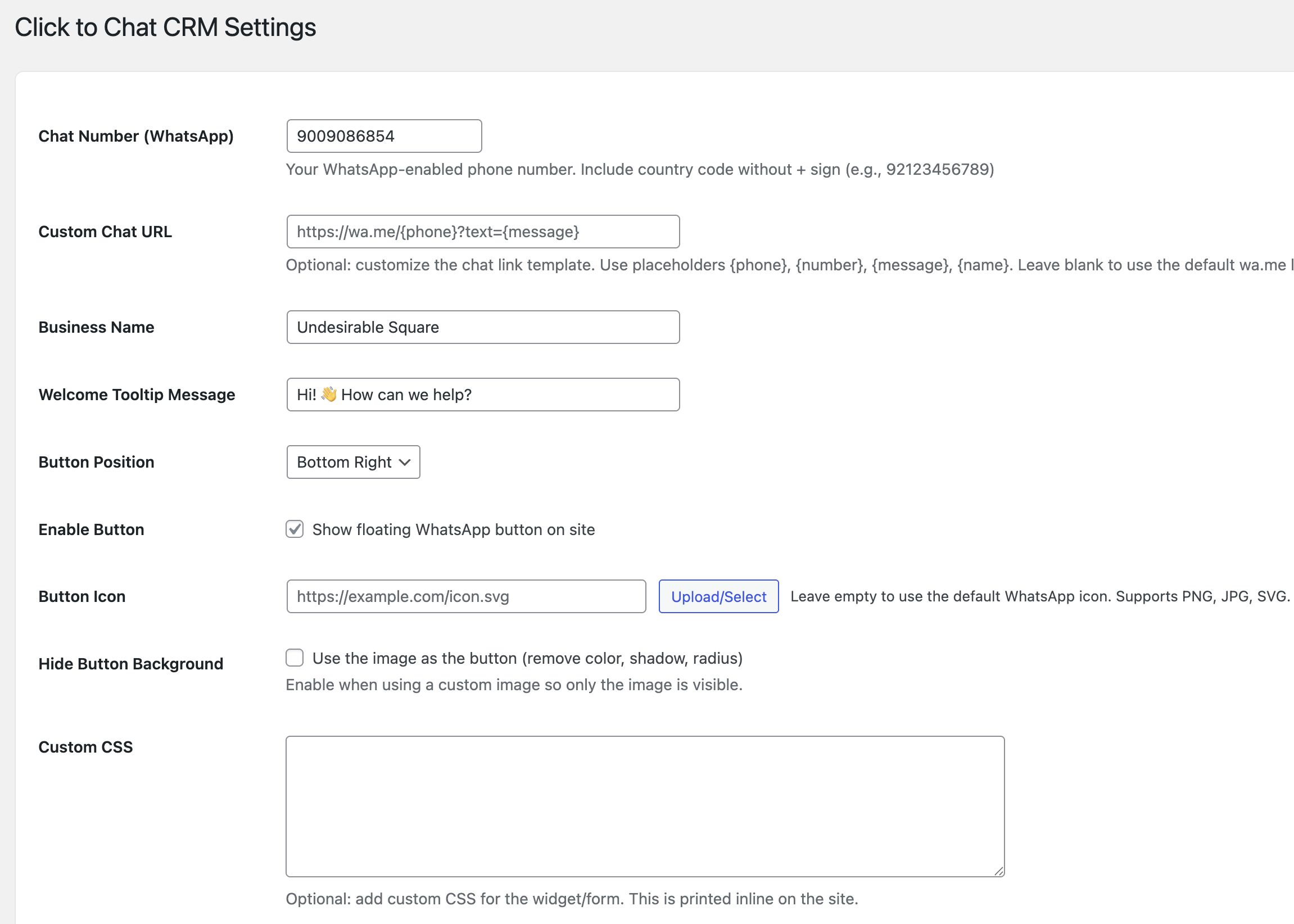
- Button position (left or right)
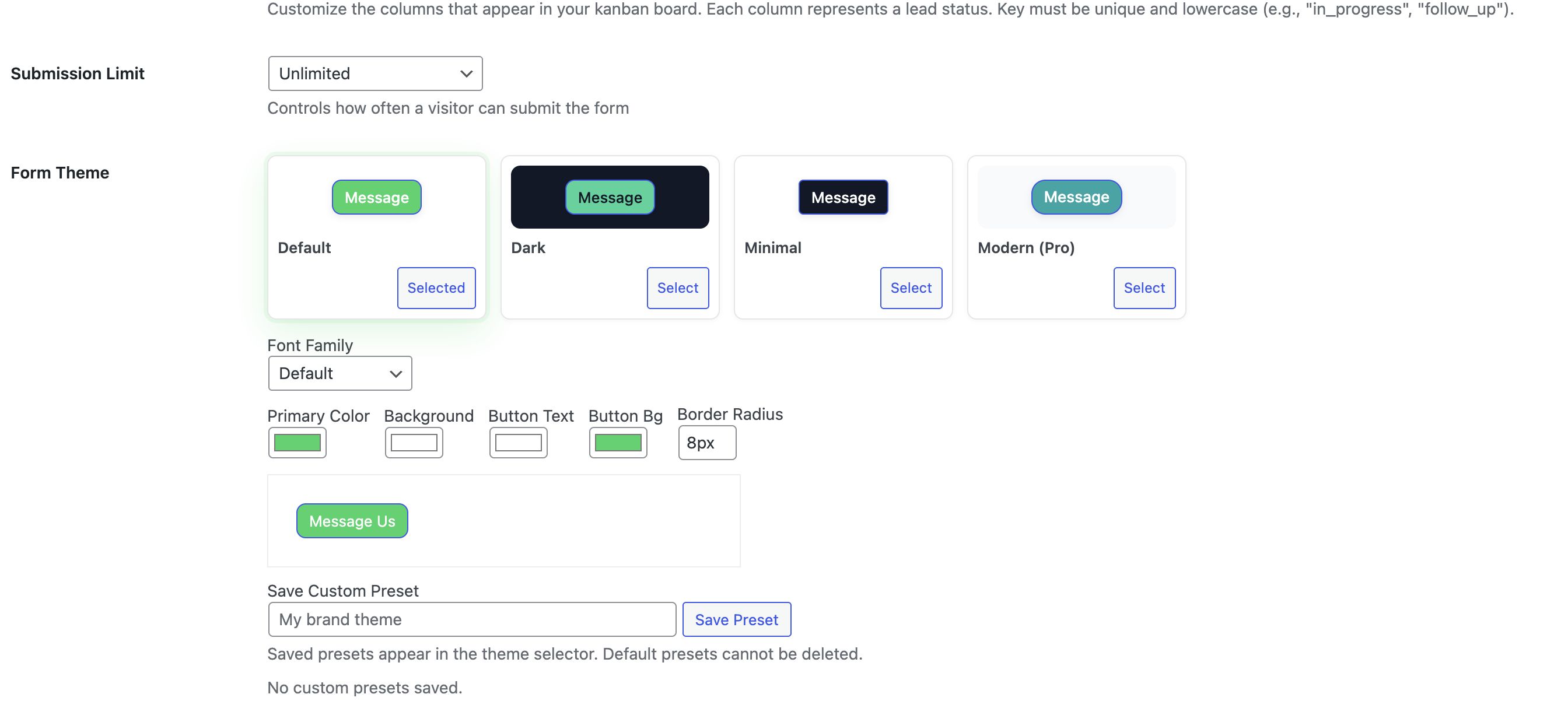
- Custom colors and icons
- Tooltip and welcome message
- Multiple forms per website
- Custom CSS support
- Compatible with all WordPress themes
Notifications
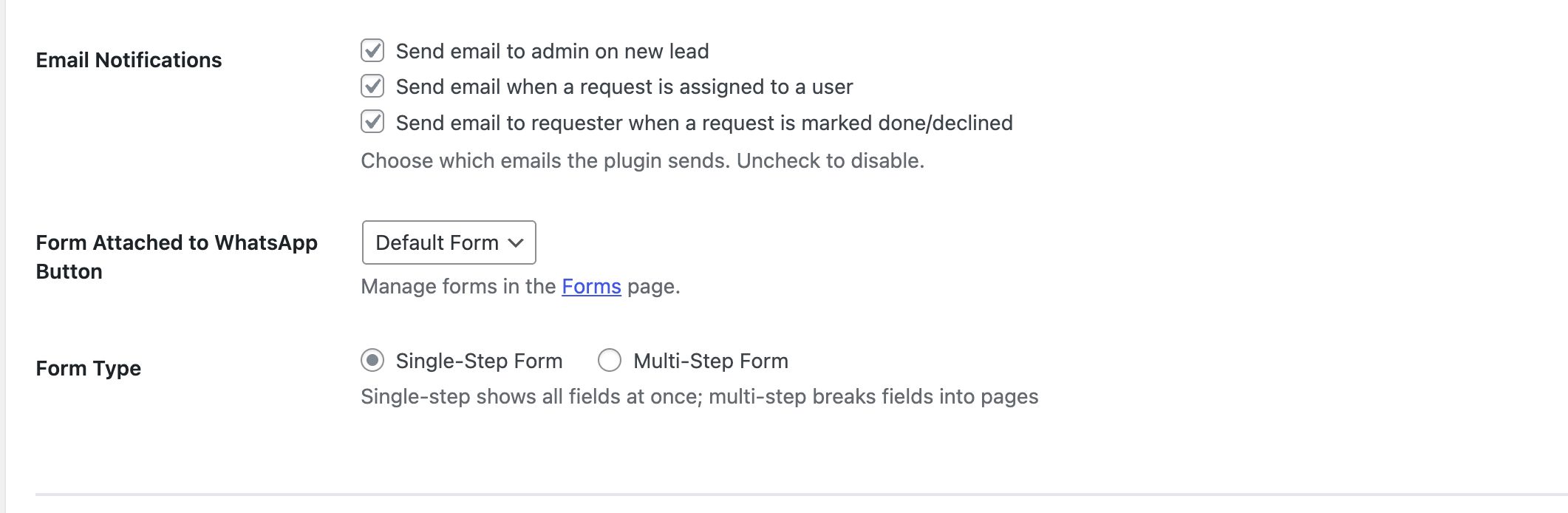
- Email notification on new lead
- Email alerts for assignments
- Status change notifications
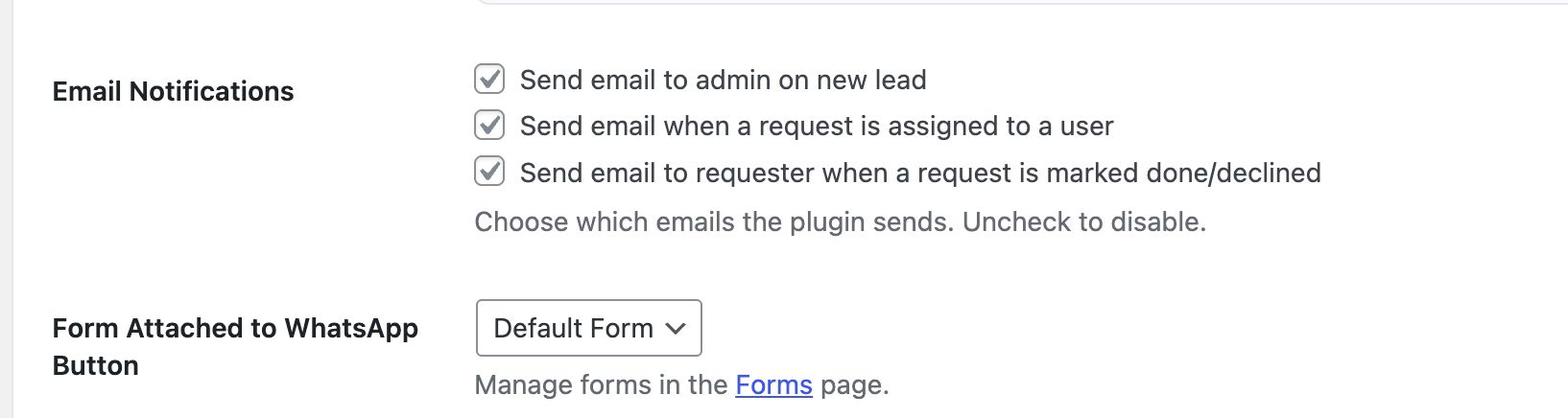
- Notification toggles per event
Technical Details
- No WhatsApp API required
- No external SaaS dependency
- Uses WordPress coding standards
- Secure role and capability checks
- AJAX-based admin interface
- Data remains in database on deactivation
Requirements
Requirements
- WordPress 5.8 or higher
- PHP 7.4 or higher
- MySQL 5.6 or higher
Instructions
nstructions
Installation
- Download the plugin ZIP file from Codester.
- Log in to your WordPress admin panel.
- Go to Plugins → Add New → Upload Plugin.
- Upload the ZIP file and click Install Now.
- Activate the plugin after installation.
Initial Setup
- Open WhatsApp CRM from the WordPress admin menu.
- Enter your WhatsApp number in the settings.
- Configure basic options such as button position and appearance.
- Save the settings.
Create a Lead Capture Form
- Go to Forms → Add New.
- Add required fields (name, phone, email, message, or custom fields).
- Save the form.
- Assign the form to the floating WhatsApp button or use it via shortcode.
Enable WhatsApp Button
- Use the built-in floating button (left or right).
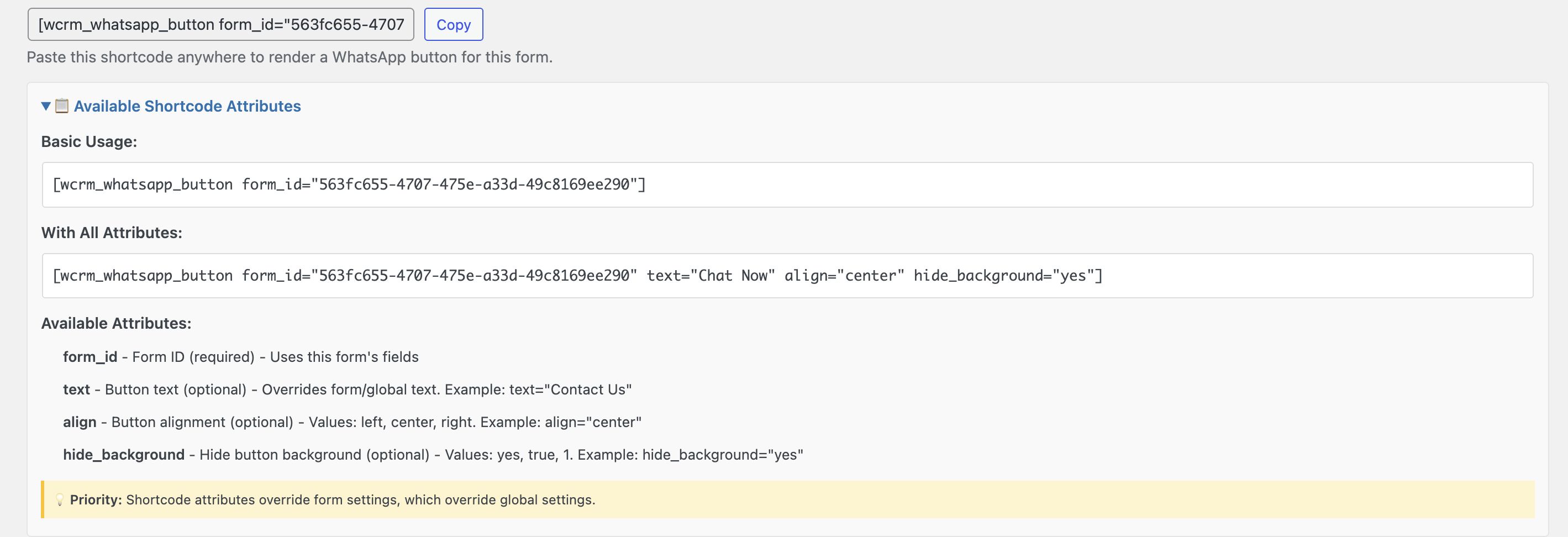
- Or insert a form/button using shortcode on any page or post.
Manage Leads
- Open Leads Dashboard from the admin panel.
- View all captured leads with filters and search.
- Open a lead to add notes, tags, or requests.
- Move leads across stages using the Kanban board.
Kanban Pipeline
- Default stages are pre-configured.
- Leads can be dragged and dropped between stages.
- Filter leads by assignee, date, or status.
Team Assignment
- Assign leads to WordPress users.
- Create internal requests with statuses.
- Assigned users can view and manage only their leads.
Client Portal
- Create a page in WordPress.
-
Add the shortcode:
[wcrm_client_portal]
- Clients can log in to view requests, reply, and update statuses.
Notifications
- Enable or disable email notifications from settings.
- Notifications are available for new leads, assignments, and status changes.
Data & Deactivation
- All lead data is stored in the WordPress database.
- Deactivating the plugin does not delete data.
- Data can be exported in CSV format from the dashboard.
Other items by this author





Information
| Category | Plugins / WordPress / Miscellaneous |
| First release | 10 January 2026 |
| Last update | 10 January 2026 |
| Supported CMS | WordPress 5.0, WordPress 5.8, WordPress 5.9, WordPress 6.0, WordPress 6.1, WordPress 6.2, WordPress 6.3, WordPress 6.4, WordPress 6.5, WordPress 6.6, WordPress 6.7, WordPress 6.8 |
| Files included | .php, .css, .html, Javascript .js |
| Tags | lead management, client portal, whatsapp crm, wordpress crm, kanban crm, whatsapp leads |