
Billcraft Pro - Laravel Invoice Management SystemBillcraft Pro - Laravel Invoice Management System
Complete Laravel invoice system with proforma support, 4 templates, multi-currency, multi-language, PDF generation & email fun
Billcraft Pro - Laravel Invoice Management System
Complete Laravel invoice system with proforma support, 4 templates, multi-currency, multi-languag...
Screenshots
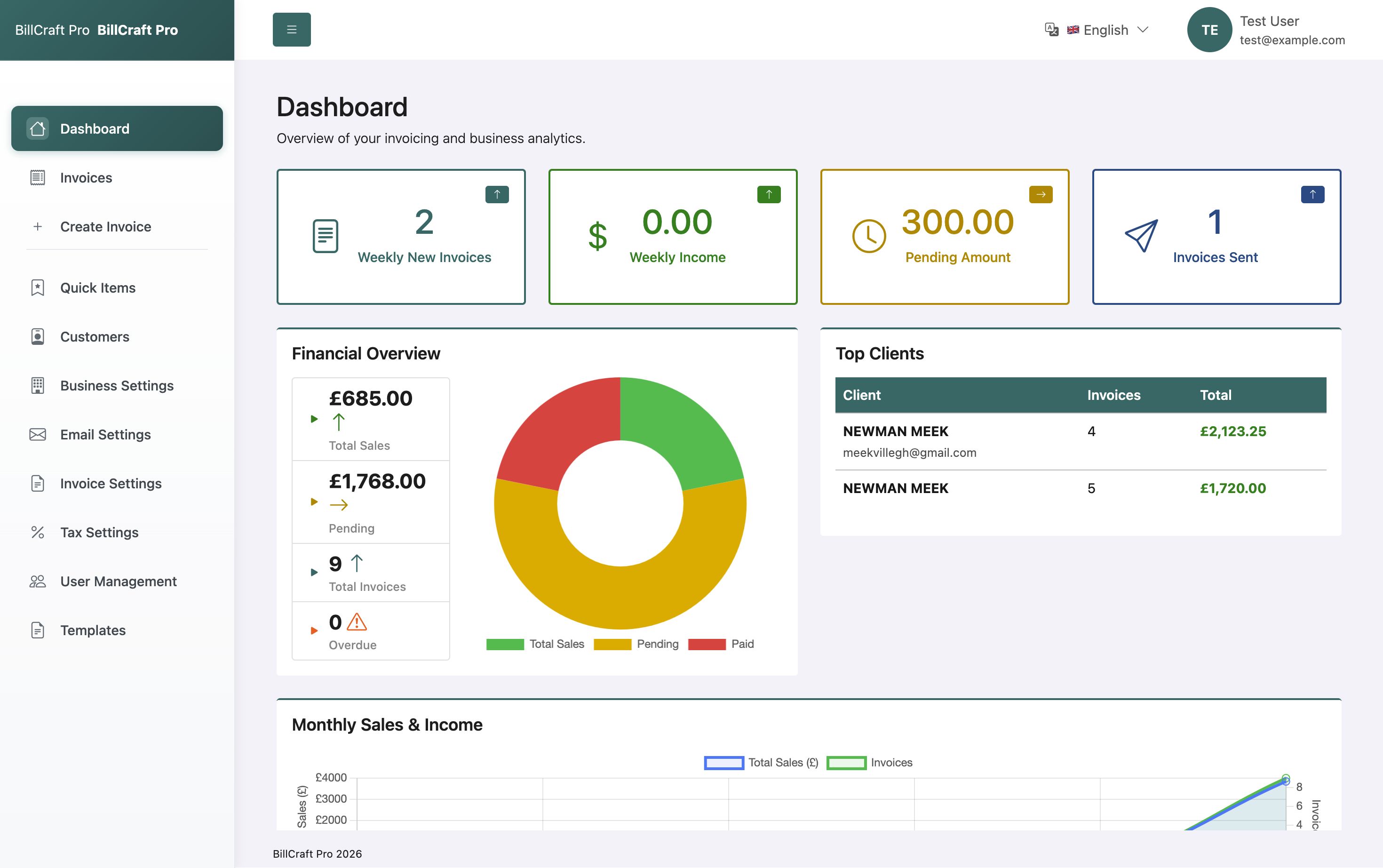
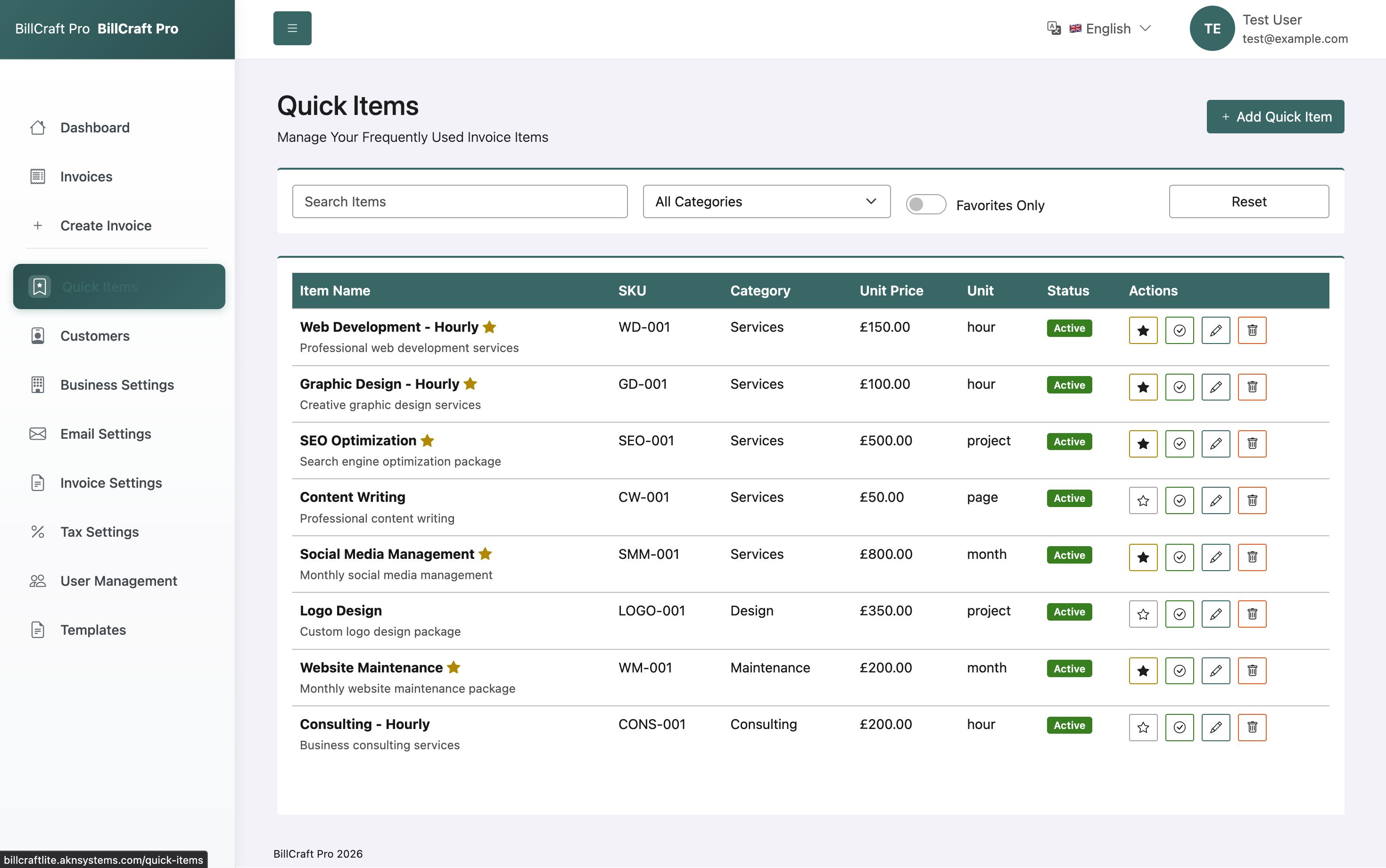
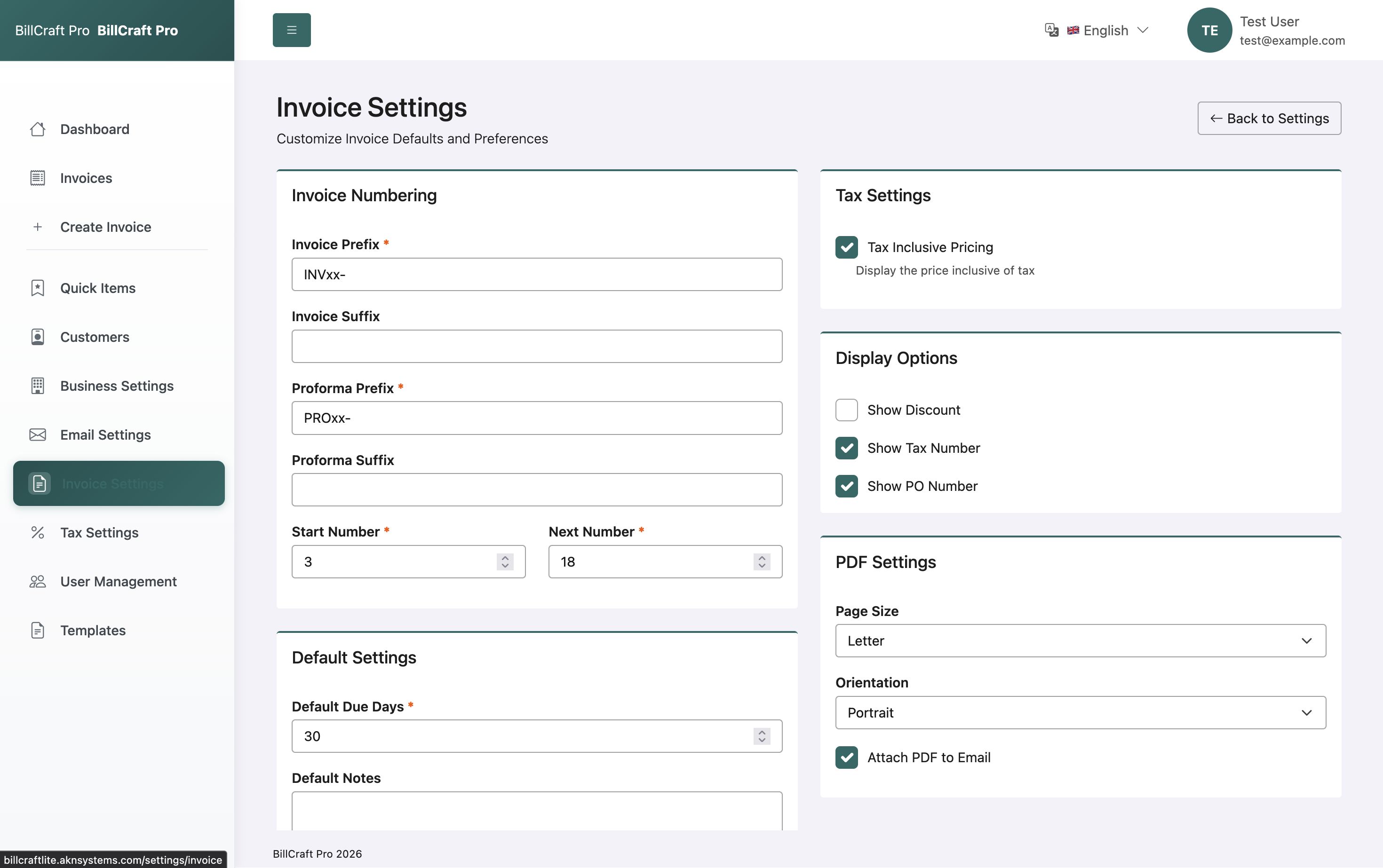
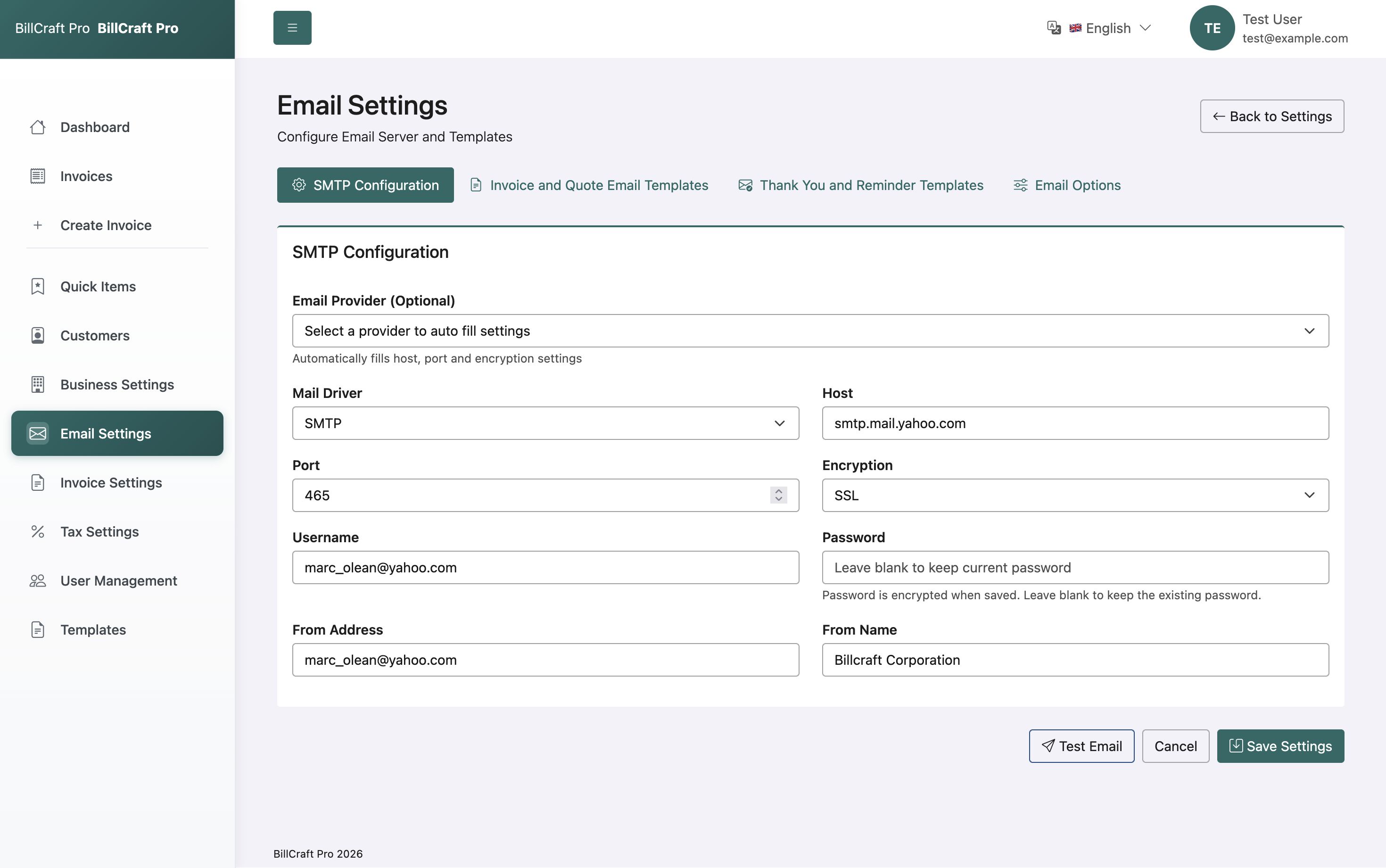
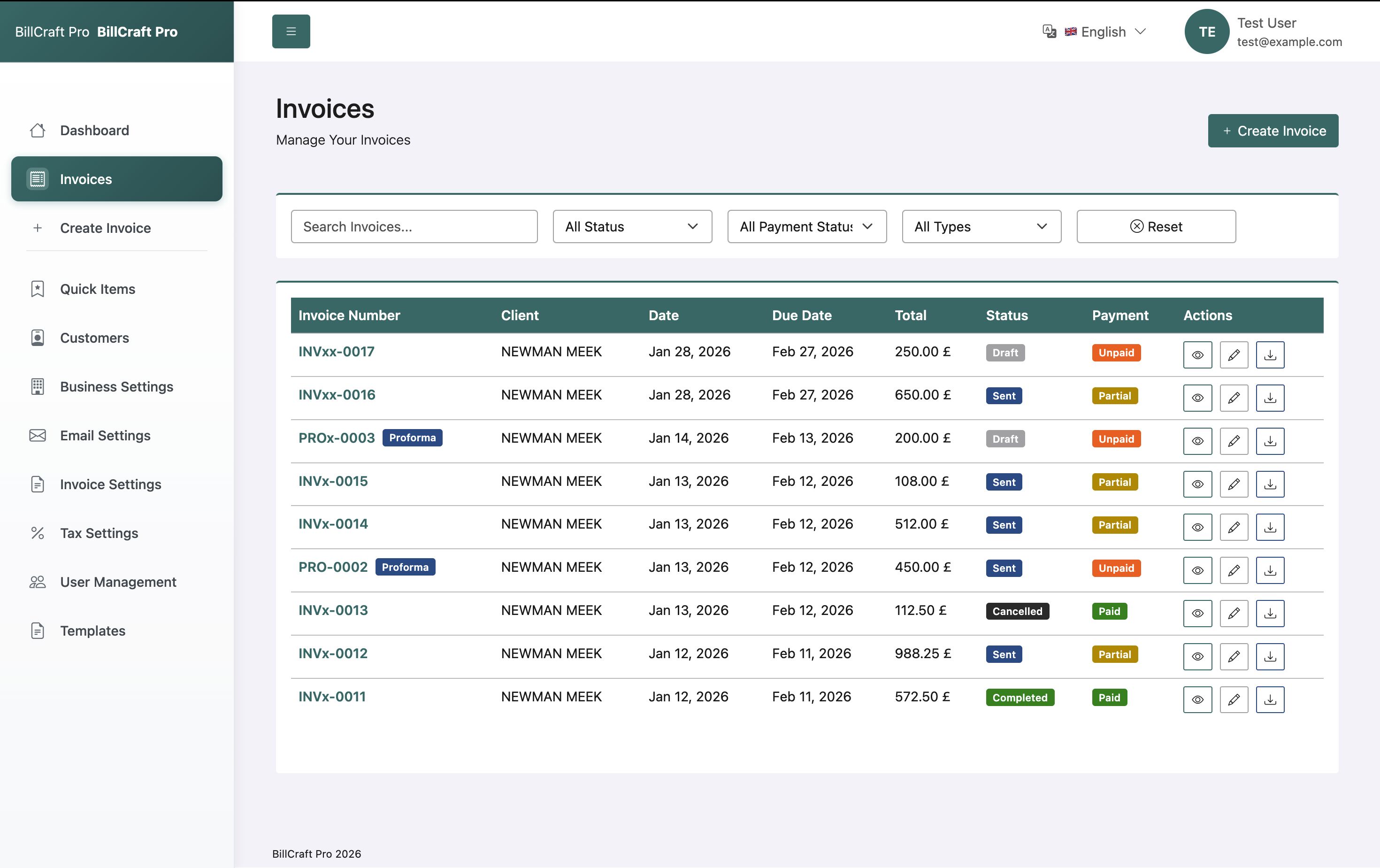
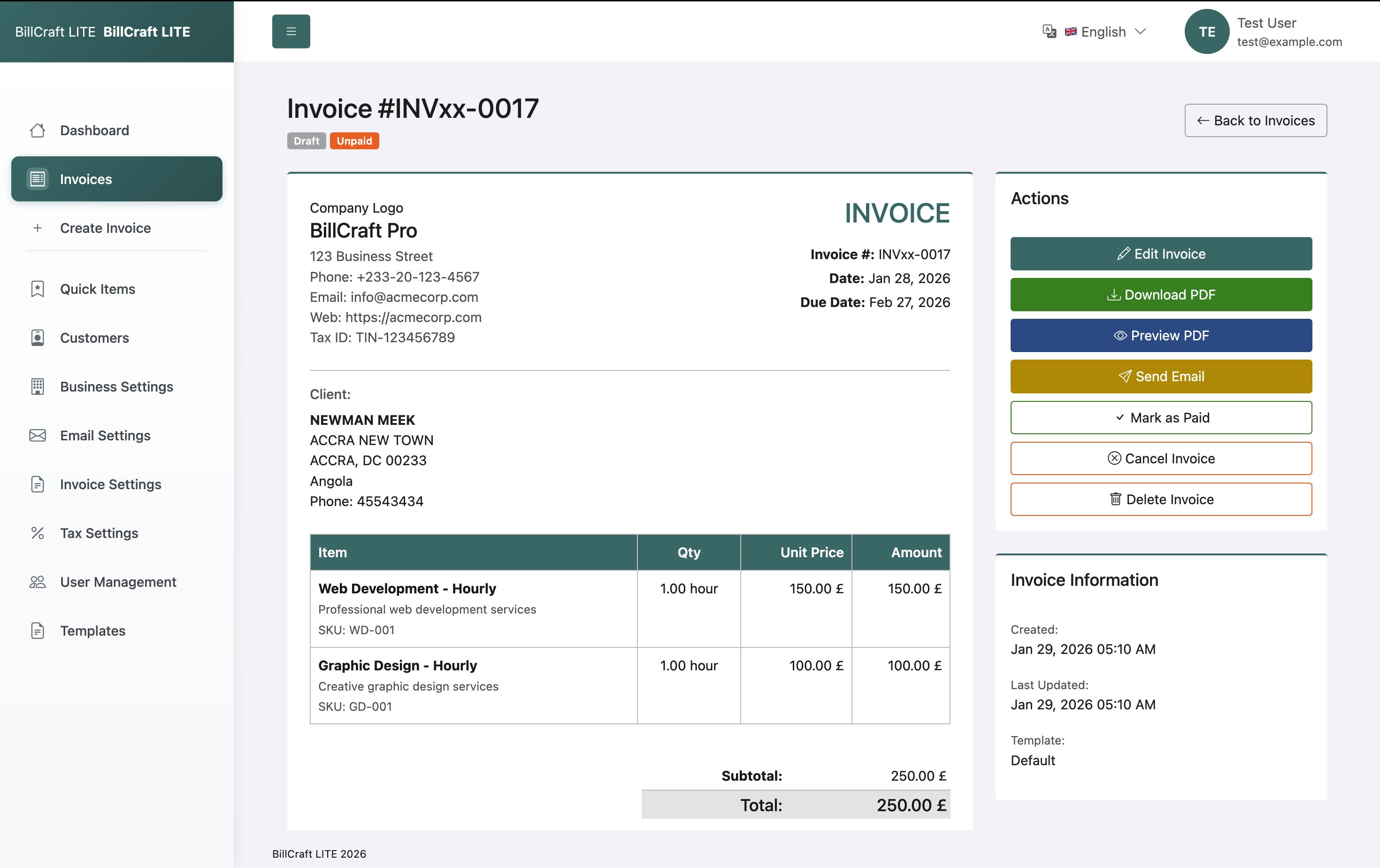
Overview
Billcraft Pro is a comprehensive invoice management system built with Laravel 12 and Livewire 3. Perfect for freelancers, small businesses, and agencies needing a professional invoicing solution with advanced features.
WHY CHOOSE BILLCRAFT PRO?
✓ Complete invoice lifecycle management from creation to payment
✓ Proforma invoice support with seamless conversion
✓ Professional PDF generation with 4 customizable templates
✓ Multi-currency support (20+ currencies)
✓ Multi-language interface (English, Spanish, French, Arabic)
✓ Automated email notifications with PDF attachments
✓ Real-time reactive interface powered by Livewire 3
✓ Fully responsive design optimized for all devices
✓ Shared hosting compatible - easy deployment
WHAT YOU GET?
📦 Complete source code with clean, documented Laravel code
📦 4 professional invoice templates (Modern, Classic, Professional, Minimal)
📦 Multi-currency system with 20+ supported currencies
📦 Multi-language support with easy switching
📦 Customer management system with autocomplete
📦 Quick items library for faster invoicing
📦 Comprehensive settings panel
📦 Email/SMTP configuration
📦 PDF generation engine
📦 Complete HTML documentation
📦 SQL database file included
📦 Free updates and dedicated support
PERFECT FOR:
- Freelancers managing client invoices
- Small businesses needing professional billing
- Agencies handling multiple clients
- Consultants requiring proforma quotes
- Service providers tracking payments
- Anyone needing a robust invoicing solution
TECHNICAL EXCELLENCE:
Built on Laravel 12 with modern best practices, clean code architecture, and optimized performance. No technical expertise required for installation - complete step-by-step guide included.
DEMO AVAILABLE:
Live demo: https://billcraftpro.aknsystem...
Username: [email protected]
Password: password
Features
- Create and manage unlimited invoices and proforma invoices
- Convert proforma invoices to regular invoices with one click
- Multiple invoice status tracking (draft, sent, paid, partial, overdue, cancelled)
- Professional PDF generation with company logo support
- Email invoices directly to clients with PDF attachments
- 4 beautiful, customizable invoice templates included
- Customer management system with autocomplete search
- Quick items library for frequently used products/services
- Support for 20+ international currencies
- Multiple tax rates with tax-inclusive pricing (GST supported)
- Flexible discount system (fixed amount or percentage)
- Shipping cost management
- Payment status tracking and history
- Multi-language support (English, Spanish, French, Arabic)
- Company branding with logo and favicon upload
- Configurable invoice numbering with prefixes and suffixes
- Email/SMTP configuration for automated notifications
- Timezone and regional settings
- Responsive design works on desktop, tablet, and mobile
- Built with Laravel 12 and Livewire 3
- Bootstrap 5 modern UI framework
- Clean, well-documented code following Laravel best practices
- Shared hosting compatible - no special requirements
- Complete installation documentation included
- SQL database file provided for quick setup
- Regular updates and dedicated support
Requirements
SERVER REQUIREMENTS:
- PHP 8.2 or higher
- MySQL 5.7+ or MariaDB 10.3+
- Apache or Nginx web server
- PHP Extensions: BCMath, Ctype, Fileinfo, JSON, Mbstring, OpenSSL, PDO, Tokenizer, XML
INSTALLATION REQUIREMENTS:
- Basic cPanel/hosting file manager access OR FTP/SFTP access
- MySQL database creation access
- phpMyAdmin or similar database management tool (for SQL import)
NOTES:
- Composer and Node.js are NOT required on production server
- All dependencies are pre-compiled and included
- Works on shared hosting, VPS, and dedicated servers
- No coding knowledge required for basic installation
Instructions
INSTALLATION GUIDE
STEP 1: UPLOAD FILES
Upload all files to your web server root directory (public_html or httpdocs) via FTP, SFTP, or hosting file manager.
STEP 2: SET PERMISSIONS
Set the following directories to writable (755 or 775):
- storage/
- bootstrap/cache/
STEP 3: CREATE DATABASE
Create a new MySQL database through your hosting control panel (cPanel, Plesk, etc.)
STEP 4: IMPORT DATABASE
Import the provided SQL file (Database/billcraft.sql) using phpMyAdmin:
1. Log in to phpMyAdmin
2. Select your newly created database
3. Click "Import" tab
4. Choose the billcraft.sql file
5. Click "Go" to import
STEP 5: CONFIGURE ENVIRONMENT
1. Rename .env.example to .env
2. Edit .env file and update these values:
- APP_URL=https://yourdomain.com
- DB_DATABASE=your_database_name
- DB_USERNAME=your_database_user
- DB_PASSWORD=your_database_password
STEP 6: GENERATE APPLICATION KEY
Run this command via SSH or terminal:
php artisan key:generate
If you don't have SSH access, manually generate a 32-character random string and add it to .env:
APP_KEY=base64:your_generated_key_here
STEP 7: CREATE STORAGE LINK
Run this command via SSH:
php artisan storage:link
Or manually create a symbolic link from public/storage to storage/app/public
STEP 8: LOGIN & CONFIGURE
Visit your domain and log in with:
Username: [email protected]
Password: password
IMPORTANT: Change the default password immediately after first login!
STEP 9: CONFIGURE SETTINGS
Navigate to Settings and configure:
- Business information
- Company logo
- Currency preferences
- Email/SMTP settings
- Tax rates
- Invoice numbering
TROUBLESHOOTING:
Issue: 500 Internal Server Error
Solution: Check .env configuration and ensure storage/bootstrap permissions are set correctly
Issue: Images not displaying
Solution: Ensure storage link was created successfully (Step 7)
Issue: Emails not sending
Solution: Configure SMTP settings in Settings > Email Settings
Issue: Database connection error
Solution: Verify database credentials in .env file
SUPPORT:
For installation help or technical support, contact: [email protected]
Documentation: Included in /documentation folder
Demo: https://billcraftpro.aknsystem...
SECURITY NOTES:
- Change default login credentials immediately
- Keep .env file secure (never commit to version control)
- Regularly update to latest version
- Use strong passwords for admin accounts
- Configure SSL certificate for production use
Other items by this author






|
PHP Script Installation Service
Don't worry about the installation of your script! Have your PHP Script installed for you.
|
$39 | Buy now |
| Category | Scripts & Code / PHP Scripts / Management / Business |
| First release | 15 January 2026 |
| Last update | 30 January 2026 |
| Software version | PHP 8.2, PHP 8.3, PHP 8.4 |
| Files included | .php, .css, .sql, Javascript .js |
| Software framework | Laravel |
| Tags | business, invoice, crm, finance, accounting, pdf, laravel, Quotation, estimate, Billing, livewire, multi-currency, invoice-system, proforma, invoice-generator |