StarterSell POS RestaurantStarterSell POS Restaurant
A real-time restaurant analytics hub with KPI cards for sales, orders, and performance
StarterSell POS Restaurant
A real-time restaurant analytics hub with KPI cards for sales, orders, and performance
Screenshots
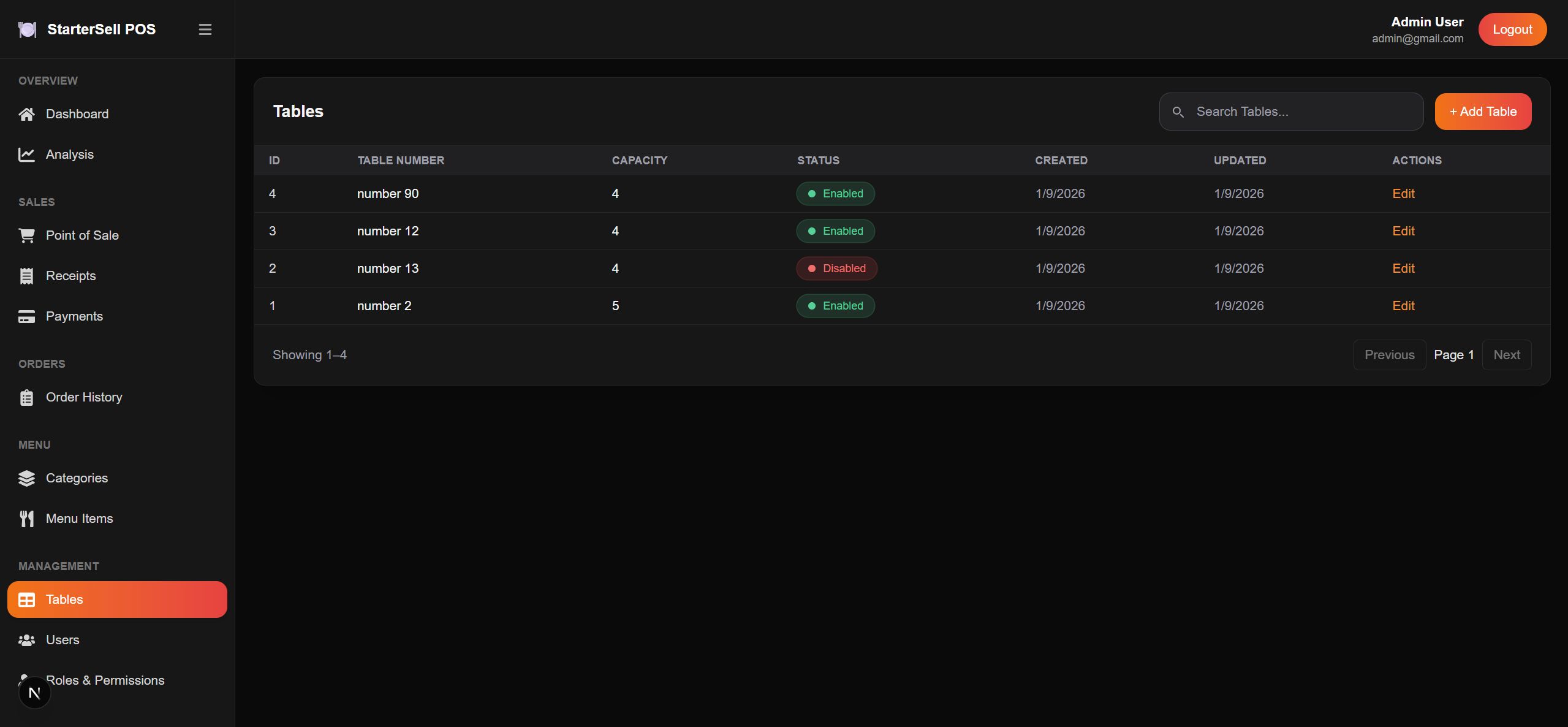
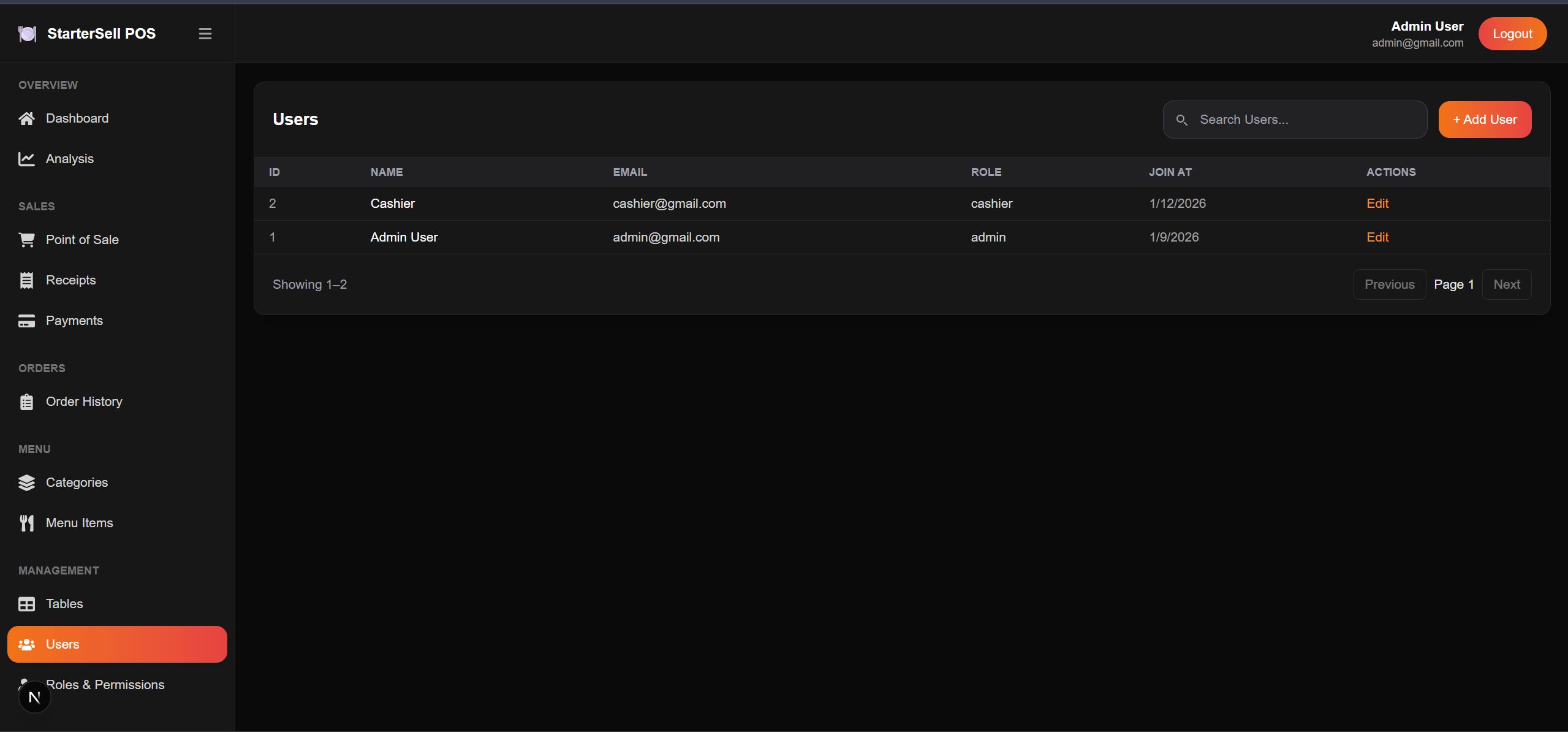
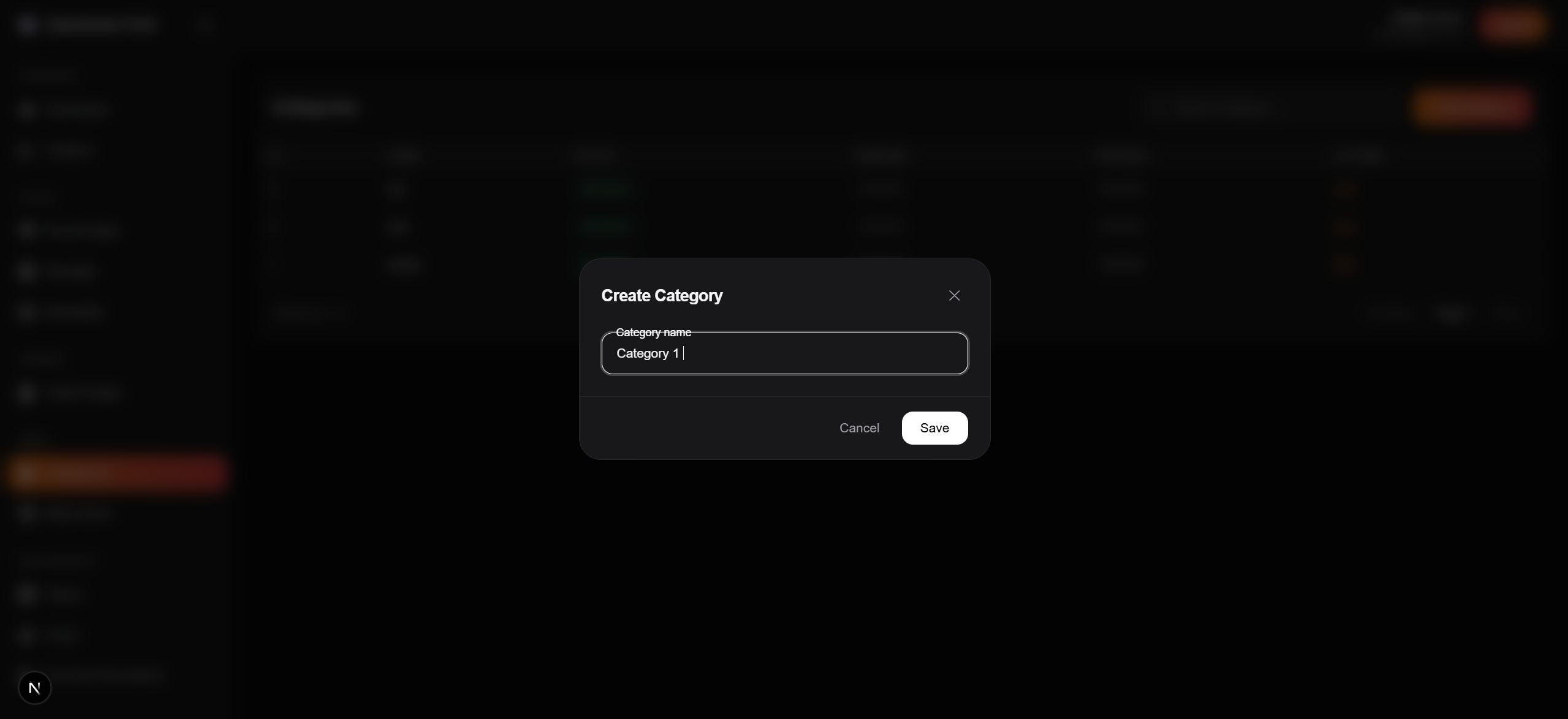
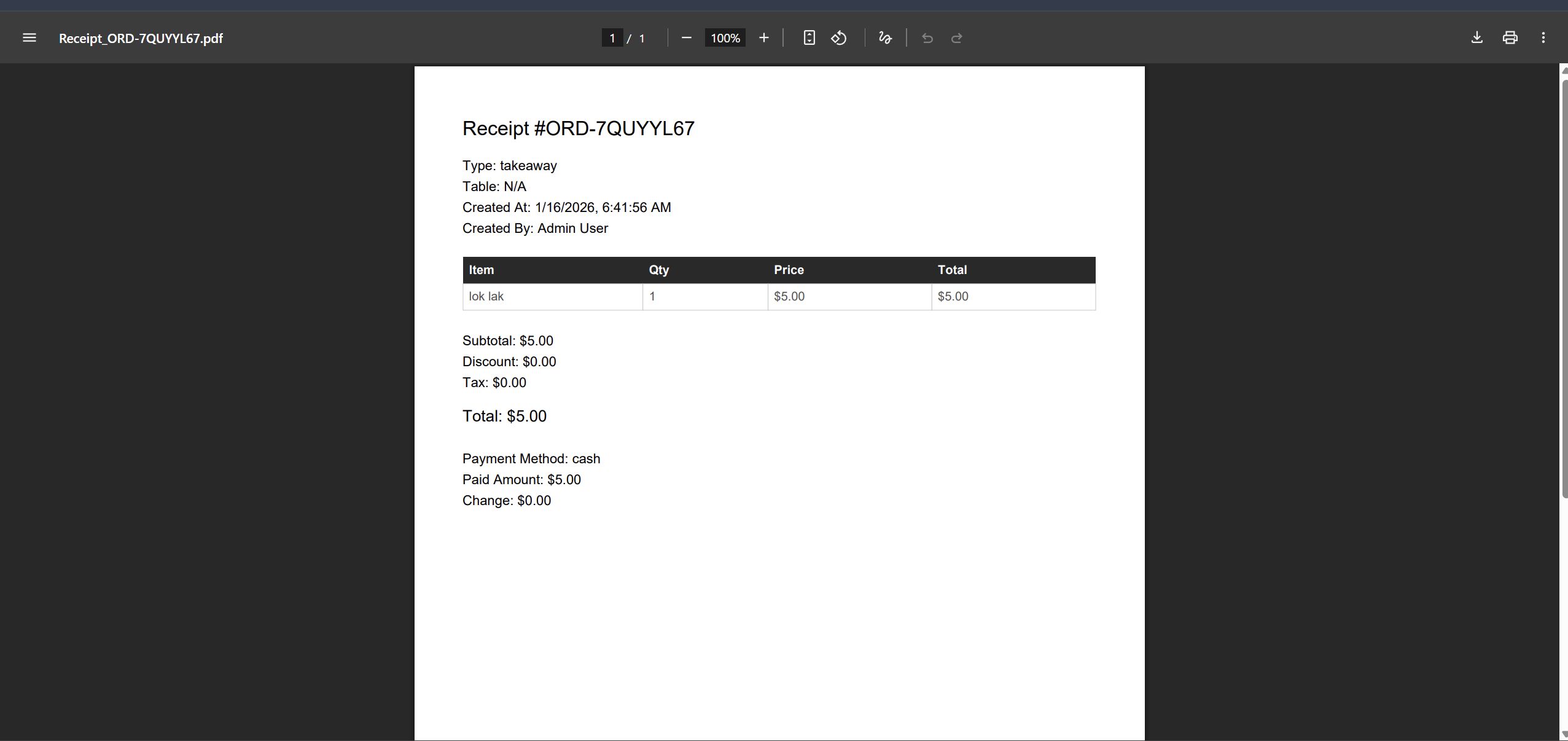
Overview
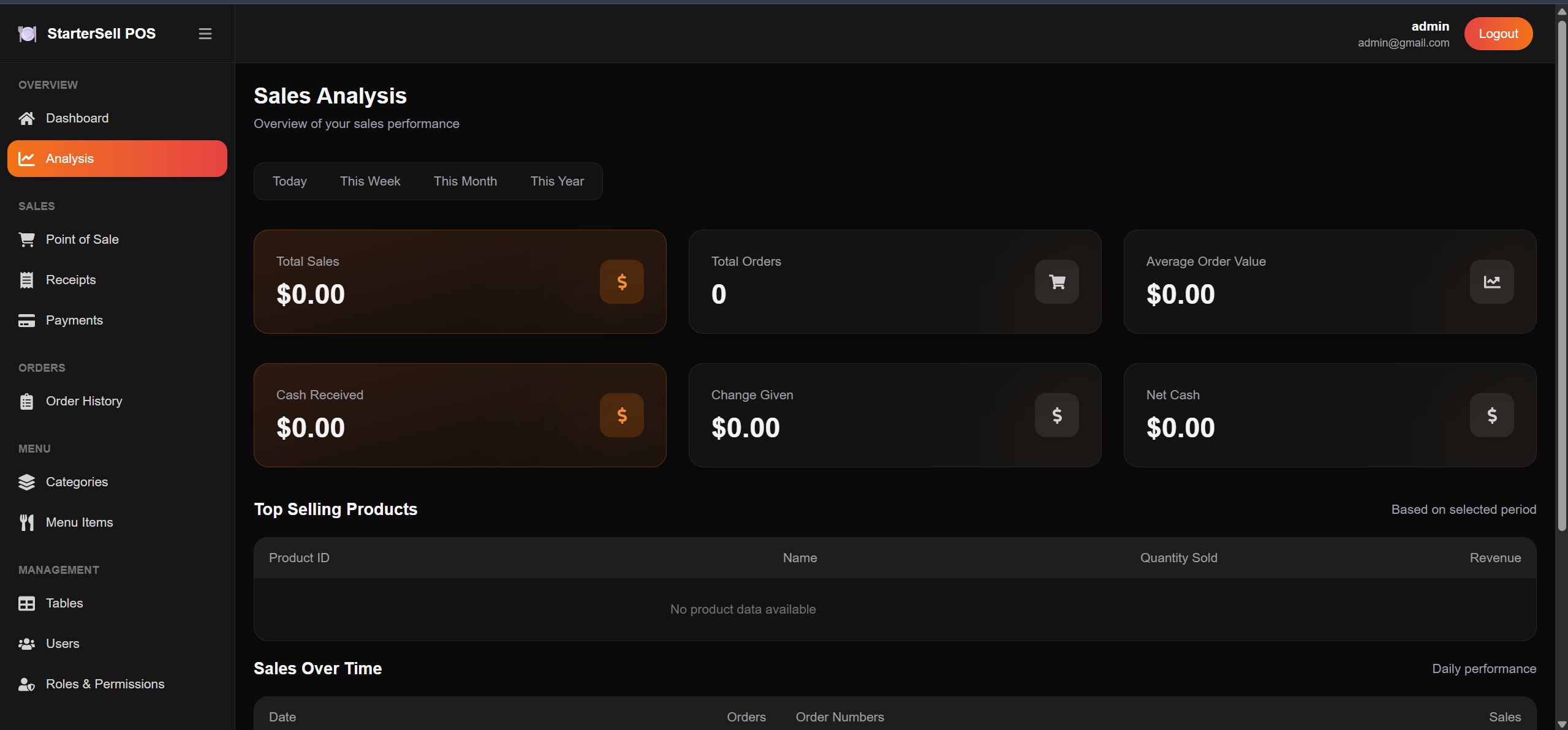
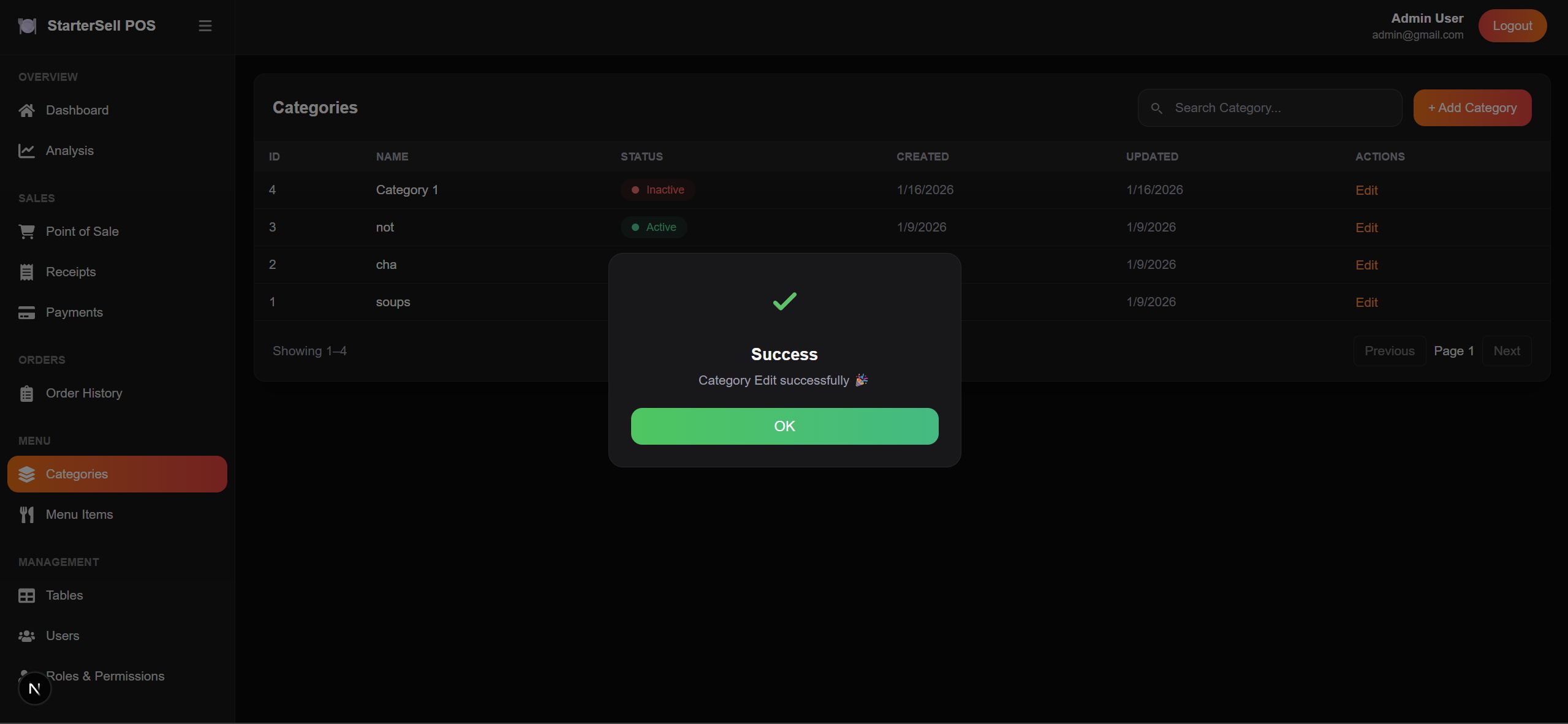
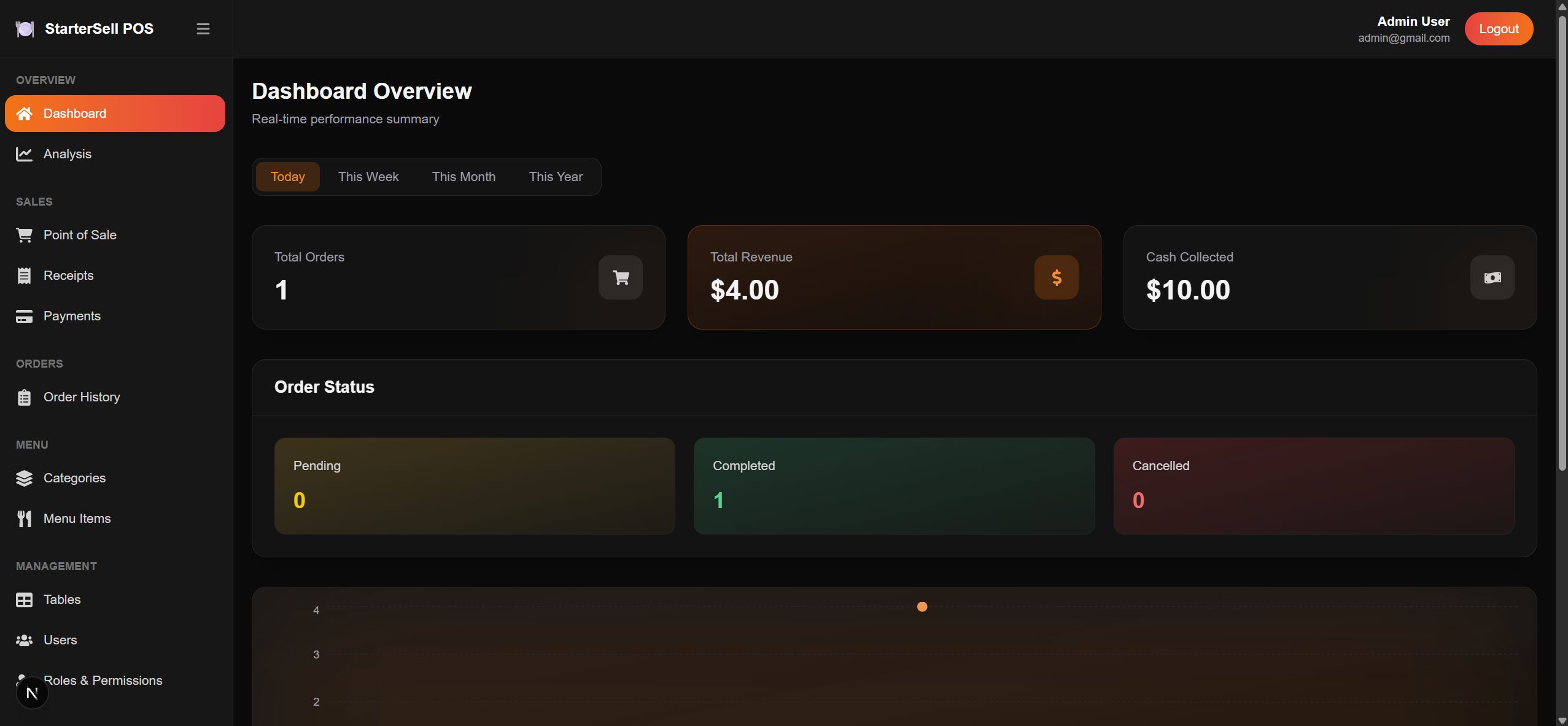
It is a centralized analytics hub that provides a real-time overview of restaurant performance. The dashboard displays high-visibility KPI cards showing daily revenue, total orders, and active tables, giving staff and owners instant insight into business activity.
An interactive sales chart with date filtering allows tracking of revenue trends across different time periods, helping identify peak hours and busy days. The system also includes dedicated lists for top-selling menu items, making it easier to manage menu performance and inventory efficiently.
This Restaurant POS system is ideally suited for small to medium restaurants, cafés, and food outlets, especially for new businesses looking for a simple and reliable solution.
It supports both web-based POS for desktops and iPad POS, offering flexibility for counter service, table service, and kitchen operations.
Demo
Url: https://pos-restaurant-ui-prod...
Login:
Email: [email protected]
Password: passwords
Features
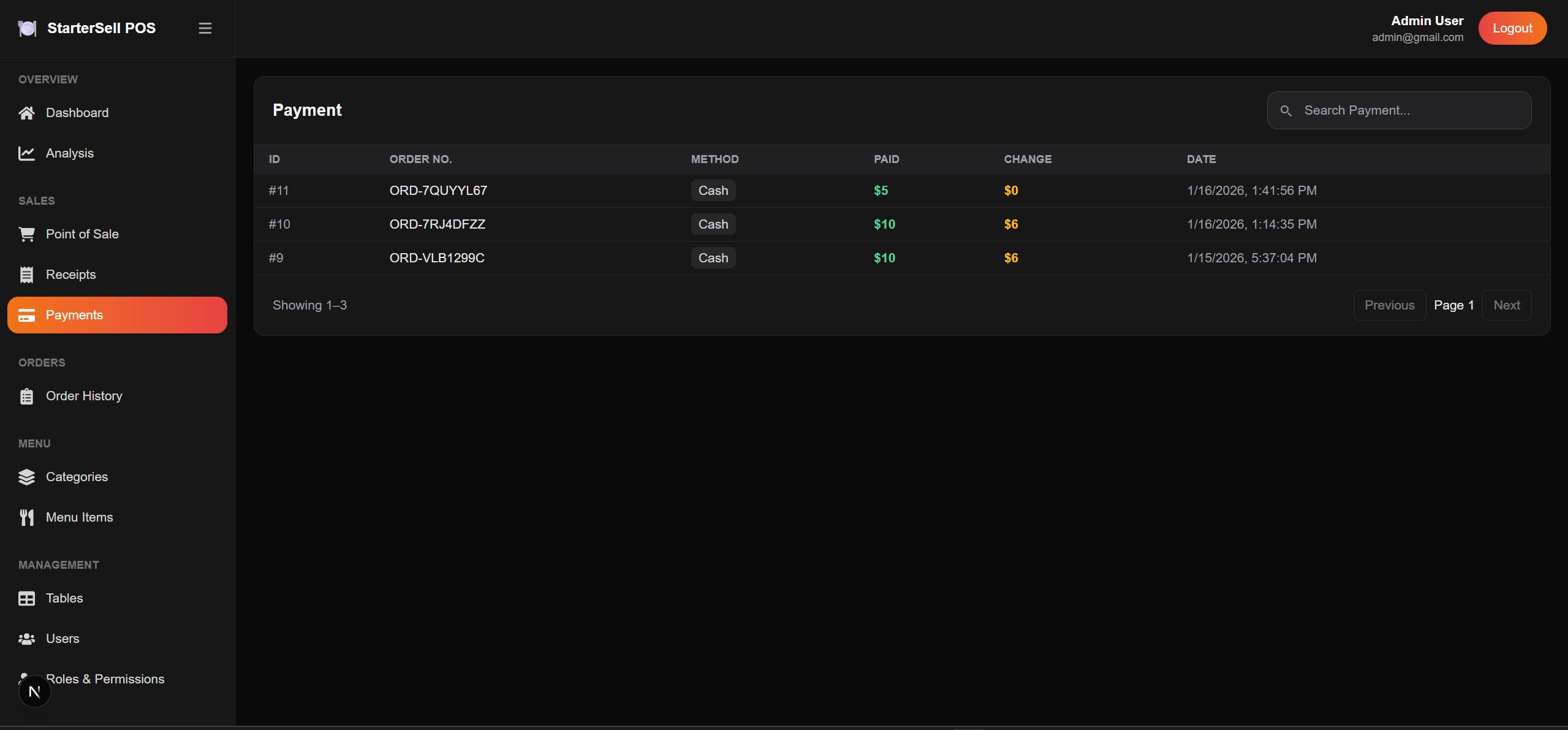
-Real-time dashboard showing orders, revenue, cash collected, and order status
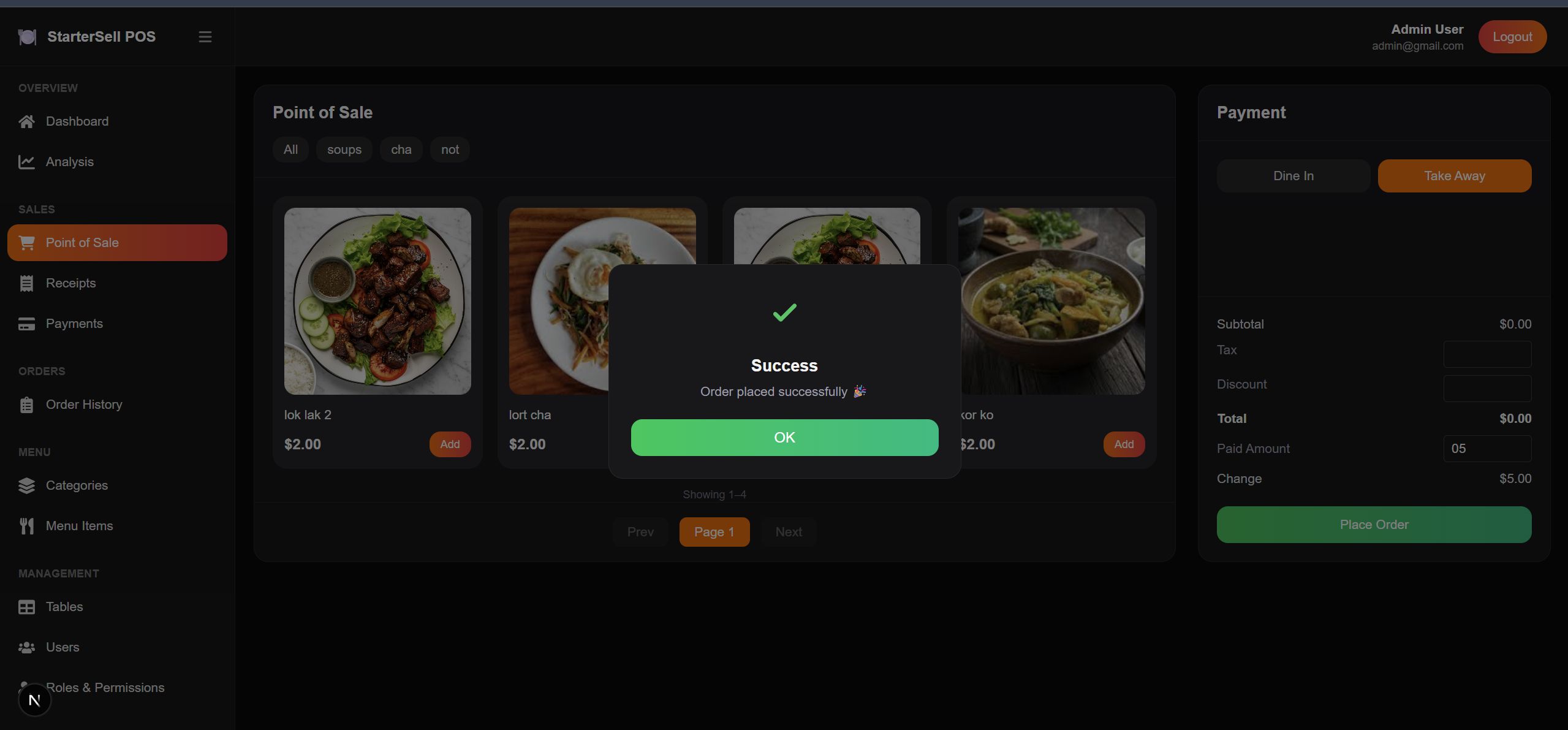
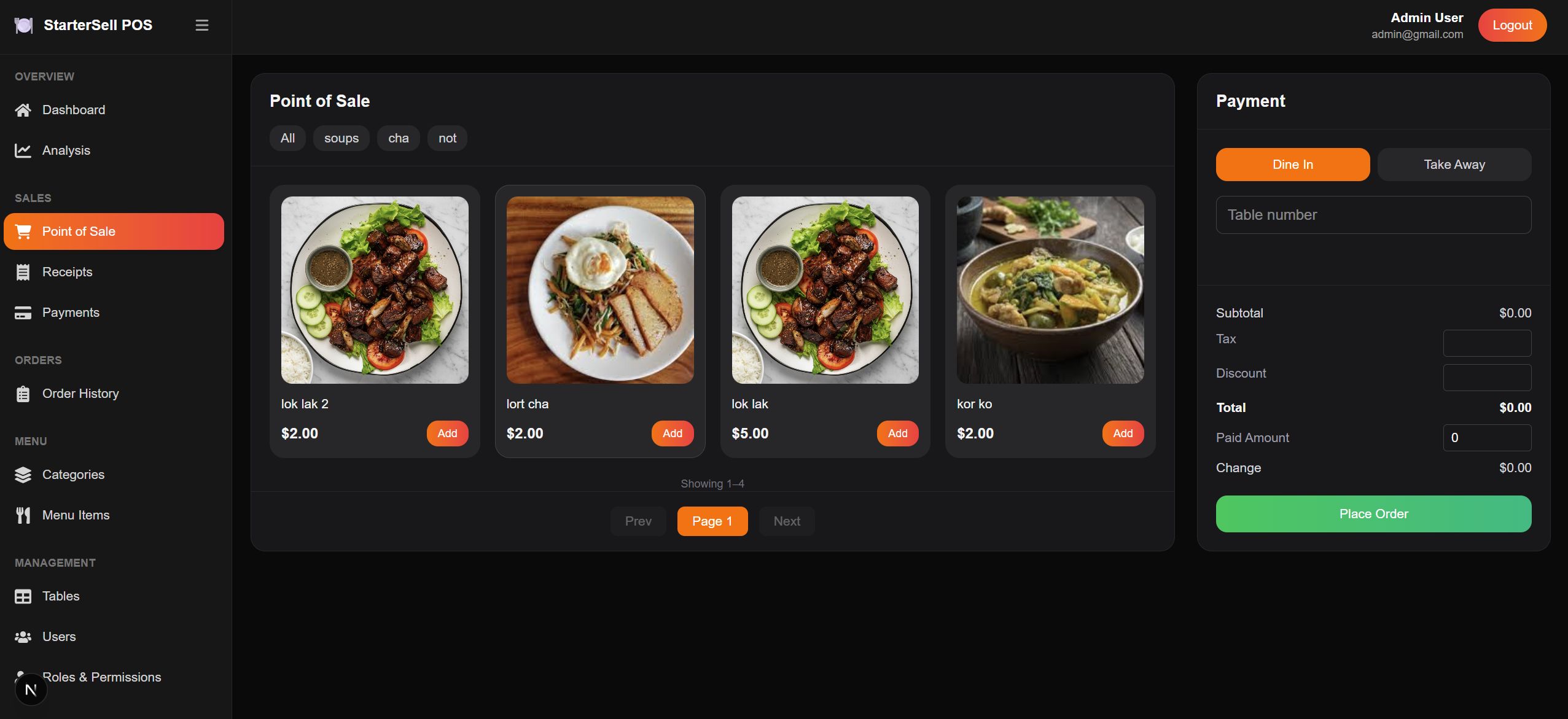
-Fast point of sale for counter service and table service
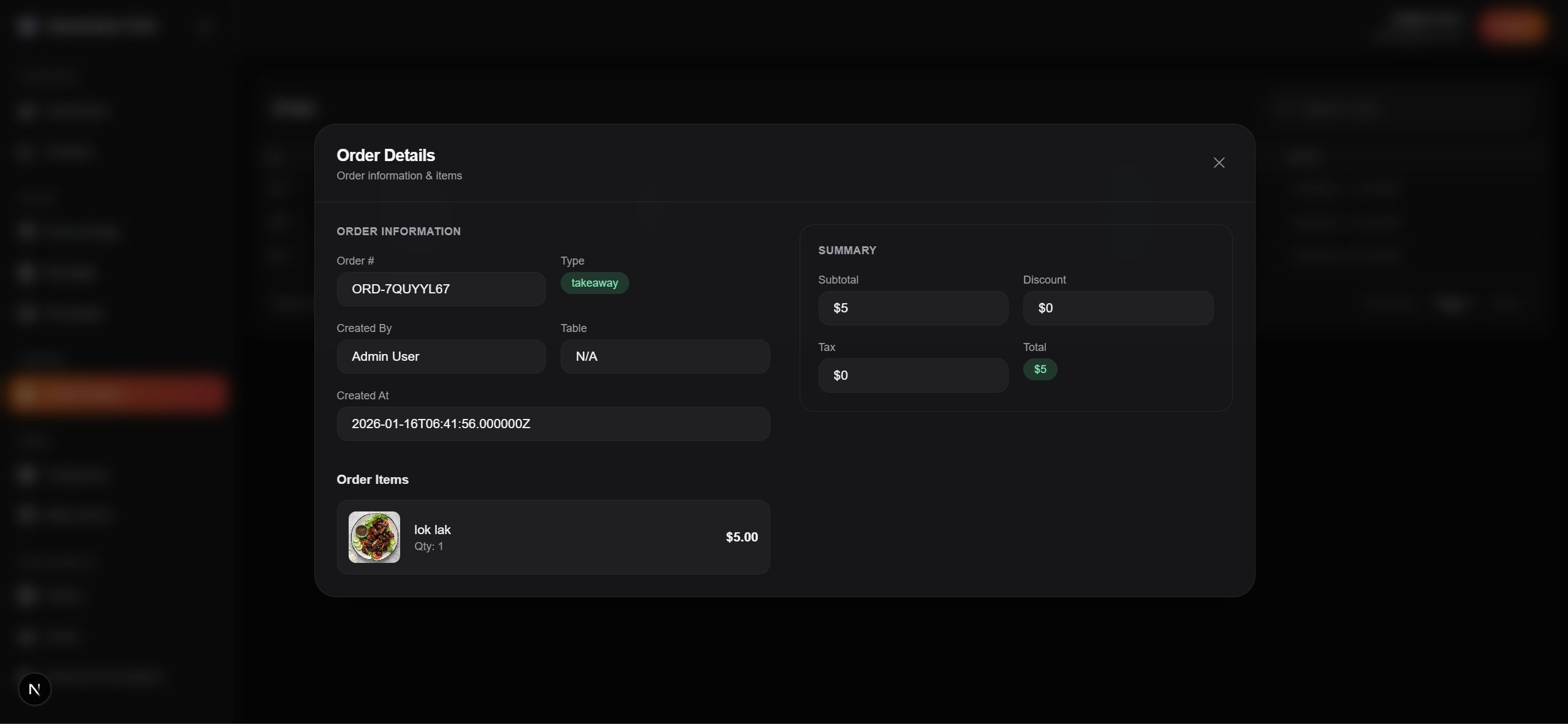
-Automatic order total and billing calculation
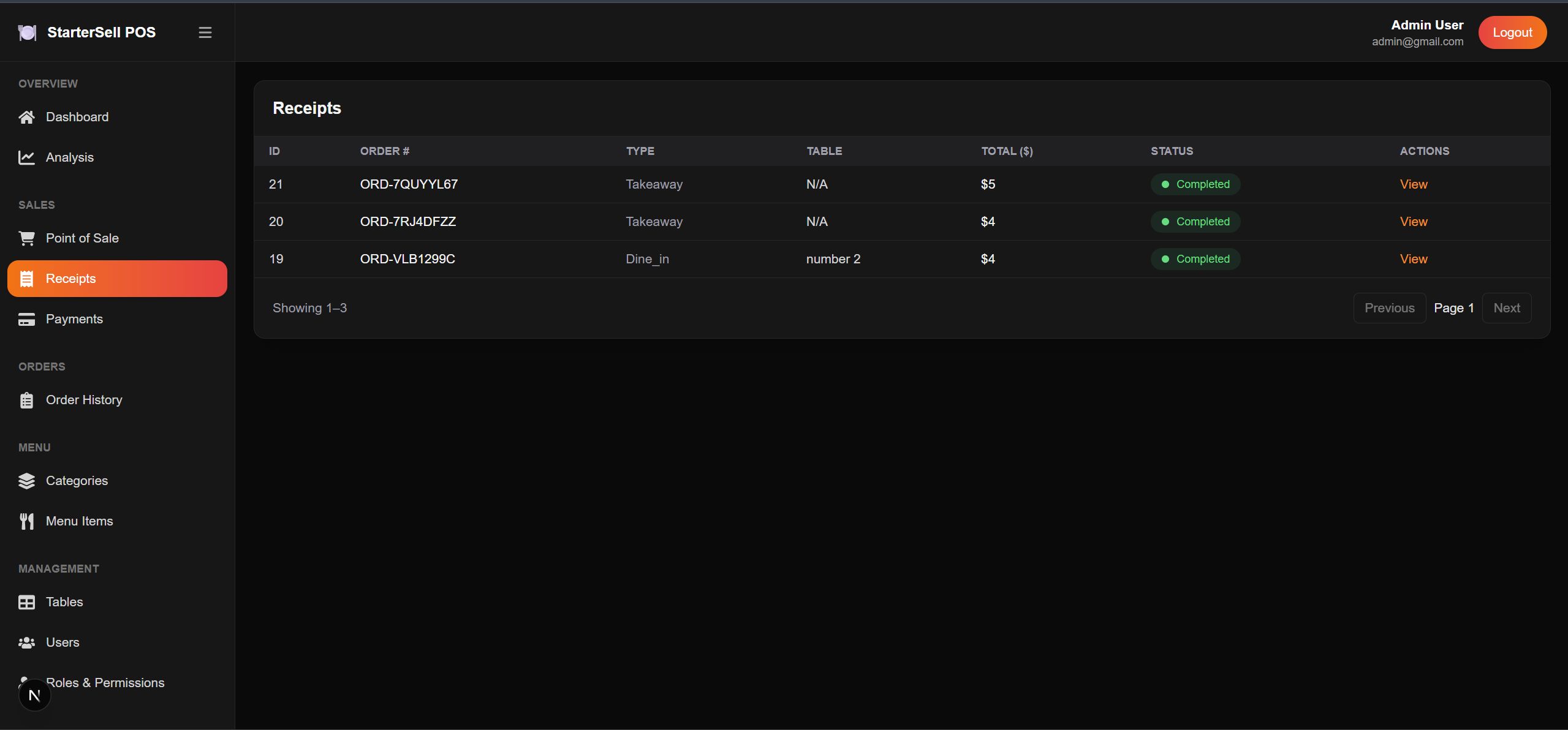
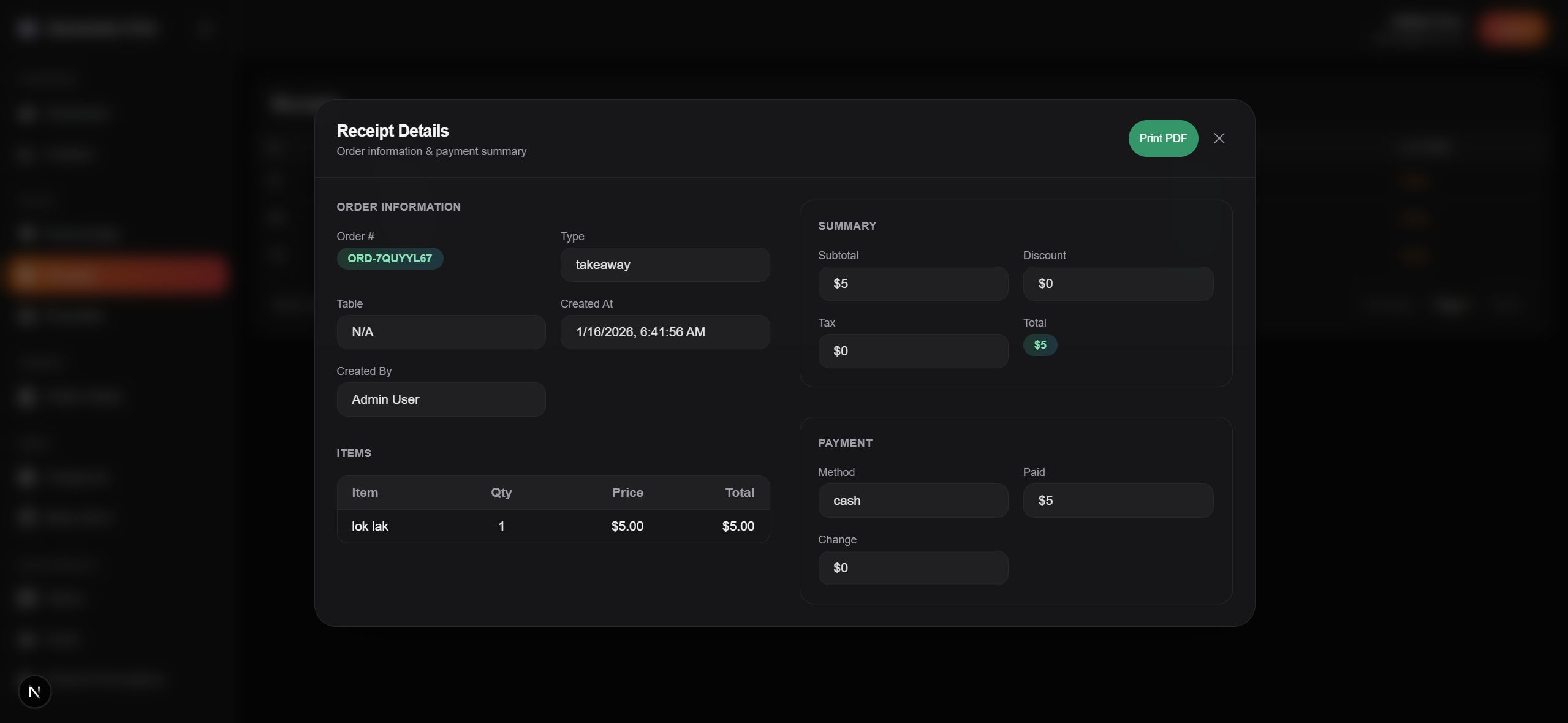
-Digital receipts with full sales and cashier details
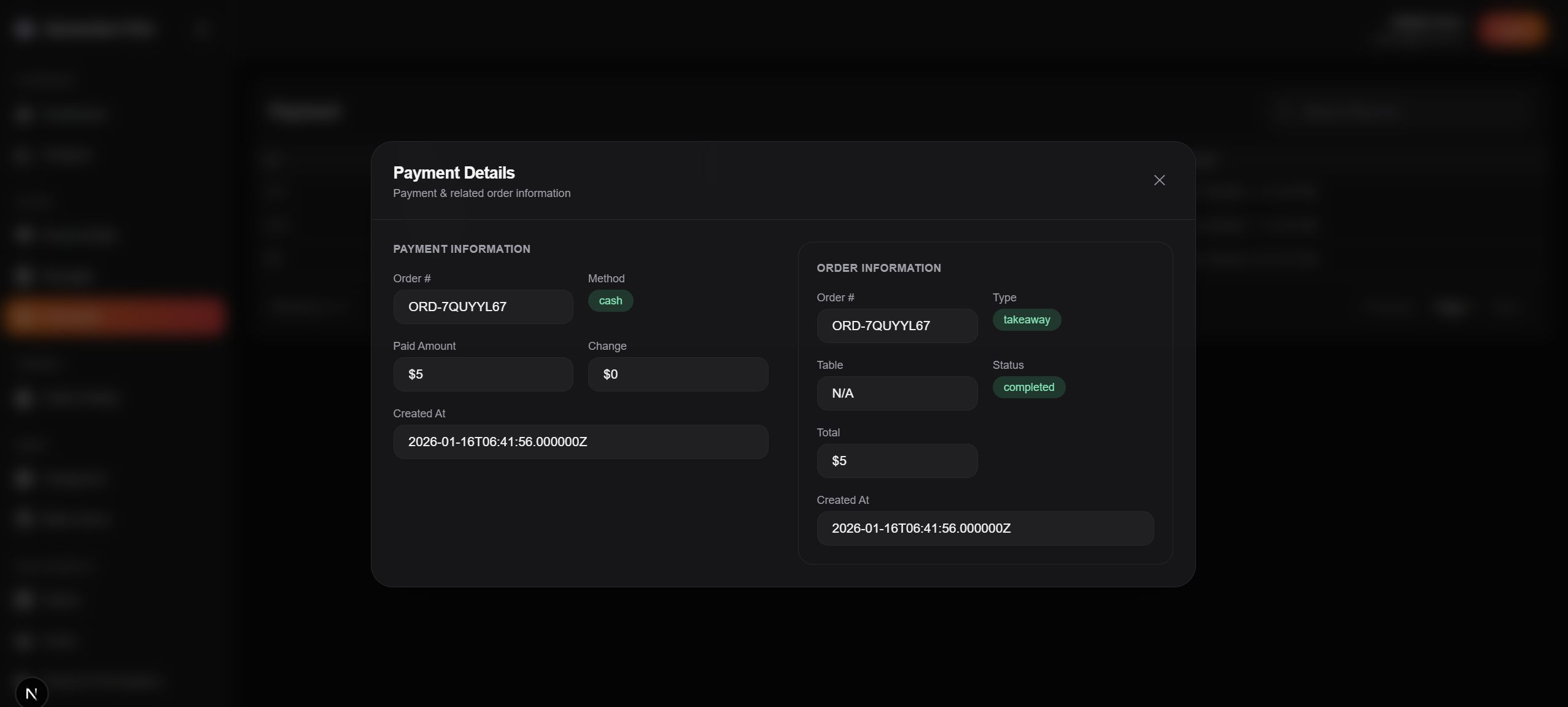
-Payment tracking for cash and supported payment methods
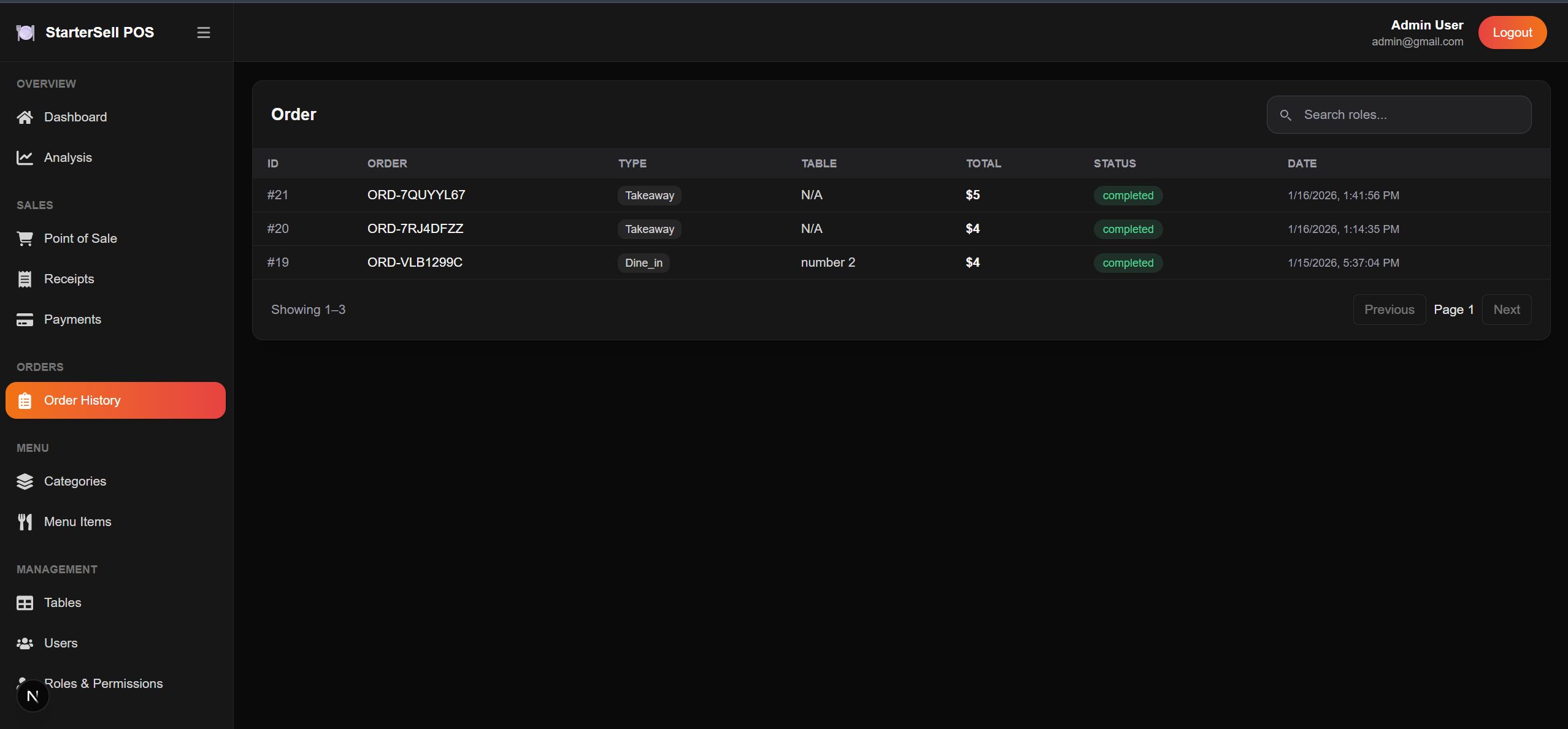
-Complete order history with status tracking
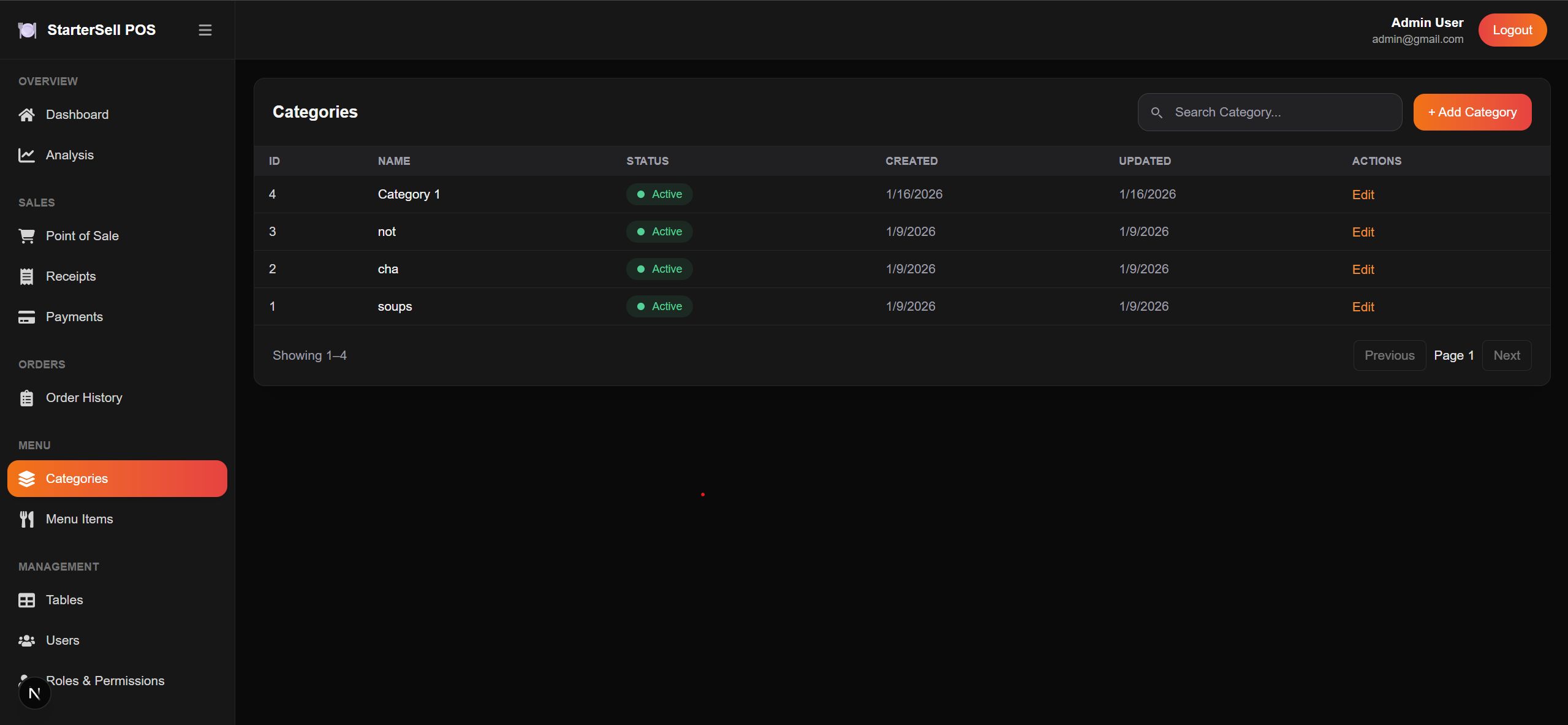
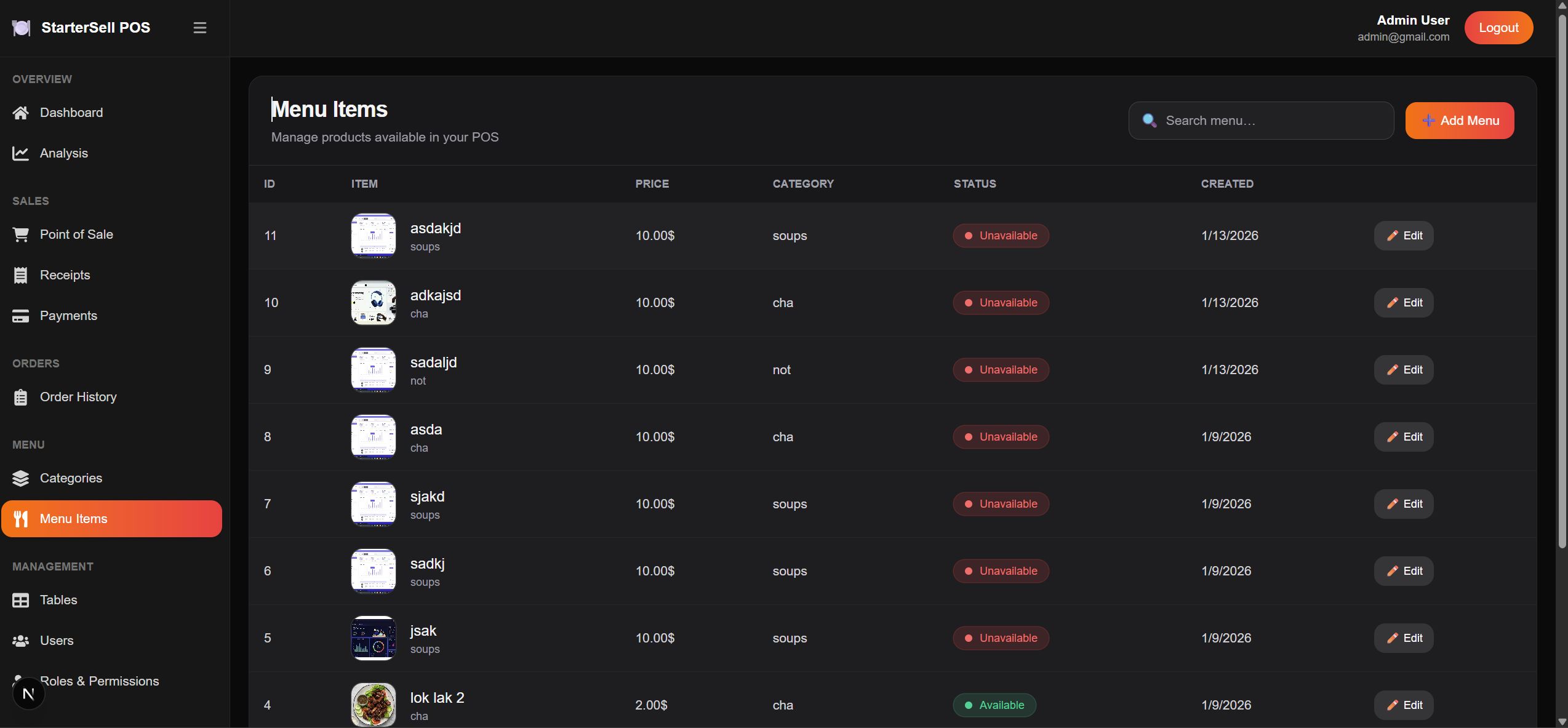
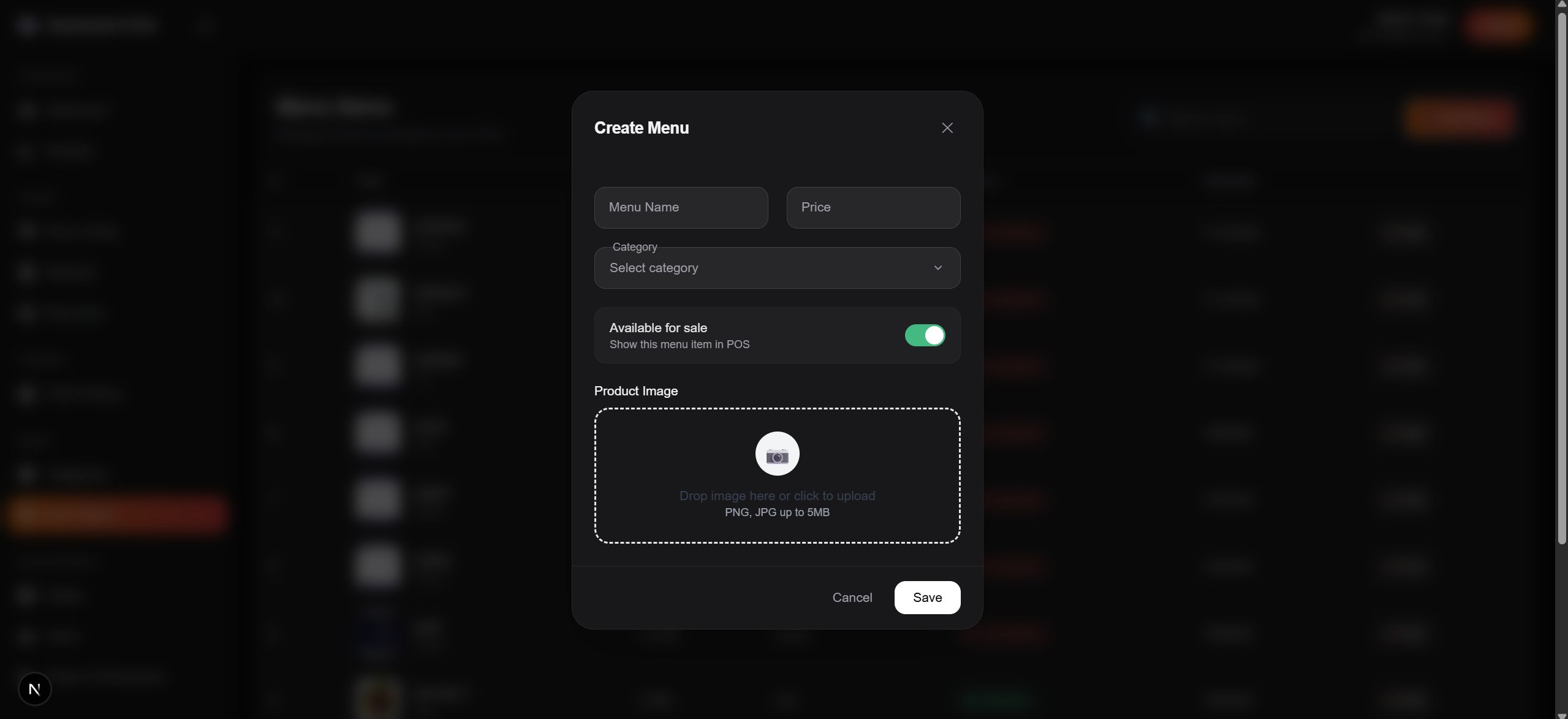
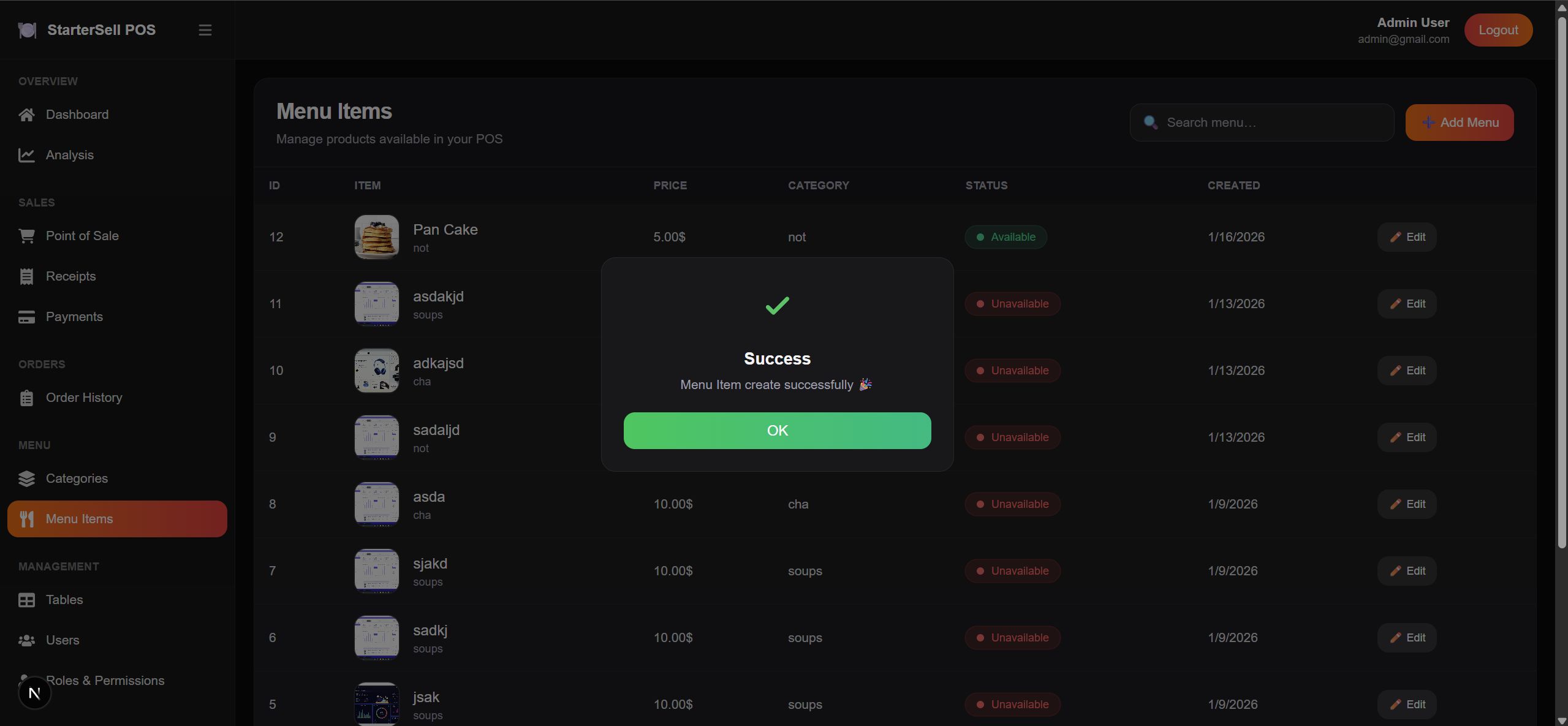
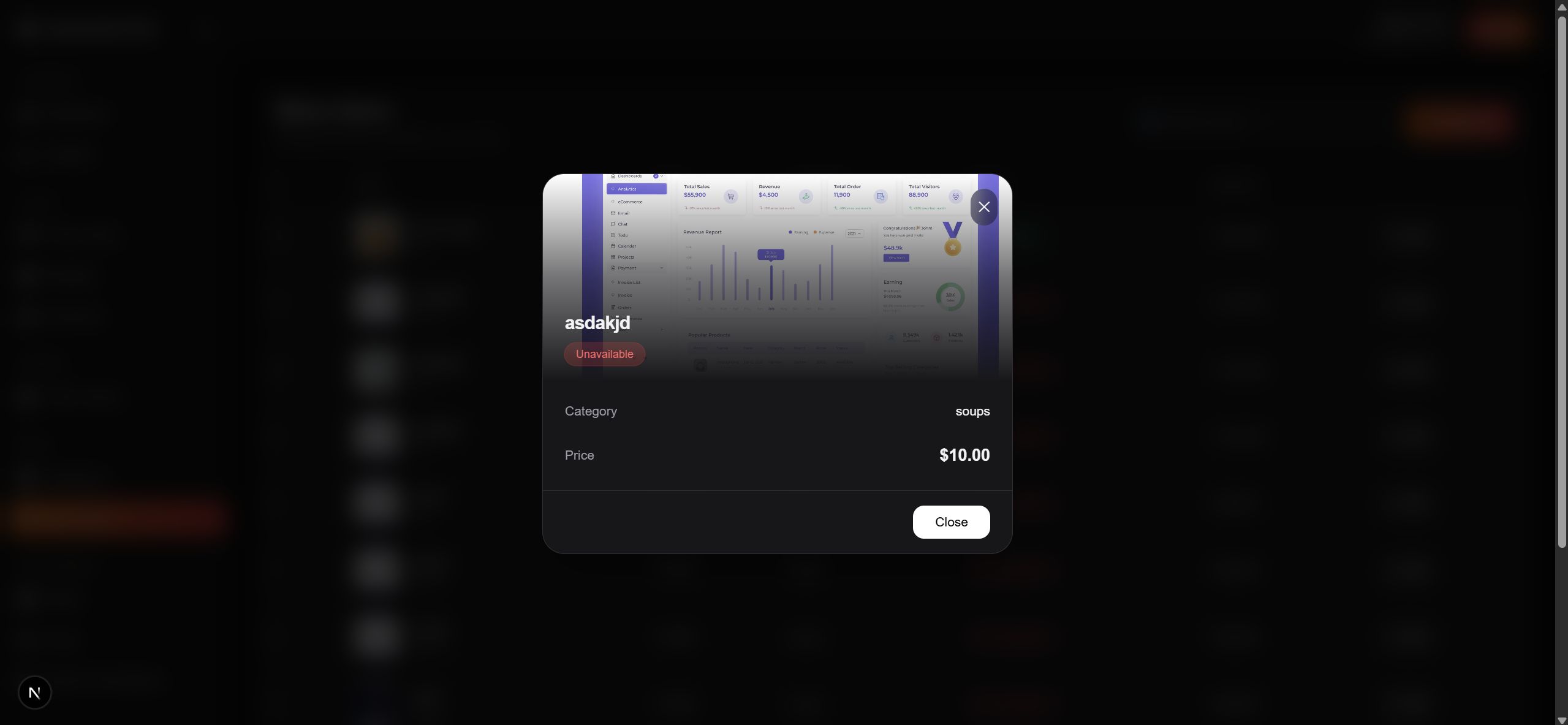
-Menu item management for food and drinks
-Menu categories for easy item organization
-Table management for dine-in service
-User management for restaurant staff
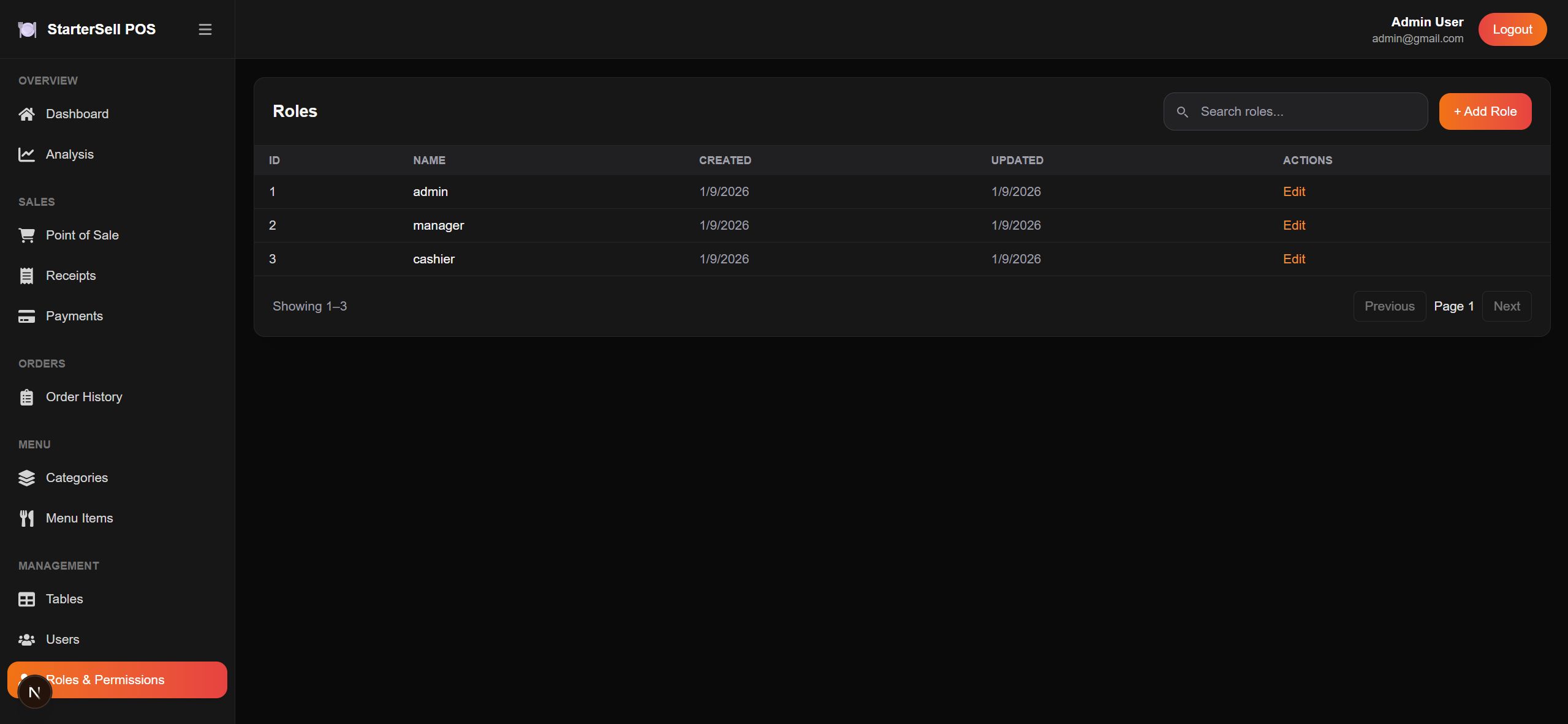
-Role and permission control for secure access
Requirements
- Laravel 11 API
PHP (version 8.1 or higher)
Laravel Framework (latest stable version)
Composer (latest version)
PostgreSQL or MySQL Database
Web Server (Apache or Nginx)
RESTful API architecture
Token-based authentication (JWT)
- Next JS 16 Frontend
Node.js (version 18 or higher)
pnpm (version 8 or higher)
Next.js 16
JavaScript / TypeScript
Tailwind CSS
Instructions
Backend Laravel 11
First, ensure your system meets the required prerequisites. You need PHP 8.1 or higher, Composer, MySQL, and Git installed on your machine.
Begin by cloning the POS Restaurant API project repository and navigating into the project directory. Install all backend dependencies using Composer to prepare the Laravel application.
Next, copy the .env.example file and rename it to .env. Update the application configuration, including database credentials, to match your MySQL setup. After creating the database, generate the Laravel application key to secure the application.
Once the environment is configured, run the database migrations to create all necessary tables for restaurant operations such as products, categories, orders, tables, and users. If demo or sample data is required for testing, you can also run the database seeder.
After that, create the storage link and verify that the storage and cache directories have the correct write permissions to allow file uploads and system caching.
Finally, start the Laravel development server using Artisan. The POS Restaurant API will now be running locally and ready to connect with the frontend application.
Frontend Next JS 16
Before starting, make sure node js version 18 or higher is installed on your system, along with a package manager such as npm, pnpm or yarn.
Clone or extract the POS Restaurant project and navigate into the project directory. Install all required frontend dependencies to set up Next.js, React, and supporting libraries.
After the installation is complete, create an environment configuration file if required and set the API BASE URL so the frontend can communicate with the POS Restaurant backend.
Start the development server to run the application locally. The system will compile automatically, and the POS Restaurant interface will be accessible through your browser using the local development URL.
For production deployment, build the project using the production build command and deploy it to a hosting platform such as vercel. Ensure all environment variables are properly configured in the production environment.
Once deployed, the POS Restaurant UI will be fully connected to the backend API and ready for real-world restaurant operations such as order management, billing, and inventory tracking.
Other items by this author


|
PHP Script Installation Service
Don't worry about the installation of your script! Have your PHP Script installed for you.
|
$39 | Buy now |
| Category | Scripts & Code / PHP Scripts / POS |
| First release | 18 January 2026 |
| Last update | 18 January 2026 |
| Software version | PHP 8.1, PHP 8.2, PHP 8.3 |
| Files included | .php, .css, .html, .sql, Javascript .js |
| Software framework | React, Laravel |
| Tags | pos system laravel pos rest api admin dashboard sales management laravel api bootstrap admin |