KDR SocialHub – Social Share for WordPressKDR SocialHub – Social Share for WordPress
Lightweight WordPress social share plugin with modern icons, floating buttons, and fast sharing for all major social media platfor
KDR SocialHub – Social Share for WordPress
Lightweight WordPress social share plugin with modern icons, floating buttons, and fast sharing f...
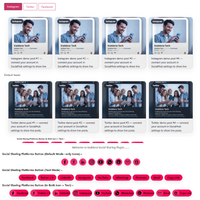
Screenshots

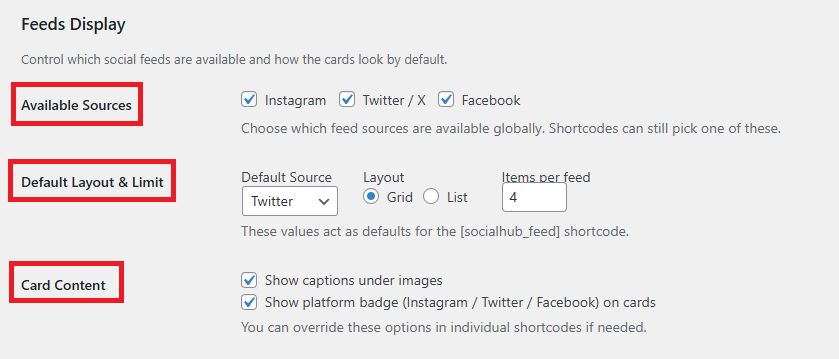
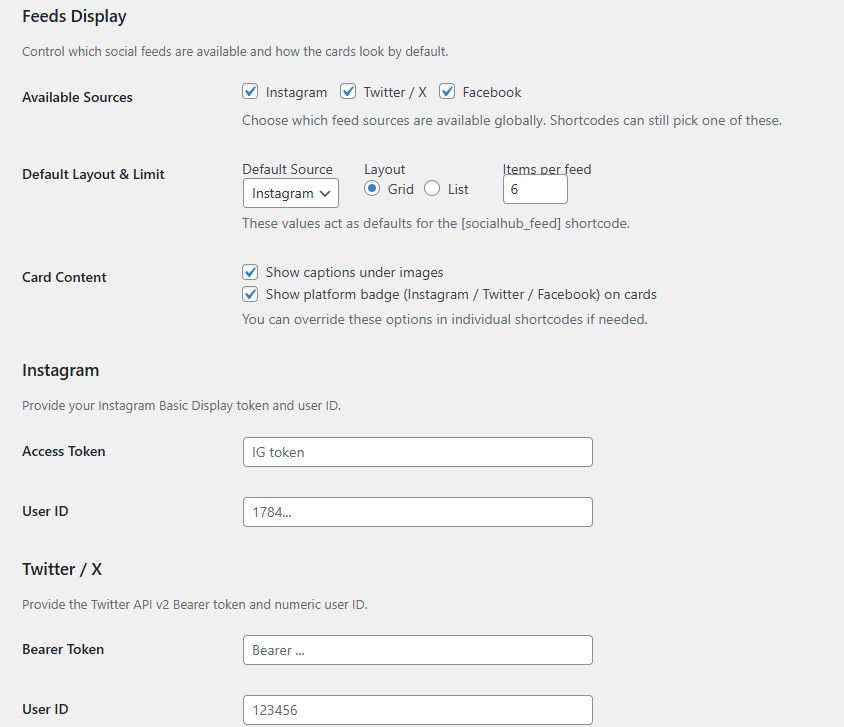
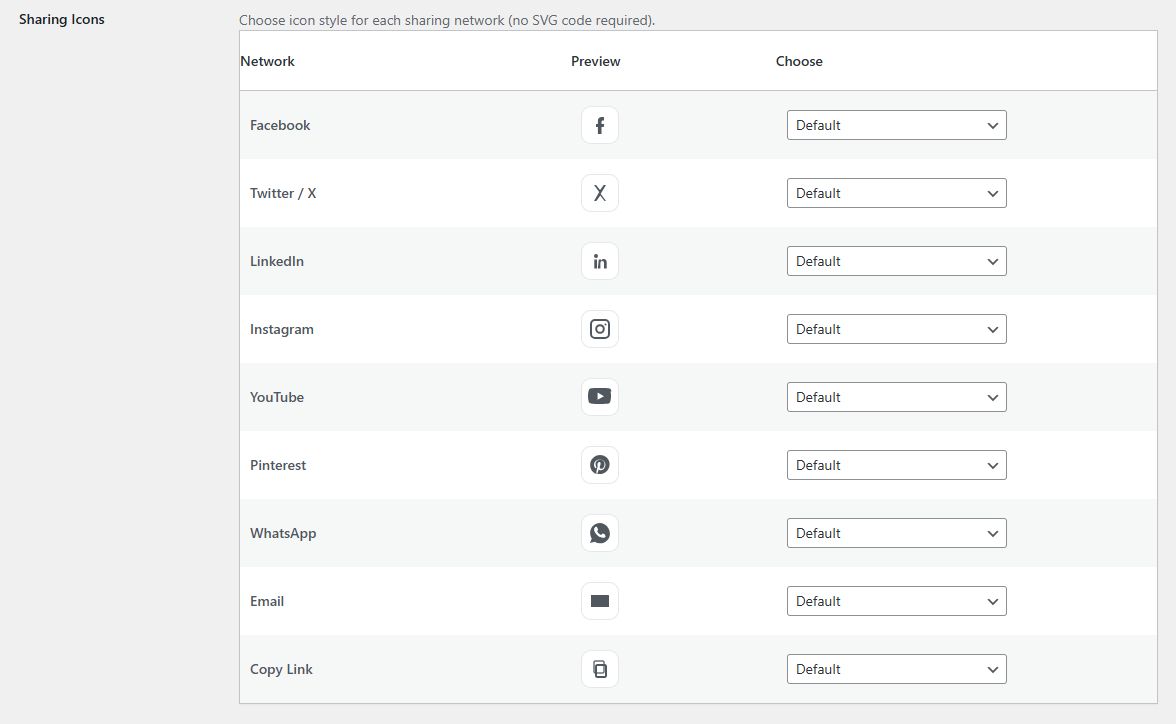
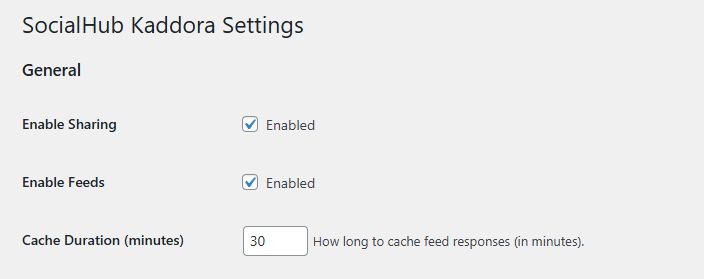
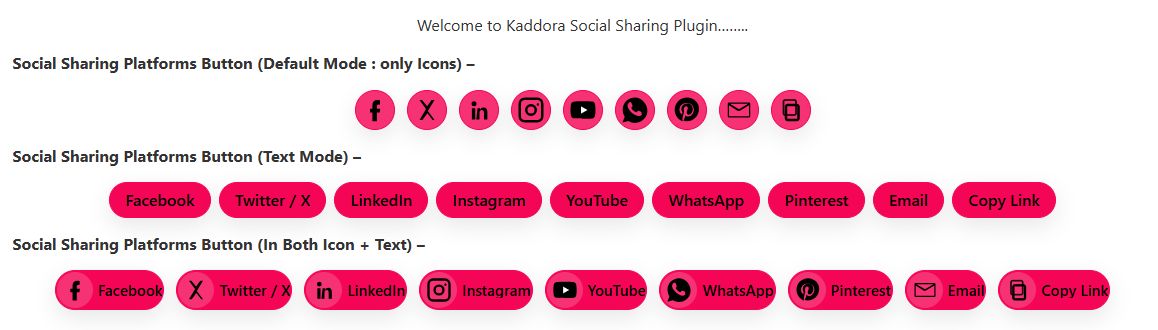
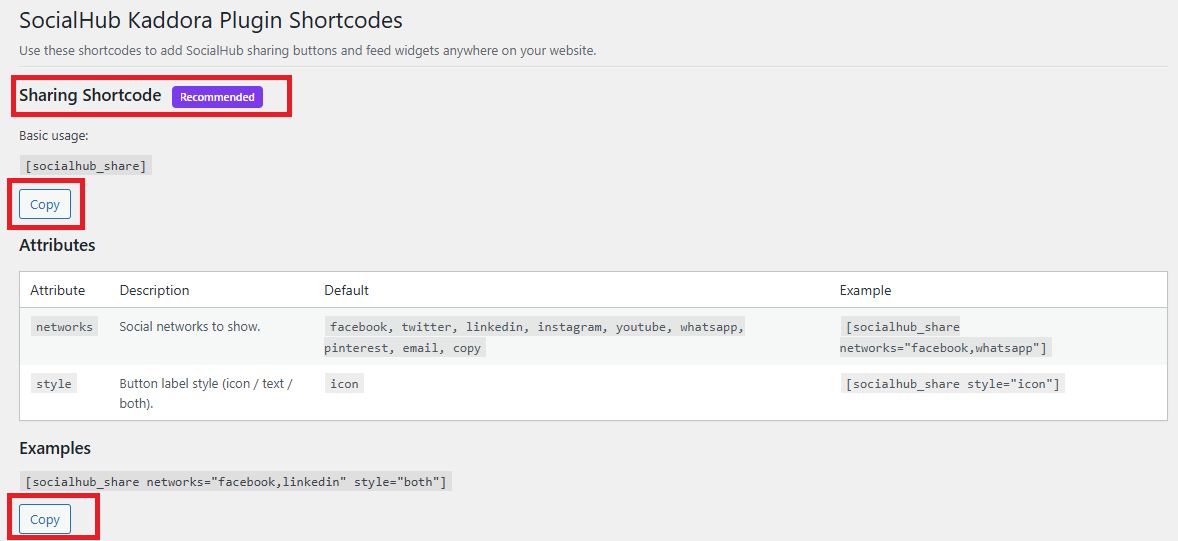
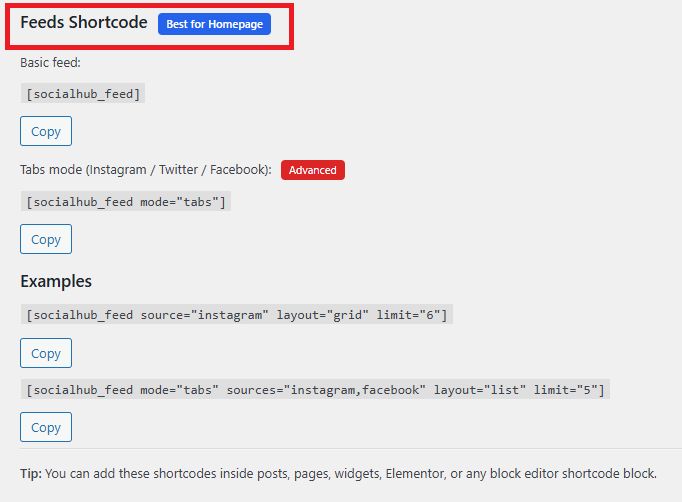
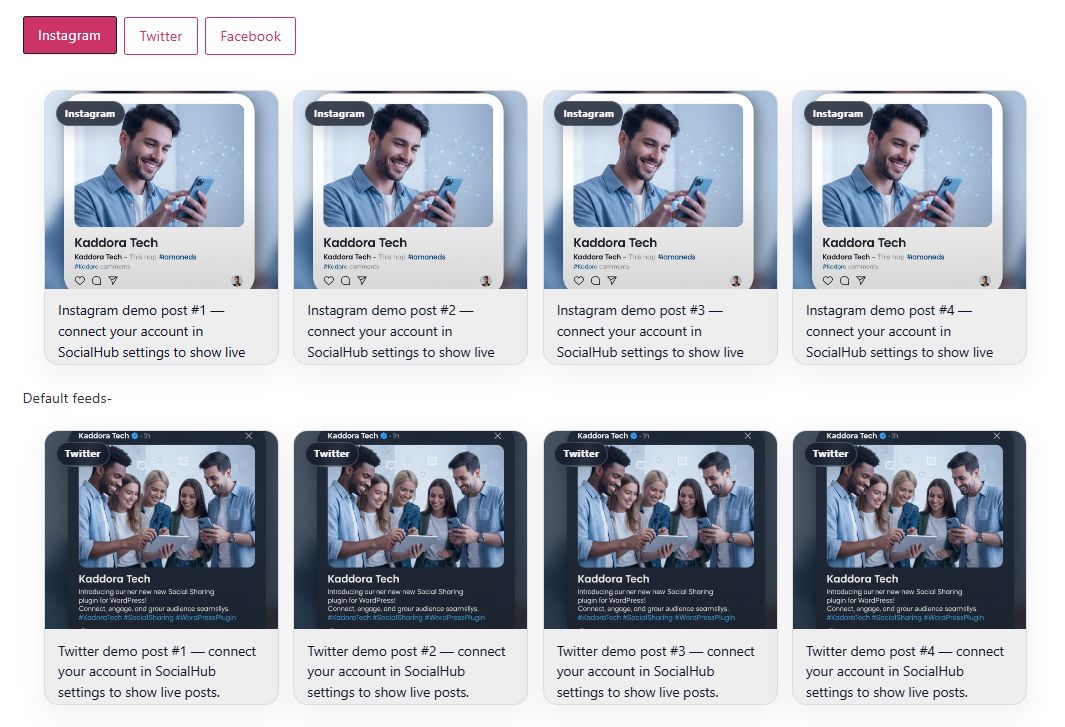
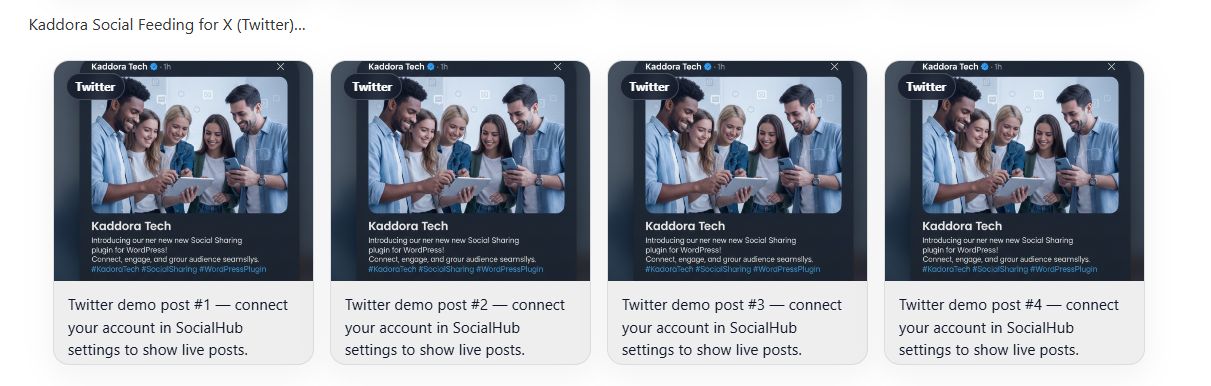
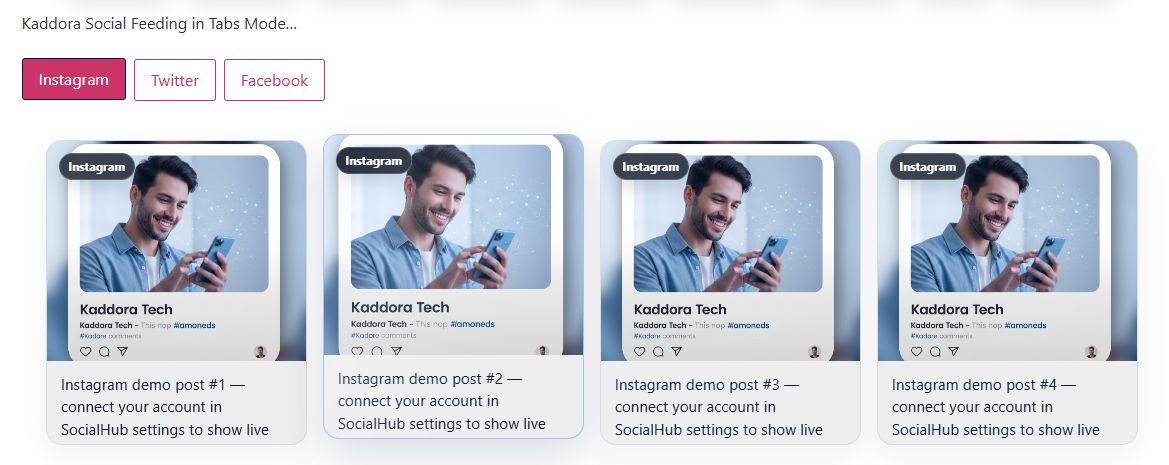
Overview
KDR SocialHub – Social Share Buttons WordPress Plugin
KDR SocialHub is a powerful, lightweight, and modern social share buttons WordPress plugin designed to increase engagement, traffic, and social visibility on your website. With beautifully designed social media icons and flexible display options, SocialHub helps your visitors share your content instantly across major social networks.
Built with performance and usability in mind, KDR SocialHub loads fast and integrates seamlessly with any WordPress theme. Whether you run a blog, business website, news portal, or eCommerce store, this plugin helps boost your social reach and grow your audience organically.
Boost Social Engagement & Traffic
Social sharing plays a vital role in digital marketing and SEO growth. KDR SocialHub makes it easy for users to share your posts, pages, and products on platforms like:
- Twitter (X)
- Telegram
- And more
With one-click sharing functionality, your content spreads faster and reaches a wider audience.
Modern & Customizable Design
The plugin offers clean, stylish, and fully responsive social icons that match any website design. You can choose from multiple layouts such as:
- Floating side share buttons
- Inline share buttons
- Top & bottom post sharing
- Sticky social bar
Customize colors, icon styles, sizes, and positions to fit your brand identity perfectly.
1.Lightweight & Performance Optimized
KDR SocialHub is optimized for speed and performance. It uses minimal scripts and clean code to ensure your website remains fast and SEO-friendly. Unlike heavy social plugins, it does not slow down your pages.
2. Fully Responsive & Mobile Friendly
All social share buttons are fully responsive and look perfect on desktop, tablet, and mobile devices. Mobile-friendly sharing increases engagement from smartphone users.
3. Easy Setup & User Friendly
- Quick installation and activation
- Simple admin settings panel
- No coding required
- Works with Gutenberg and most page builders
You can enable or disable specific social networks with just a few clicks.
4. Secure & Reliable
Developed following WordPress coding standards, KDR SocialHub ensures secure performance and compatibility with the latest WordPress versions.
5. Perfect For
- Bloggers
- Digital marketers
- Business websites
- News portals
- Agencies
- Online stores
- Content creators
Features
KDR SocialHub – Social Share Buttons WordPress Plugin
1.Multiple Social Networks Support
Enable sharing on major platforms including Facebook, X (Twitter), LinkedIn, Pinterest, WhatsApp, Telegram, Reddit, and more.
2. One-Click Social Sharing
Allow users to instantly share posts, pages, and products with a single click to boost engagement and traffic.
3. Floating & Sticky Share Buttons
Display floating social bars on the left, right, or bottom for maximum visibility and higher conversion rates.
4. Customizable Design & Colors
Adjust icon styles, sizes, shapes, and brand colors to match your website design perfectly.
5. Fully Responsive Layout
Mobile-friendly and optimized for all devices including desktops, tablets, and smartphones.
6. Lightweight & Fast Performance
Clean and optimized code ensures minimal load time and maximum site speed.
7. Flexible Display Options
Show share buttons before content, after content, or both. Control visibility per post type.
8. Social Share Count Support
Display share counters to increase credibility and social proof.
9. Easy Setup & User Friendly
Simple admin panel with no coding required. Activate, customize, and go live in minutes.
10. Secure & WordPress Standards
Built following WordPress coding standards with secure and reliable performance.
11. Shortcode & Gutenberg Compatible
Insert social share buttons anywhere using shortcode or block editor support.
12. SEO Friendly Structure
Optimized markup that supports better indexing and improved search visibility.
Requirements
KDR SocialHub – Social Share Buttons WordPress Plugin
Minimum Requirements
- WordPress Version: 5.0 or higher
- PHP Version: 7.2 or higher (Recommended: PHP 8.0+)
- MySQL Version: 5.6+ or MariaDB equivalent
- HTTPS: Recommended for secure social sharing
- Memory Limit: 128MB minimum (256MB recommended)
Browser Compatibility
- Google Chrome (latest version)
- Mozilla Firefox (latest version)
- Safari
- Microsoft Edge
- Opera
Device Compatibility
- Desktop
- Laptop
- Tablet
- Mobile (Fully Responsive Design)
Server Requirements
- cURL enabled
- JSON support enabled
- mod_rewrite enabled (recommended)
- wp_remote_get() and wp_remote_post() functions enabled
Theme Compatibility
- Compatible with all standard WordPress themes
- Works with Gutenberg Block Editor
- Compatible with most page builders (Elementor, WPBakery, etc.)
Installation Requirements
- Access to WordPress Admin Dashboard
- Ability to upload and activate plugins
Instructions
How to Use – KDR SocialHub
Step 1: Install the Plugin
- Log in to your WordPress Dashboard
- Go to Plugins → Add New
- Click Upload Plugin
-
Select the
kdr-socialhub.zipfile - Click Install Now
- Click Activate
Step 2: Configure Plugin Settings
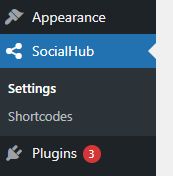
- Go to Dashboard → KDR SocialHub
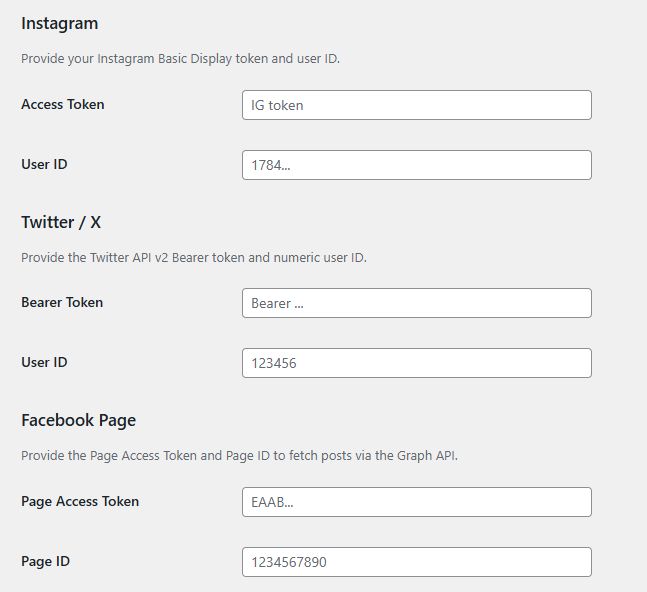
- Open the Settings Panel
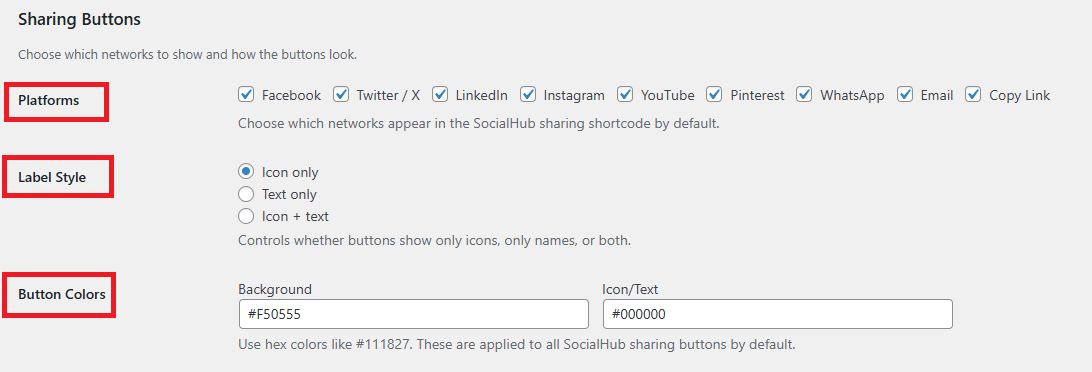
- Select the social networks you want to display
- Choose button position (Floating, Inline, Top/Bottom)
- Customize icon style, size, and colors
- Save changes
Step 3: Choose Display Location
You can display social share buttons:
- Before post content
- After post content
- Both before and after
- As floating side buttons
- Using shortcode anywhere
Step 4: Use Shortcode (Optional)
To display buttons manually, use:
[kdr_socialhub]
Add it inside:
- Posts
- Pages
- Widgets
- Page builders
Step 5: Test Social Sharing
- Open any post or page
- Click a social icon
- Verify sharing window opens correctly
Optional Settings
- Enable share counts
- Enable floating sticky bar
- Customize mobile display settings
- Enable/disable specific post types
Best Practices
- Use HTTPS for secure sharing
- Enable only required social networks (for better speed)
- Test on mobile devices
Other items by this author


| Category | Plugins / WordPress / Social Media |
| First release | 26 February 2026 |
| Last update | 26 February 2026 |
| Tags | social media buttons, social icons, social share buttons, wordpress social share, social media plugin, wordpress social plugin, floating share buttons, wp share buttons, social share wordpress plugin, share buttons plugin, responsive social share, sticky social bar, social share counter, facebook share button |