StockPro - POS And Inventory Management SystemStockPro - POS And Inventory Management System
Complete POS & Inventory Management System to manage sales, stock, invoices, expenses, and reports with ease.
StockPro - POS And Inventory Management System
Complete POS & Inventory Management System to manage sales, stock, invoices, expenses, and re...
Screenshots




Overview
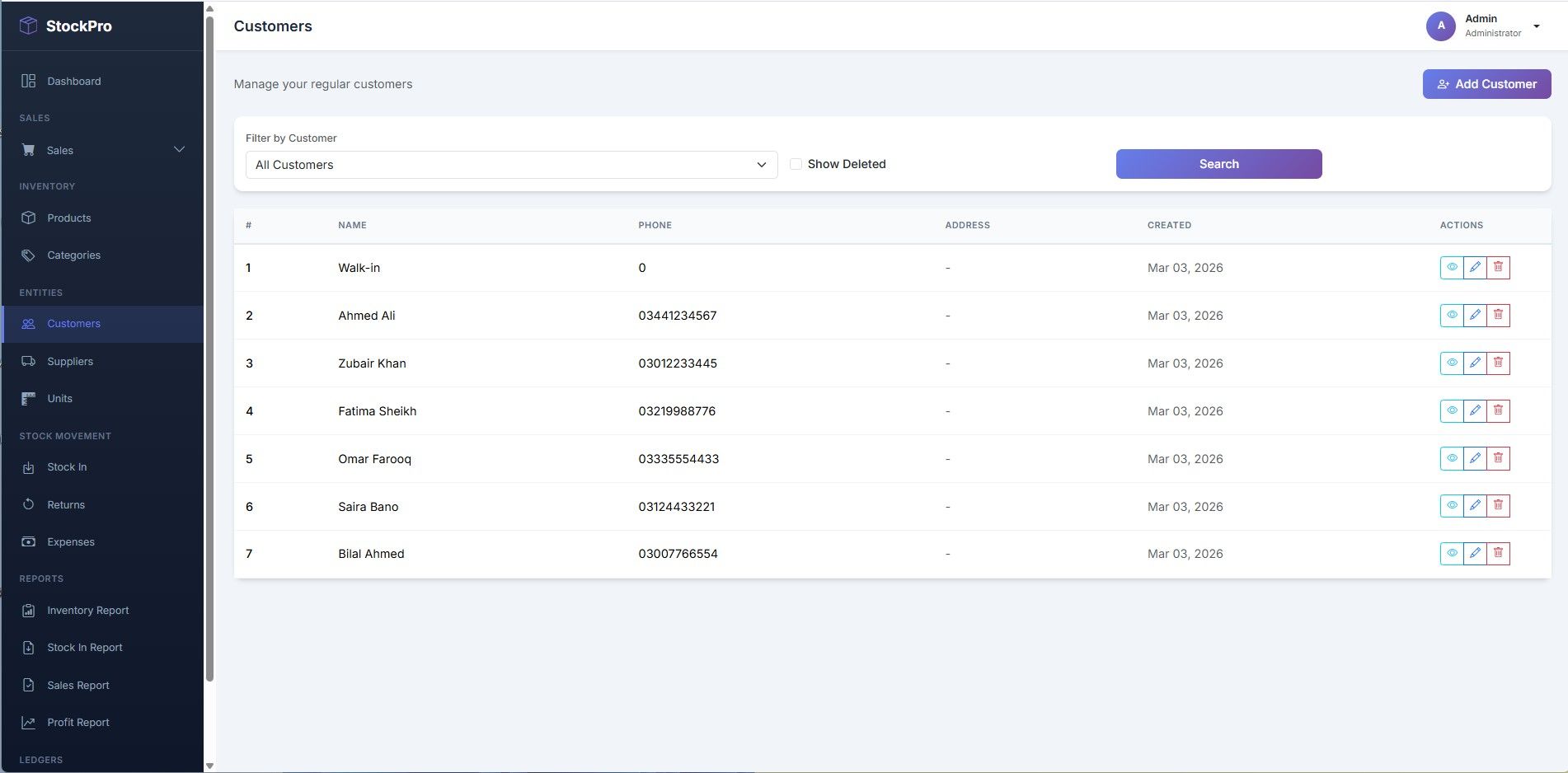
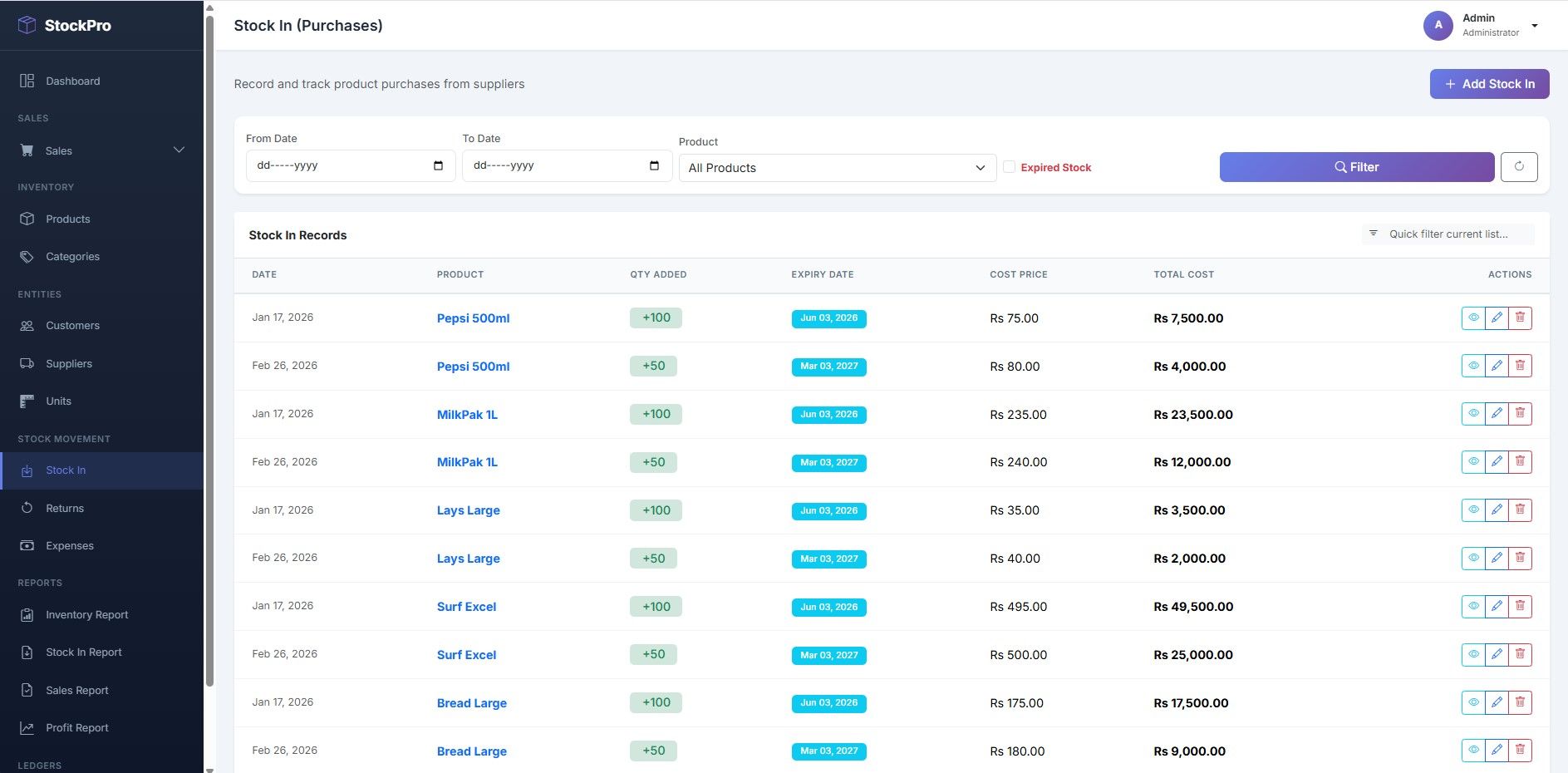
StockPro is a powerful and easy-to-use POS & Inventory Management System designed for retail stores and small businesses. Manage sales, invoices, stock, expenses, and customer ledgers with real-time reports and a user-friendly dashboard.
Features
Dashboard Overview:
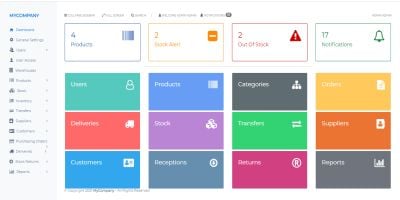
Get a complete business snapshot with total sales, purchases, products, stock status, expenses, and recent transactions all in one place.
POS System:
Fast and user-friendly Point of Sale interface to create instant sales. Add products quickly, apply discounts, calculate totals, and generate invoices in seconds.
Invoice Generator:
Create professional invoices with customer details, product list, taxes, discounts, and payment information. Download or print invoices in PDF format.
Inventory Management:
Manage products, categories, stock levels, buying price, and selling price. Track available quantities in real-time.
Stock In / Returns:
Record new stock entries from suppliers and manage returned items efficiently to maintain accurate inventory records.
Expense Management:
Track daily and monthly business expenses with proper categorization for better financial control.
Customer & Supplier Ledger:
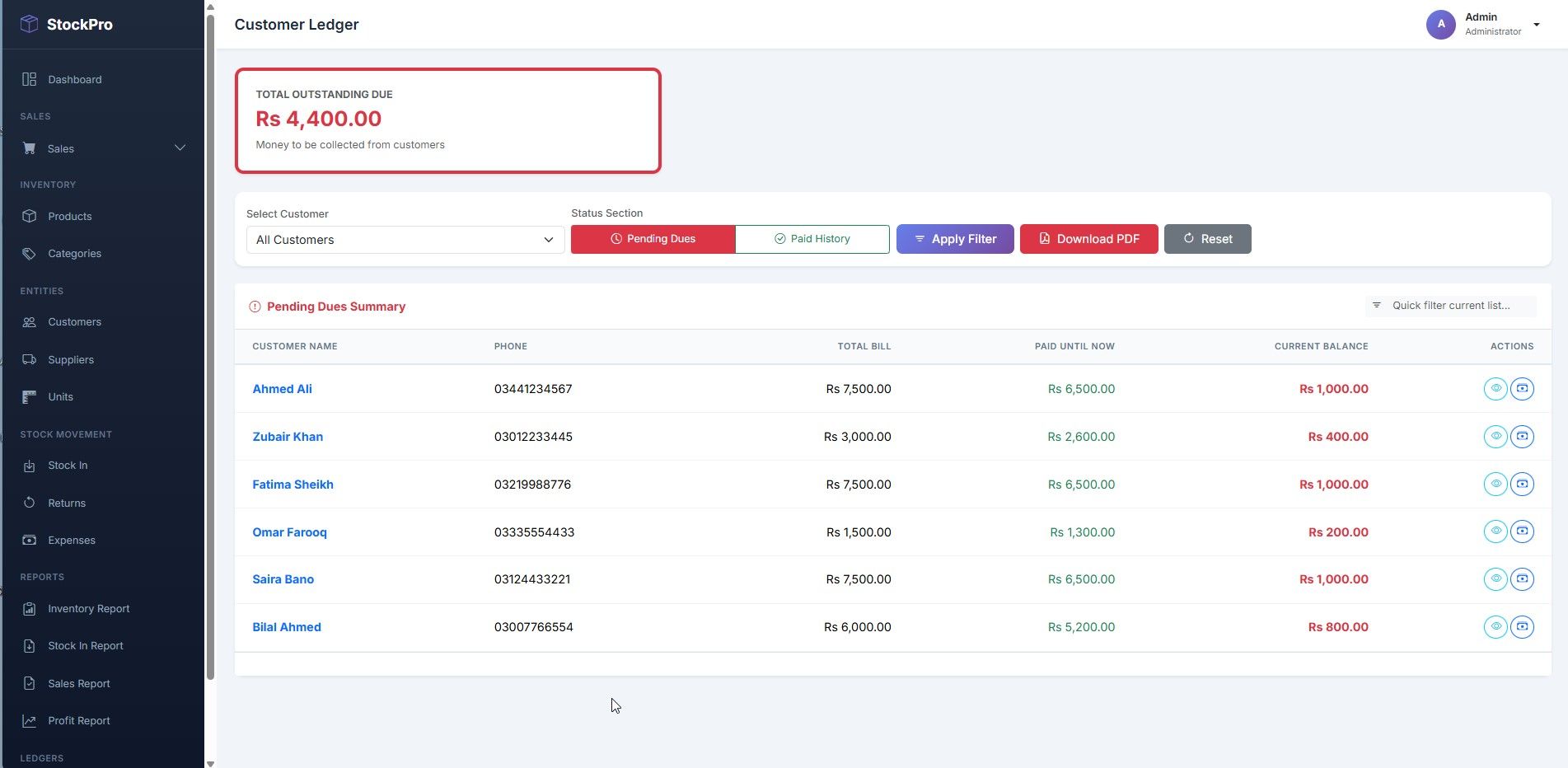
Maintain complete transaction history for customers and suppliers. View balances, payments, and outstanding amounts easily.
Sales & Profit Reports:
Generate detailed reports with date range filters. Analyze sales performance, purchase data, and profit margins.
Admin Panel:
Secure admin dashboard to manage users, system settings, products, and overall business operations with full control.
Requirements
PHP 8.2
Laravel 12 PHP Framework
MYSQL 5.6+
Instructions
StockPro – Laravel Project Installation Guide
1. System Requirements
Ensure your system has:
- PHP 8.1 or higher
- Composer
- MySQL
- Local server (XAMPP / WAMP / Laragon)
2. Project Setup
Step 1: Project Files
- Extract the ZIP file.
- Move the folder to local server folder:
- XAMPP:
C:xampphtdocs - WAMP:
C:wampwww - Laragon:
C:laragonwww
- XAMPP:
Step 2: Open Terminal
- Go inside project folder.
- Open CMD / Terminal.
Step 3: Install Dependencies
Run:
composer instal
Step 4: Environment Setup
- Copy
.env.example→ rename to.env - Generate key:
php artisan key:generate
Step 5: Database Setup
- Open phpMyAdmin → create database (example:
stockpro) - Update
.envfile:
DB_DATABASE=stockpro
DB_USERNAME=root
DB_PASSWORD=
Step 6: Database Migrate
- If SQL file included → import via phpMyAdmin
- Otherwise, run:
php artisan migrate
- If seeders included:
php artisan db:seed
Step 7: Storage Link
php artisan storage:link
Step 8: Run Project
php artisan serve
- Open browser:
http://127.0.0.1:8000
DEMO https://demo.zarqsolution.com/
3. Default Admin Login
| Password | |
|---|---|
| [email protected] | password |


| Category | Scripts & Code / PHP Scripts / Management / Inventory |
| First release | 3 March 2026 |
| Last update | 6 March 2026 |
| Files included | .php, .css, .html, .sql, Javascript .js |
| Tags | php script, Inventory Management, stock management, POS System |