


 PHP Inventory Software Systems
Explore 47 PHP inventory software systems and inventory management scripts for stock control, warehouses and shops. Use ready-made PHP inventory management systems with barcode support, multi-location stock, purchase and sales reports to manage items, suppliers and warehouses without rebuilding every inventory dashboard, admin panel and report from scratch for each project.
 Scripts & Code11
 AngularJS2
 C & C++142
 C#55
C#55 CSS28
CSS28 Django0
 Golang15
 Java211
 JavaScript130
 NodeJS2734PHP Scripts8
 Ads76AI41Affiliate61Booking31Blog23Chat6Countdown58CMS35CRM17Directory21Database80eCommerce121Finance19Food55Forms11Forum70Games1GPS41Help Desk50Links248Multimedia82Login270Management93Business22Healthcare18HR47Inventory9Library8Property 22Restaurant51School17Mail89Marketplace17News7Newsletter62POS38Payment19Polls32Project Management99SaaS20Search49Security86Social Networking15Sport6Statistics37Uploaders42Website Builders639Miscellaneous94
 Python90
 ReactJS1
 Ruby28
 VB.NET7544
 App Templates2448
 Themes1047
 Plugins14153
 Graphics









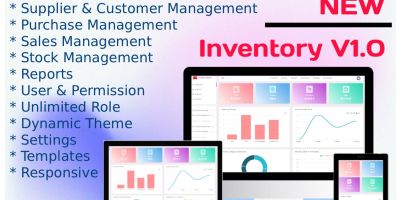



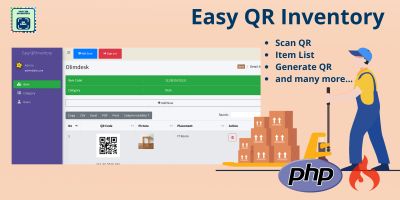


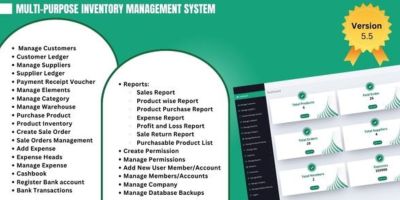
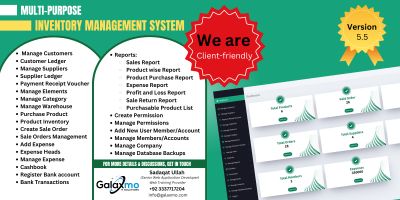
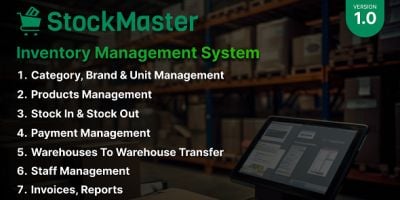
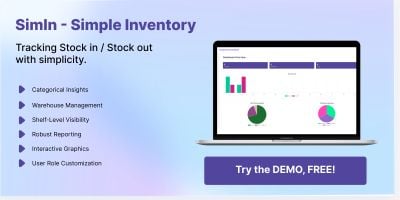
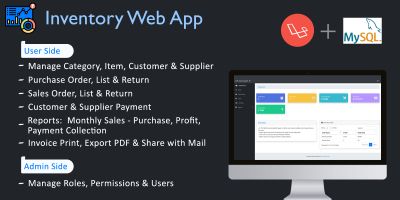
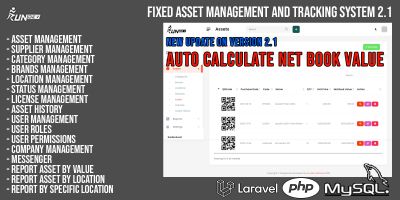
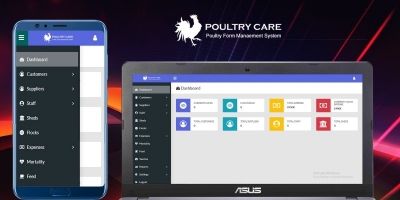
PHP Inventory Software Systems for Stock, Warehouses & Orders
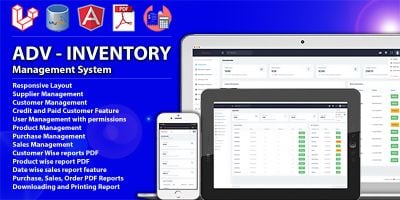
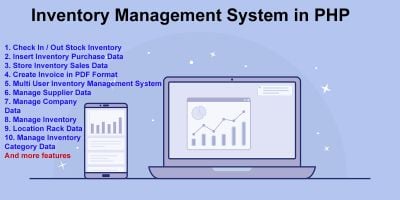
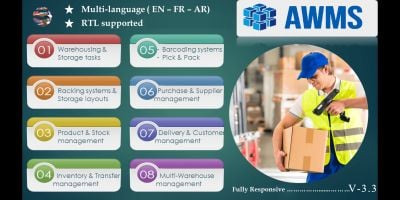
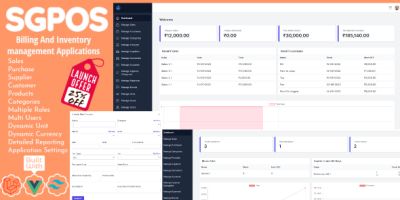
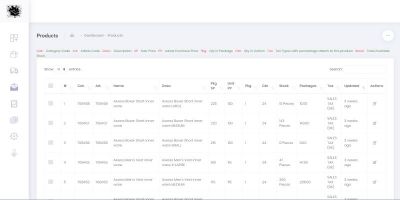
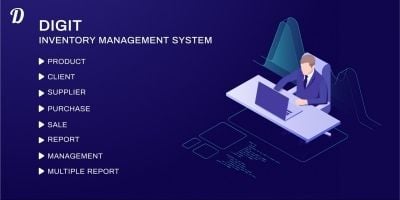
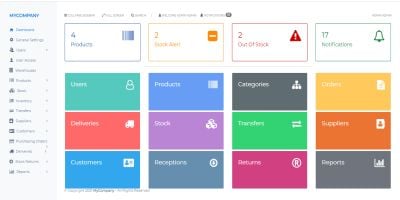
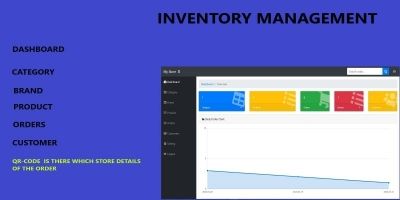
The PHP Inventory Software Systems section is where you’ll find complete PHP inventory management systems: stock control dashboards for shops, warehouse and multi-branch stock tools, purchase and sales tracking and small ERP-style inventory modules. Everything is written in PHP and ships with source code, so you can adapt it to your own products and processes.
If you want a quick shortlist before you dive into details, take a look at the most popular inventory software PHP scripts . That overview usually surfaces stock and inventory systems that are already running in real shops, warehouses and small businesses, which is a good sign that the workflows are practical rather than experimental.
Not every script in this category tries to do everything. Some are focussed inventory management PHP scripts that handle products, stock levels and basic purchase/sales history. Others look more like a small ERP, adding suppliers, customers, invoicing and simple finance reports on top of the stock module. You can pick whichever level matches what you actually need today.
Typical inventory systems from this category include features such as:
- Product master data with SKUs, categories, units and pricing.
- Stock in/out tracking per warehouse, store or location.
- Purchase orders, GRNs and supplier histories.
- Sales or issue records linked to customers or internal departments.
- Basic reports: low stock alerts, stock valuation and movement summaries.
- Optional barcode or QR code support for faster stock updates.
In many projects, an inventory script from this section becomes the “back room” for a retail or service business. It often sits alongside a POS or billing front end, especially for shops and showrooms. If you need a dedicated checkout or till interface, you can pair an inventory system here with a POS front end from POS Software Systems PHP : the POS handles day-to-day sales, while the inventory software keeps product and stock data in order.
These systems also fit naturally with broader business dashboards in Business Management Software PHP Scripts and financial overviews from Finance PHP Scripts . In that setup, inventory is just one module: stock levels and costs feed into wider profit, loss and cashflow reporting, but you still keep everything in a single PHP stack.
When you compare inventory software PHP systems, it helps to think about your real day-to-day process instead of just the feature list. Are you running a single small store, multiple branches, or a central warehouse that supplies other locations? Do you simply want to keep an eye on quantities, or do you also need purchase planning, batch numbers, expiry dates or serial numbers? Product descriptions and live demos usually make it clear how far each script goes.
A simple checklist that works well:
- Does the script support your PHP version, hosting and database limits?
- Can you create multiple locations or warehouses if you need them?
- Is it easy to import existing products and opening stock from CSV/Excel?
- Are roles and permissions flexible enough for your team structure?
- Do the standard reports cover what management actually asks for?
Once you’ve chosen a system from the PHP Inventory Software Systems list, most of the work is in setup: defining product categories and units, entering suppliers, adding locations, setting minimum stock levels, creating user accounts and translating labels into the language your staff uses every day. After that, the script becomes a reusable backbone for stock control that you can roll out to new branches and client projects without reinventing every inventory screen and report from scratch.