Ultimate Pro Inventory POS SystemUltimate Pro Inventory POS System
A premium VB.NET & MySQL inventory solution featuring a stunning dark-mode UI, 3-tier pricing. Recently Updated
Ultimate Pro Inventory POS System
A premium VB.NET & MySQL inventory solution featuring a stunning dark-mode UI, 3-tier pric...
Screenshots






Overview
Modern Inventory & POS Management System (Desktop Solution)
Take full control of your retail or wholesale business with this high-performance, modern Inventory Management System. Built with VB.NET and SQL Server, this application features a cutting-edge "Glassmorphism" UI designed for speed and clarity. Whether you are running a pharmacy, a cafe, or a retail shop, this system provides real-time analytics and seamless stock tracking.
Features
Core System Features
✨ Modern UI/UX: Fully responsive dark-mode dashboard with professional blue accents and "Glassmorphism" effects.
📈 Real-time Analytics: Visual Sales Monitoring (Monthly/Daily) and Profit/Loss tracking directly on the dashboard.
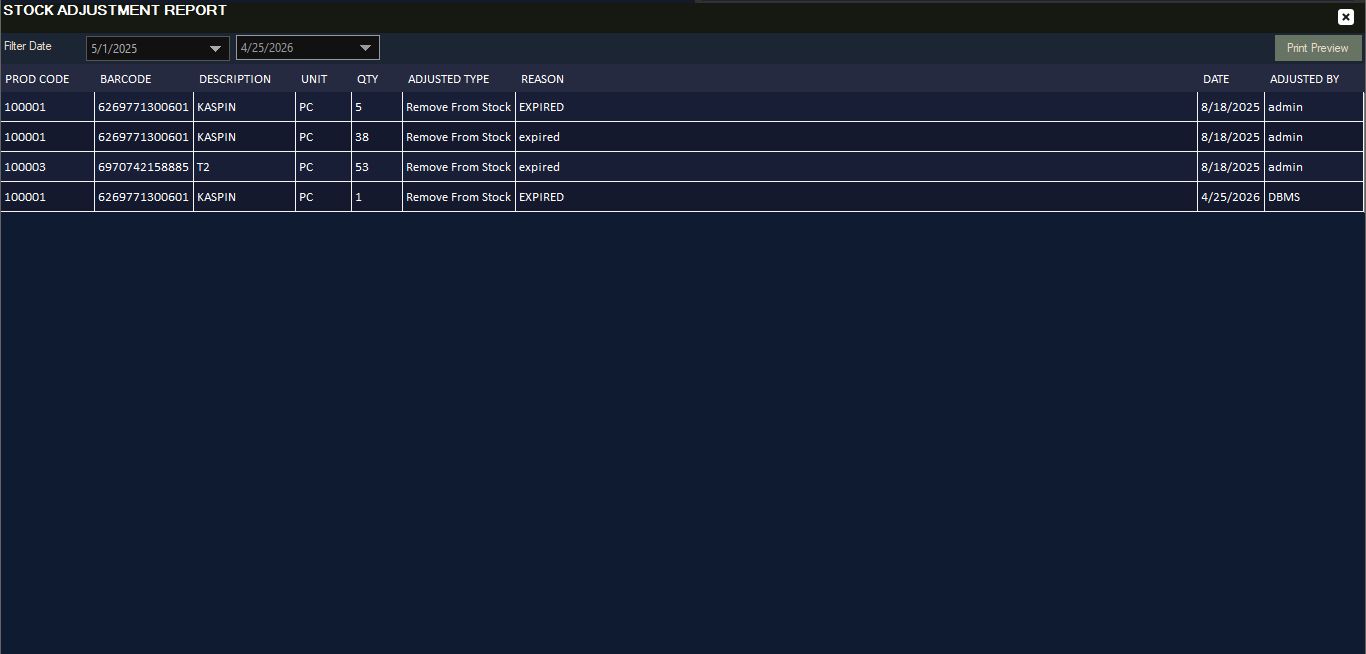
📦 Advanced Inventory Control: Track "Under Stock," "Out of Stock," and "Product Lines" with automated alerts.
🏷️ Multi-Pricing System: Support for up to 3 different price levels per product (Wholesale, Retail, Special).
👥 Customer Management: Full ledger for customer accounts, including "Amount Receivable" and "Amount Paid" tracking.
🛒 Sales & POS Module: Fast, barcode-ready sales interface with invoice generation and transaction history.
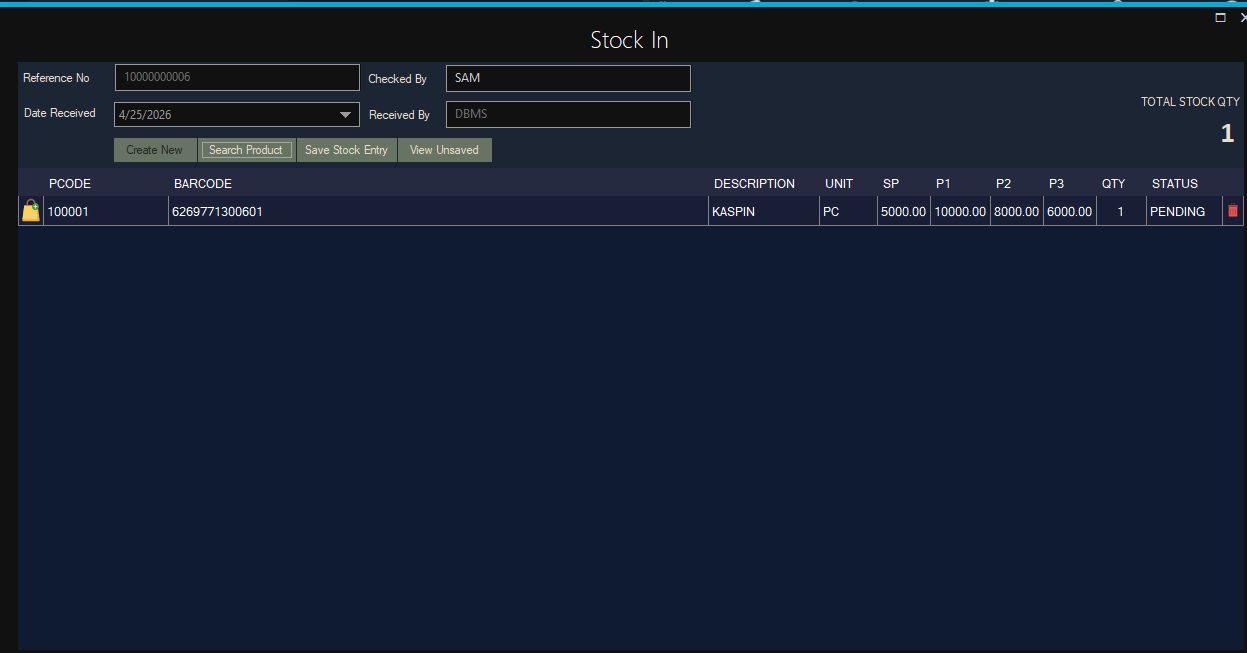
📥 Stock-In Management: Easy-to-use procurement module to update stock levels via reference numbers.
🛡️ Security: Role-based access control (Administrator vs. Cashier) and built-in "System Lock" for security.
Requirements
Technical Prerequisites
🖥️ Operating System: Fully compatible with Windows 7, 8, 10, and 11 (x86/x64).
⚙️ Framework: Built on .NET Framework 4.7.2 or higher for maximum stability.
🗄️ Database: Powered by Microsoft SQL Server (Supports Express, Standard, and Enterprise).
🛠️ Development IDE: Compiled and tested using Visual Studio 2019/2022.
💎 UI Library: Integrated with Guna UI Framework for a premium, modern interface.
Instructions
📋 Installation Instructions
1. 📂 Extract the Package Preparation: Extract the downloaded .zip file into a dedicated project folder on your local drive.
2. 🗄️ Database Setup SQL Server: Open SQL Server Management Studio (SSMS), create a new database, and execute the provided .sql script found in the /Database folder to generate tables and sample data.
3. 🔗 Configure Connection String App.config: Open the solution in Visual Studio. Update the App.config or your Connection Module with your SQL Server credentials (Server Name, Database Name, User, and Password).
4. 💎 Restore References Guna UI: Ensure the Guna UI DLLs are correctly referenced in the project. If they show a yellow warning, right-click 'References' and re-link them from the /Lib folder.
5. 🚀 Build & Run Deployment: Press F5 to build. Use the default credentials (usually DBMS/ DBMS) to log in for the first time.
Other items by this author


| Category | Scripts & Code / VB.NET |
| First release | 28 April 2026 |
| Last update | 28 April 2026 |
| Tags | source code, mysql database, restaurant pos, POS System, pharmacy pos, inventory management software, inventory management pos system vb.net sql server pharmacy pos retail software modern ui guna ui sales dashboard desktop application stock management profit tracker warehouse system, vb.net project |