
ChatFlow CRM - AI for WhatsApp WebChatFlow CRM - AI for WhatsApp Web
AI-powered WhatsApp Web CRM with multi-provider support, smart replies, lead scoring and analytics dashboard.
 Average rating of 1.0 based on 1 votes
ChatFlow CRM - AI for WhatsApp Web
AI-powered WhatsApp Web CRM with multi-provider support, smart replies, lead scoring and analytic...
Average rating of 1.0
Screenshots
Overview
ChatFlow CRM - AI for WhatsApp Web
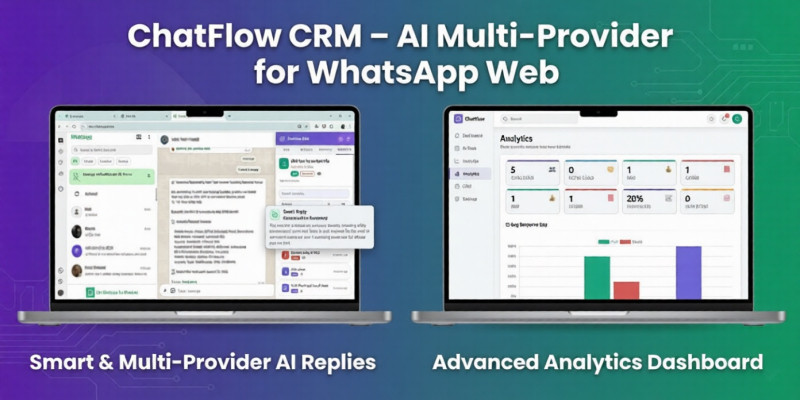
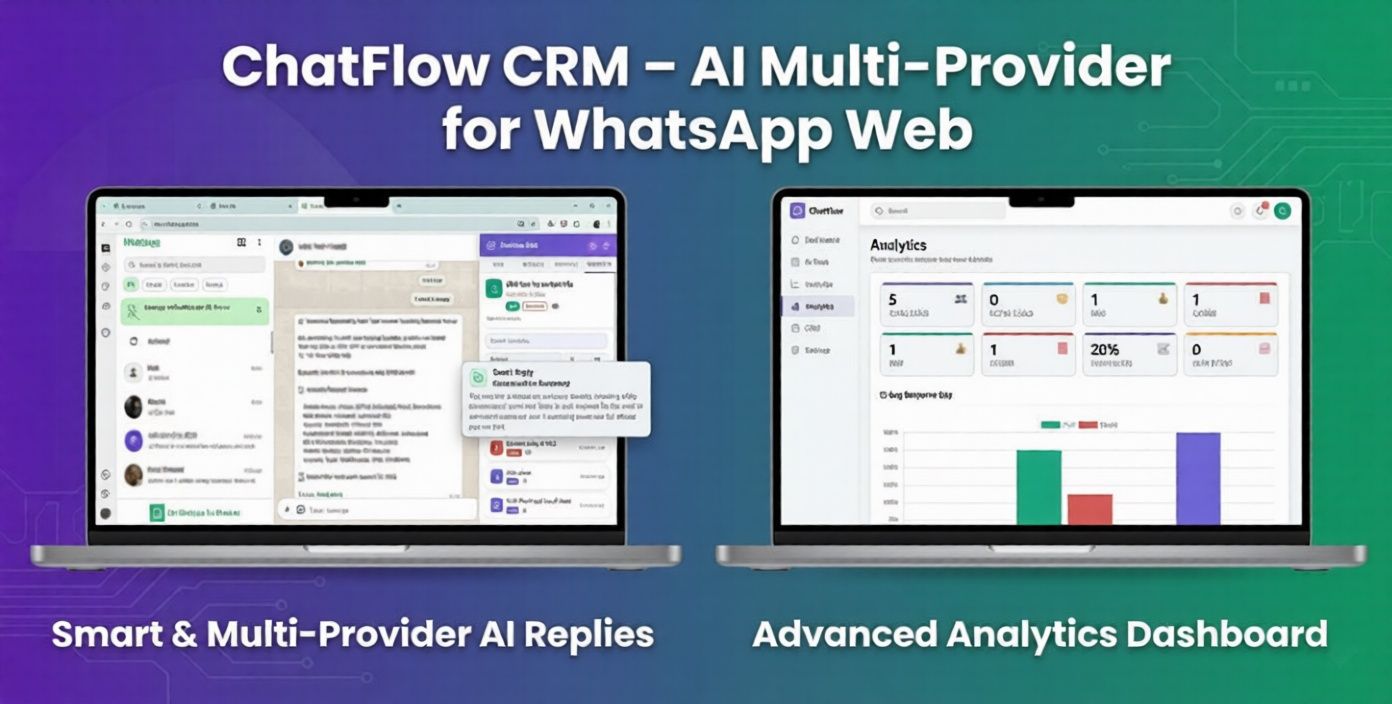
ChatFlow CRM is a powerful AI-enabled CRM extension built specifically for WhatsApp Web. It transforms your daily conversations into a structured sales and customer management system — directly inside your browser.
No backend server. No subscription system. No license activation. All data is stored locally in your browser, and AI integration works using your own API key.
Main Features
- Embedded CRM sidebar inside WhatsApp Web
- Contact notes and custom fields
- Sales status tracking (Lead, Interested, Negotiating, Follow-Up, Paid, Closed)
- Custom tags
- Follow-up reminders
- Manual and automatic lead scoring
- Advanced search and filtering
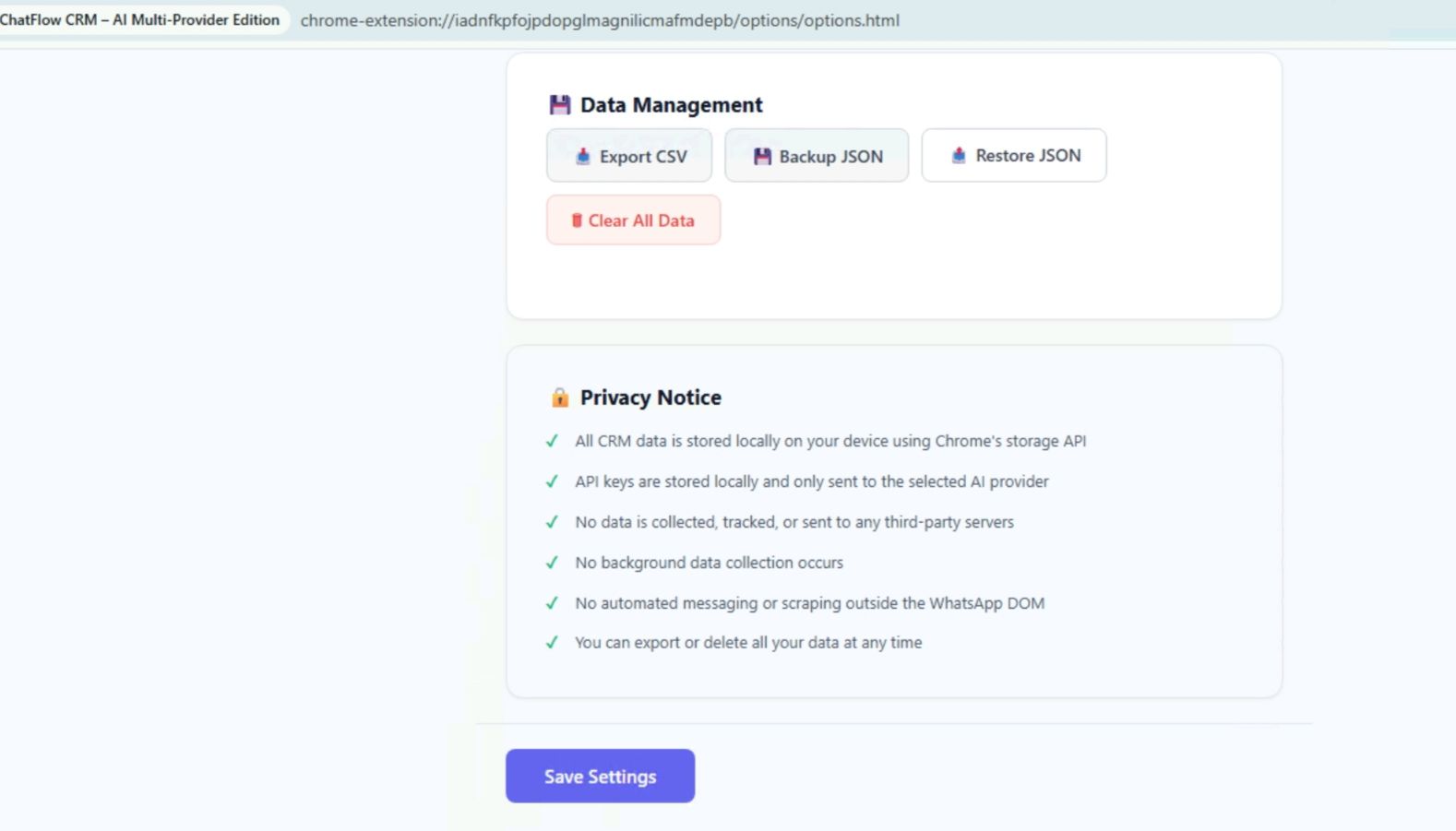
- CSV export
- JSON backup and restore
- Built-in analytics dashboard
- Light and dark mode support
AI Multi-Provider Support
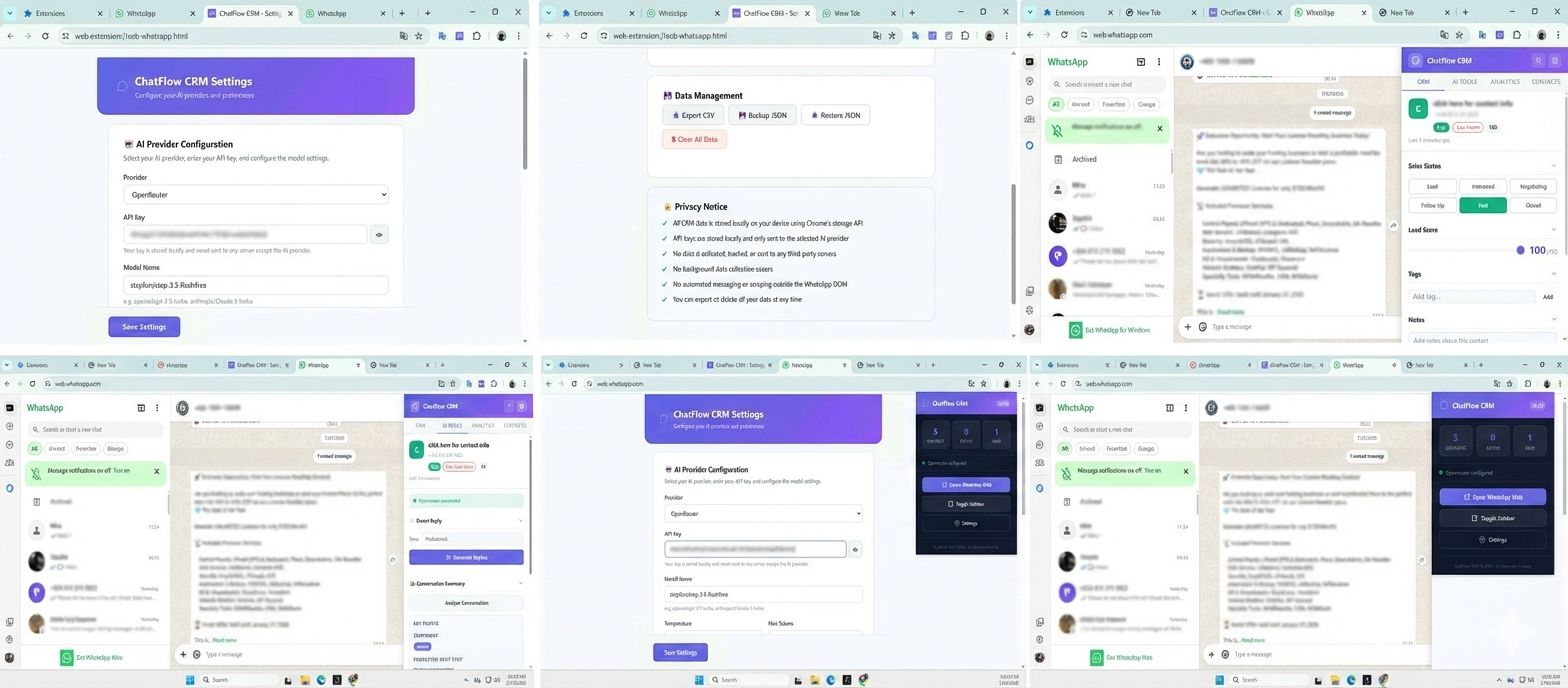
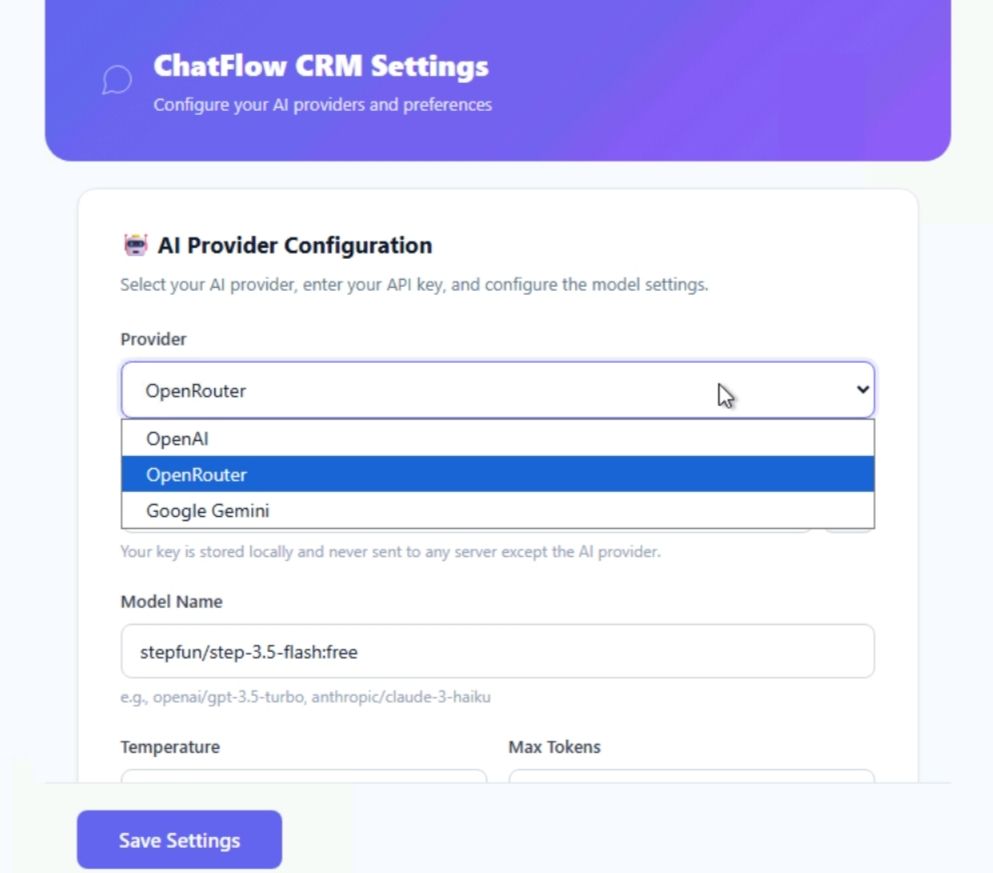
ChatFlow CRM supports multiple AI providers. You can connect your own API key and choose your preferred model.
- OpenRouter
- OpenAI
- Google Gemini
You have full control over:
- AI provider selection
- Model name configuration
- Temperature and token limits
- Custom system prompts
- Multiple AI behavior profiles
All AI requests are sent directly from your browser to the selected provider. No proxy server or data relay is used.
AI Capabilities
Smart Reply Generator
- Analyze recent messages
- Generate contextual reply suggestions
- Select communication tone
Conversation Summary
- Summarize long chats instantly
- Extract key points and objections
- Detect buying signals
Intent Detection
- High intent
- Medium intent
- Low intent
Automatic Lead Score
Leads are automatically scored based on conversation activity, keyword detection, recency and AI analysis.
Analytics Dashboard
- Total leads overview
- Active deals tracking
- Closed deals summary
- Conversion rate calculation
- High intent contacts identification
Security and Privacy
- No tracking scripts
- No automated messaging
- No bulk messaging tools
- No background data collection
- All CRM data stored locally
- Manifest V3 compliant
Browser Compatibility
- Google Chrome
- Microsoft Edge
- Brave
- Opera
Compatible with all Chromium-based browsers.
ChatFlow CRM is designed for freelancers, online sellers, agencies and support teams who want to manage leads intelligently inside WhatsApp Web using AI — without recurring fees.
Features
Core CRM Features
- Embedded CRM sidebar inside WhatsApp Web
- Contact notes and custom fields
- Sales status tracking system
- Custom tags management
- Follow-up reminder scheduling
- Manual and automatic lead scoring
- Advanced search and filtering
- CSV export functionality
- JSON backup and restore
- Light and dark mode support
AI Features
- Multi-provider AI support (OpenRouter, OpenAI, Google Gemini)
- Smart reply generator with tone selection
- Conversation summarization
- Lead intent detection (High / Medium / Low)
- Automatic AI-based lead scoring (0–100)
- Custom AI prompt editor
- Multiple AI behavior profiles
- Model and temperature configuration
Analytics & Insights
- Total leads overview
- Active and closed deals tracking
- Conversion rate calculation
- High intent contacts identification
- Average response gap measurement
Technical & Security
- Manifest V3 compliant
- No backend server required
- No subscription system
- No automated messaging
- All data stored locally
- Secure API key storage
- Cross-browser compatible (Chromium-based)
Requirements
Requirements
- Google Chrome, Microsoft Edge, Brave or Opera (Chromium-based browser)
- Access to https://web.whatsapp.com
- Active internet connection
- Basic knowledge of loading Chrome extensions (for installation)
AI Features Requirements
- Valid API key from one of the supported providers:
- OpenRouter account (for OpenRouter models)
- OpenAI account (for OpenAI models)
- Google AI / Gemini API key (for Gemini models)
Note: API keys are not included. Users must provide their own API key to enable AI features.
Instructions
Installation Instructions
- Download the item package from Codester.
- Extract the ZIP file on your computer.
- Open your browser and go to: chrome://extensions/
- Enable "Developer Mode" (top right corner).
- Click "Load Unpacked".
- Select the extracted ChatFlow CRM folder.
- The extension will now appear in your extensions list.
- Pin the extension to your browser toolbar (optional).
- Open https://web.whatsapp.com and refresh the page.
- The ChatFlow CRM sidebar will appear automatically.
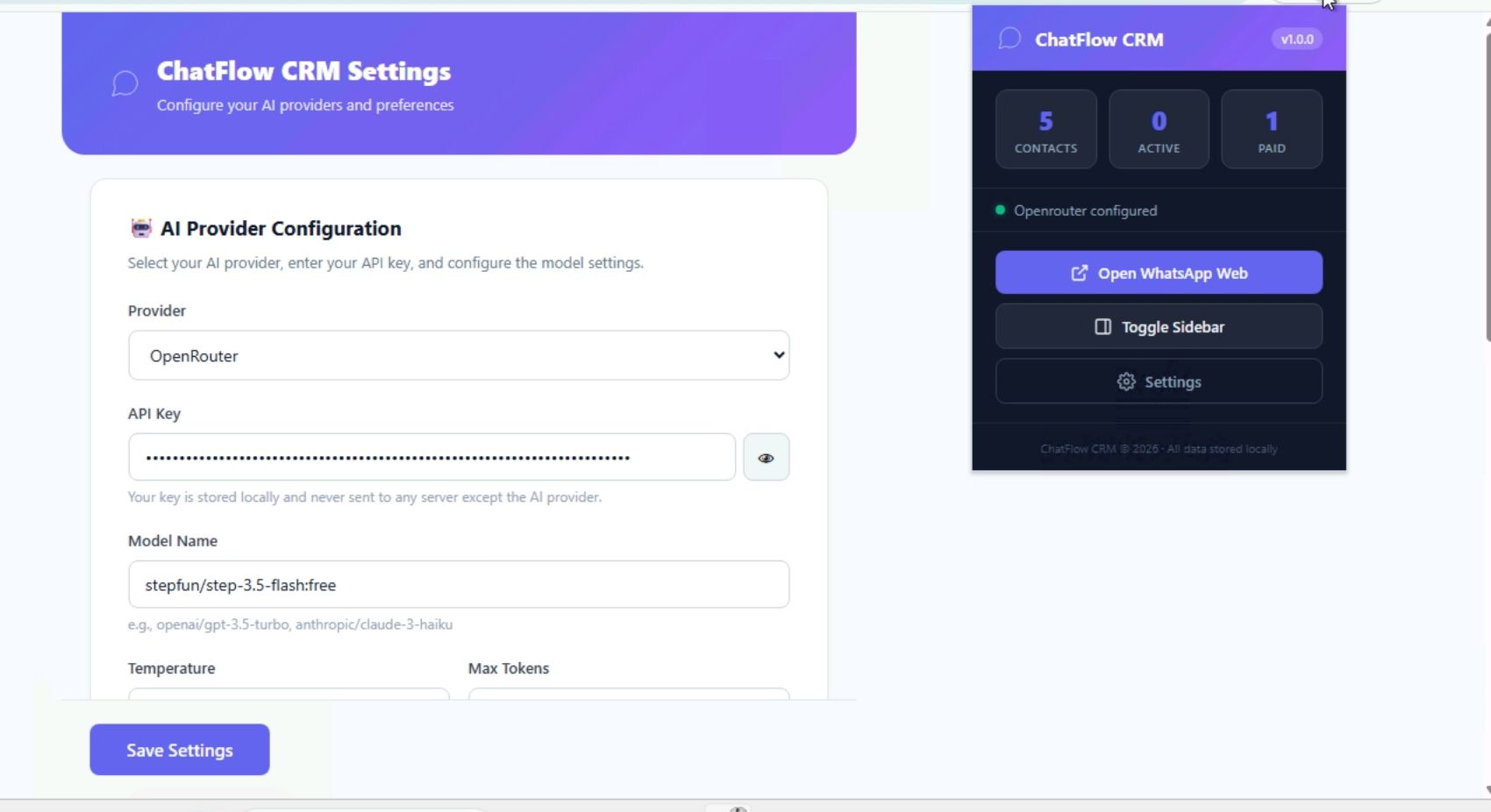
AI Setup Instructions
- Open the extension settings panel.
- Navigate to the AI configuration section.
- Select your preferred AI provider (OpenRouter, OpenAI, or Google Gemini).
- Enter your personal API key.
- Specify the model name you wish to use.
- Adjust temperature and token limits if needed.
- Click "Test Connection" to verify setup.
- Save settings.
Using the CRM
- Select a chat in WhatsApp Web.
- Add notes and assign a sales status.
- Create tags or set reminders.
- Use AI features for smart replies and summaries.
- Access the analytics dashboard for performance insights.
- Export data anytime as CSV or backup as JSON.
All data is stored locally in your browser. AI features require a valid API key from a supported provider.
Reviews
-
1 month ago
 Claudivam PurchasedRating:
Other items by this author





|
PHP Script Installation Service
Don't worry about the installation of your script! Have your PHP Script installed for you.
|
$39 | Buy now |
| Category | Scripts & Code / PHP Scripts / CRM |
| First release | 15 February 2026 |
| Last update | 15 February 2026 |
| Files included | .css, Javascript .js |
| Tags | sales management, customer management, ai assistant, chatgpt integration, openai api, gemini ai, lead tracking, whatsapp crm, whatsapp web extension, ai crm, openrouter api, smart replies, conversation summary, browser extension, sales automation |